快速判断
- 01这个 Skill 是干嘛的
- 整合内容写作、图片处理、发布适配和日常自动化等中文创作流程。
- 02它能解决什么问题
- 解决创作者在多个平台重复改稿、处理素材和执行发布步骤的低效。
- 03它适合谁来用
- 适合经营公众号、小红书、社媒和个人品牌的中文内容创作者。

预览 · README.md
中文为 README 译文;English 保留 GitHub README 原文。
baoyu-skills
English | 中文
宝玉分享的 AI Agent 技能集(适用于 Claude Code、Codex 等),提升日常工作效率。
作者的图书
<img width="500" height="500" alt="图解 Skill —— AI 提效实战指南" src="https://github.com/user-attachments/assets/6caef6a2-6f11-490e-a43b-e810df8e9354" />
作者的图书《图解 Skill —— AI 提效实战指南》系统讲解如何设计、编写、安装和迭代 Skill,并配有完整示例、提示词、插图生成工作流和章节配套资源。
- 官方配套仓库:JimLiu/Illustrated-Agent-Skills
- 购买链接:京东购买
- 电子书购买链接:https://www.ituring.com.cn/book/3616
前置要求
- 已安装 Node.js 环境
- 能够运行
npx bun命令
安装
提示:本仓库已收录 20+ 个 skill,请按需安装你真正会用到的那几个,不要一次性全装 —— 每个加载的 skill 都会在 Agent 每次运行时占用额外上下文。
快速安装(推荐)
npx skills add jimliu/baoyu-skillsCodex 项目级安装
如果只在某个项目中使用部分技能,不需要安装整个插件。Codex 会扫描项目里的 .agents/skills,可以只把需要的 skill 按整个目录复制或软链接到当前项目:
<project>/.agents/skills/baoyu-cover-image/SKILL.md
<project>/.agents/skills/baoyu-article-illustrator/SKILL.md
<project>/.agents/skills/baoyu-post-to-wechat/SKILL.md
公众号文章发布的最小组合通常是:
baoyu-cover-imagebaoyu-article-illustratorbaoyu-post-to-wechat
不需要单独安装 baoyu-markdown-to-html,baoyu-post-to-wechat 已内置 Markdown 到公众号可用 HTML 的转换流程。只有需要先把原始文本或草稿整理成 Markdown 文章结构(标题、摘要、层级标题、加粗、列表等)时,再额外安装 baoyu-format-markdown。
公众号 API 凭证按作用范围放置:
- 全局:
~/.baoyu-skills/.env - 项目:
<project>/.baoyu-skills/.env
项目级 .env 适合只给当前项目使用,注意不要提交到 Git。
发布到 ClawHub / OpenClaw
现在这个仓库支持把每个 skills/baoyu-* 目录作为独立 ClawHub skill 发布。
# 预览将要发布的变更
./scripts/sync-clawhub.sh --dry-run

# 发布 ./skills 下所有已变更的 skill
./scripts/sync-clawhub.sh --all
ClawHub 按“单个 skill”安装,不是把整个 marketplace 一次性装进去。发布后,用户可以按需安装:
clawhub install baoyu-image-gen
clawhub install baoyu-markdown-to-html
根据 ClawHub 的 registry 规则,发布到 ClawHub 的 skill 会以 MIT-0 许可分发。
注册插件市场
在 Agent 中运行:
/plugin marketplace add JimLiu/baoyu-skills安装技能
方式一:通过浏览界面
- 选择 Browse and install plugins
- 选择 baoyu-skills
- 选择 baoyu-skills 插件
- 选择 Install now
方式二:直接安装
# 安装 marketplace 中唯一的插件
/plugin install baoyu-skills@baoyu-skills
方式三:告诉 Agent
直接告诉 Agent:
请帮我安装 github.com/JimLiu/baoyu-skills 中的 Skills
可用插件
现在 marketplace 只暴露一个插件,这样每个 skill 只会注册一次。
| 插件 | 说明 | 包含内容 |
|---|---|---|
| baoyu-skills | 提供内容生成、AI 后端和日常效率工具技能 | 仓库中的全部 skills,仍按下方的内容技能、AI 生成技能、工具技能三个分类展示 |
更新技能
更新技能到最新版本:
- 在 Agent 中运行
/plugin - 切换到 Marketplaces 标签页(使用方向键或 Tab)
- 选择 baoyu-skills
- 选择 Update marketplace
也可以选择 Enable auto-update 启用自动更新,每次启动时自动获取最新版本。
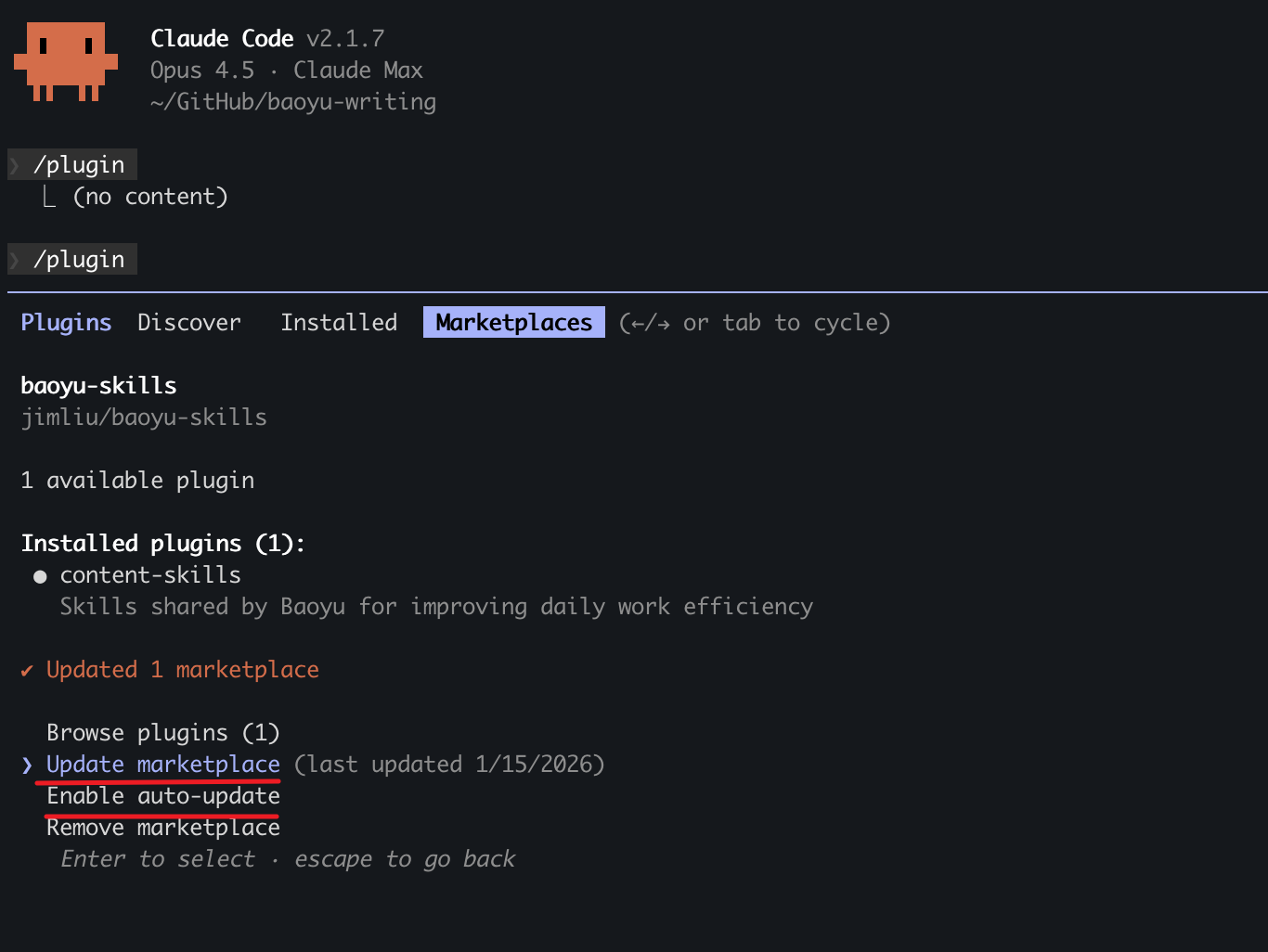
可用技能
技能分为三大类:
设计技能推荐:baoyu-design
如果你想让本地 Agent 直接做设计,可以试试 JimLiu/baoyu-design。这是一个独立项目,它把 Claude Design 打包成可移植的 Agent Skill,可在 Cursor、Claude Code、Codex、Claude Desktop 或其他能读写文件的编码 Agent 中运行,用来生成精致 UI 稿、可交互原型、线框图、落地页、仪表盘、移动 App 和幻灯片,产物都是自包含 HTML,留在你自己的仓库里。
<a href="https://github.com/JimLiu/baoyu-design"> <img src="https://raw.githubusercontent.com/JimLiu/baoyu-design/main/assets/screenshots/cursor-reader-mac-app.webp" alt="Cursor 运行 baoyu-design" width="720"> </a>
npx skills add JimLiu/baoyu-design内容技能 (Content Skills)
内容生成和发布技能。
baoyu-xhs-images
小红书图片卡片系列生成器。将内容拆解为 1-10 张卡通风格图片卡片,支持 风格 × 布局 系统和可选配色覆盖。
# 自动选择风格和布局
/baoyu-xhs-images posts/ai-future/article.md

# 指定风格
/baoyu-xhs-images posts/ai-future/article.md --style notion

# 指定布局
/baoyu-xhs-images posts/ai-future/article.md --layout dense

# 组合风格和布局
/baoyu-xhs-images posts/ai-future/article.md --style notion --layout list

# 覆盖配色
/baoyu-xhs-images posts/ai-future/article.md --style notion --palette macaron

# 直接输入内容
/baoyu-xhs-images 今日星座运势

# 非交互模式(跳过所有确认,适用于定时任务)
/baoyu-xhs-images posts/ai-future/article.md --yes
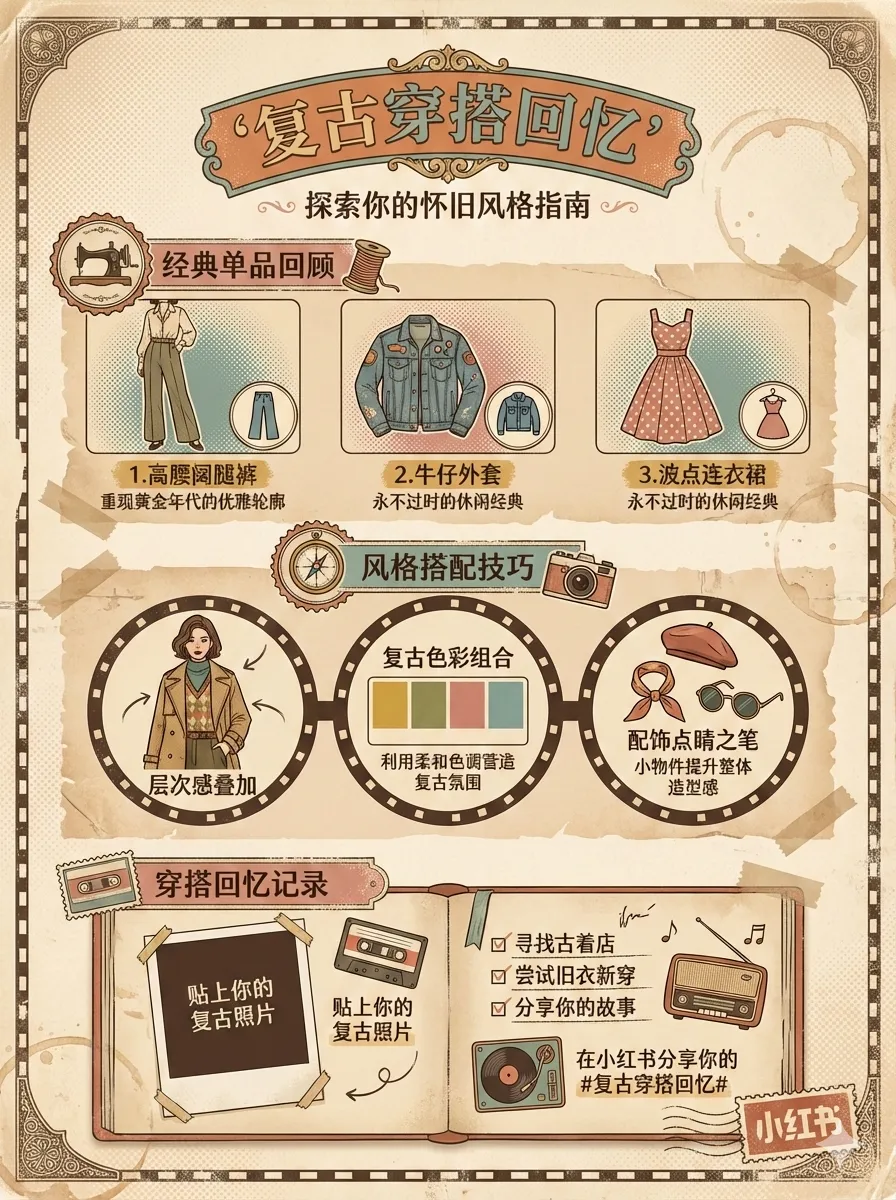
/baoyu-xhs-images posts/ai-future/article.md --yes --preset knowledge-card风格(视觉美学):cute(默认)、fresh、warm、bold、minimal、retro、pop、notion、chalkboard、study-notes、screen-print、sketch-notes
配色(可选颜色覆盖):macaron、warm、neon
风格预览:
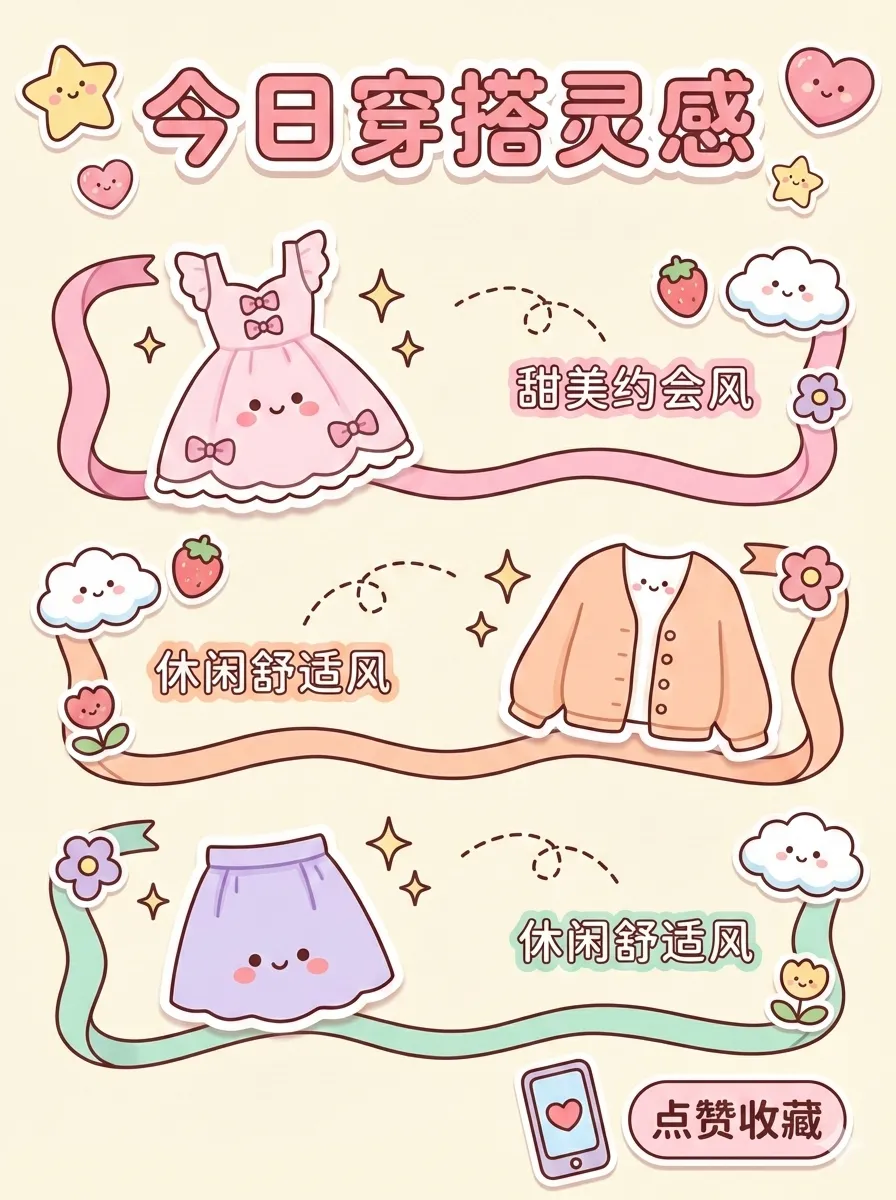 | 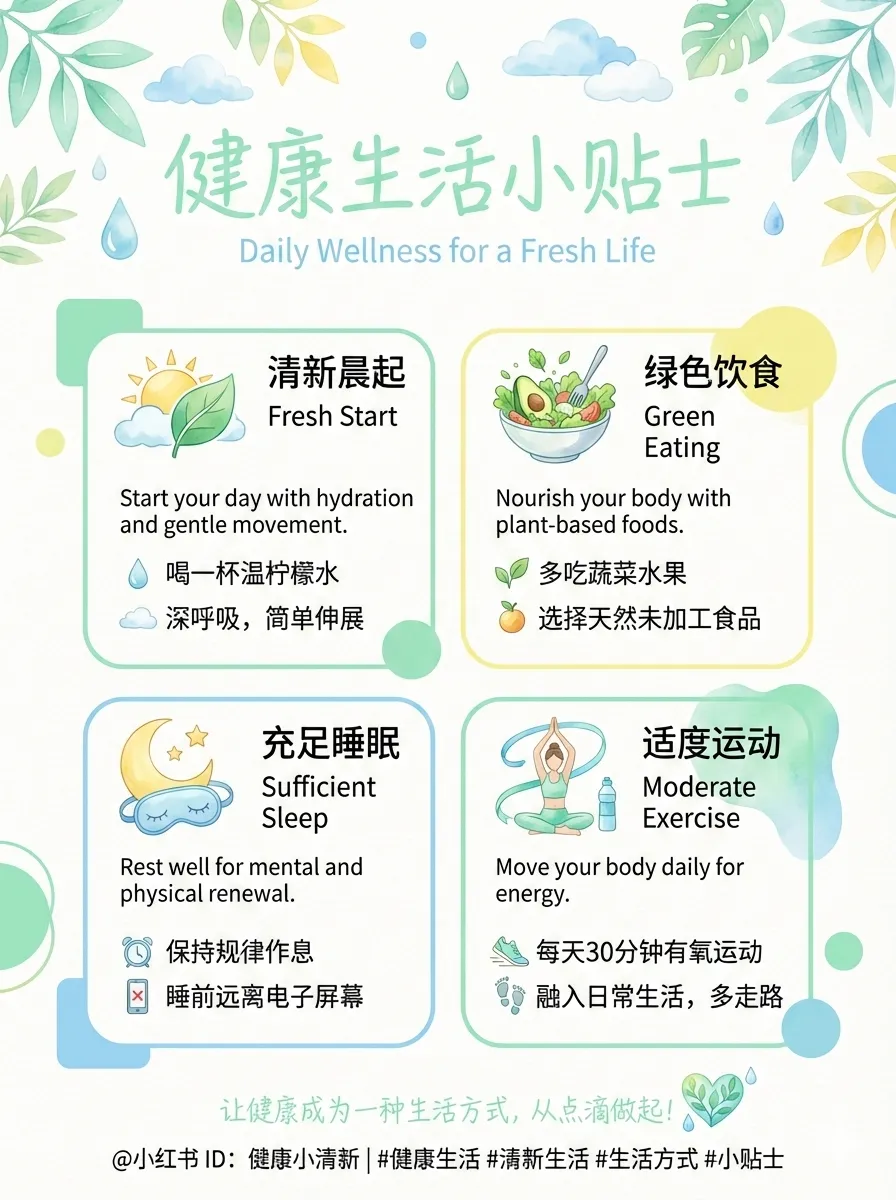 |  |
| cute | fresh | warm |
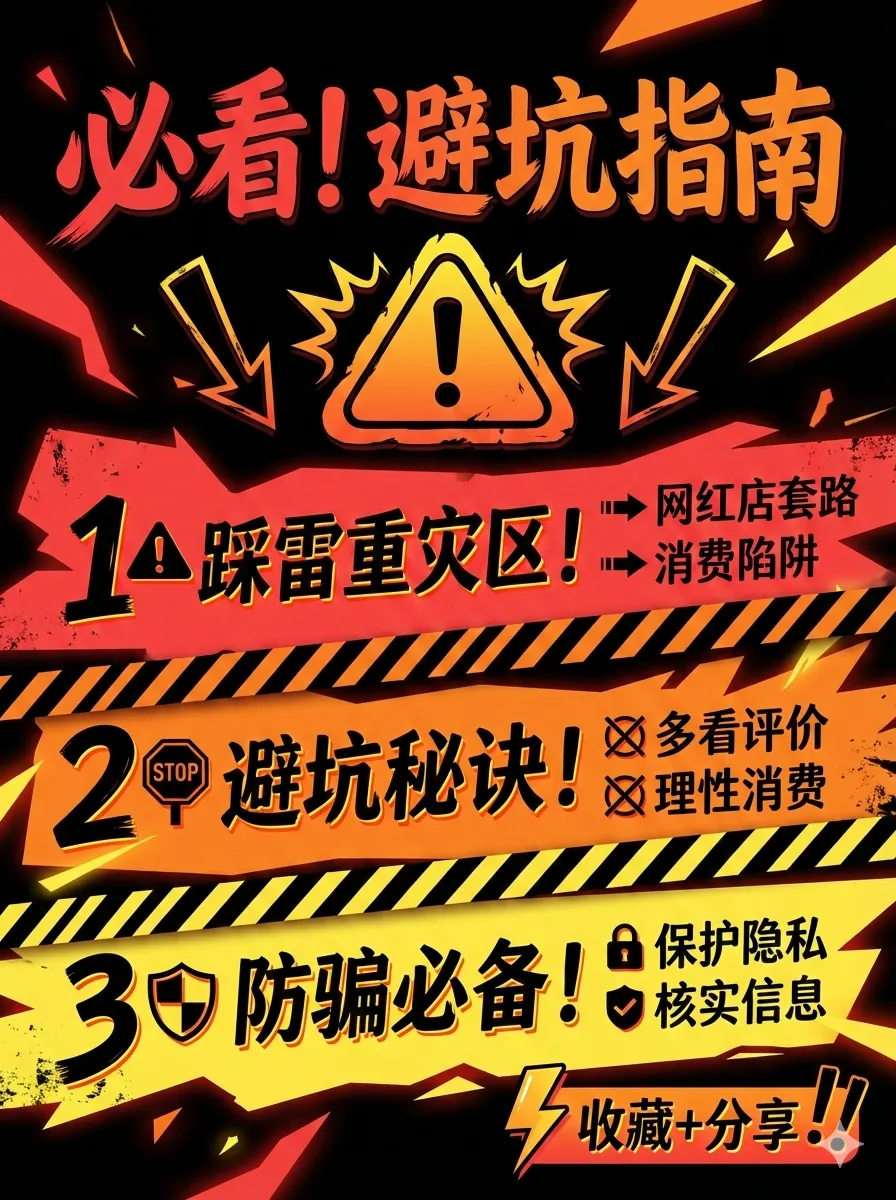 |  |  |
| bold | minimal | retro |
 | 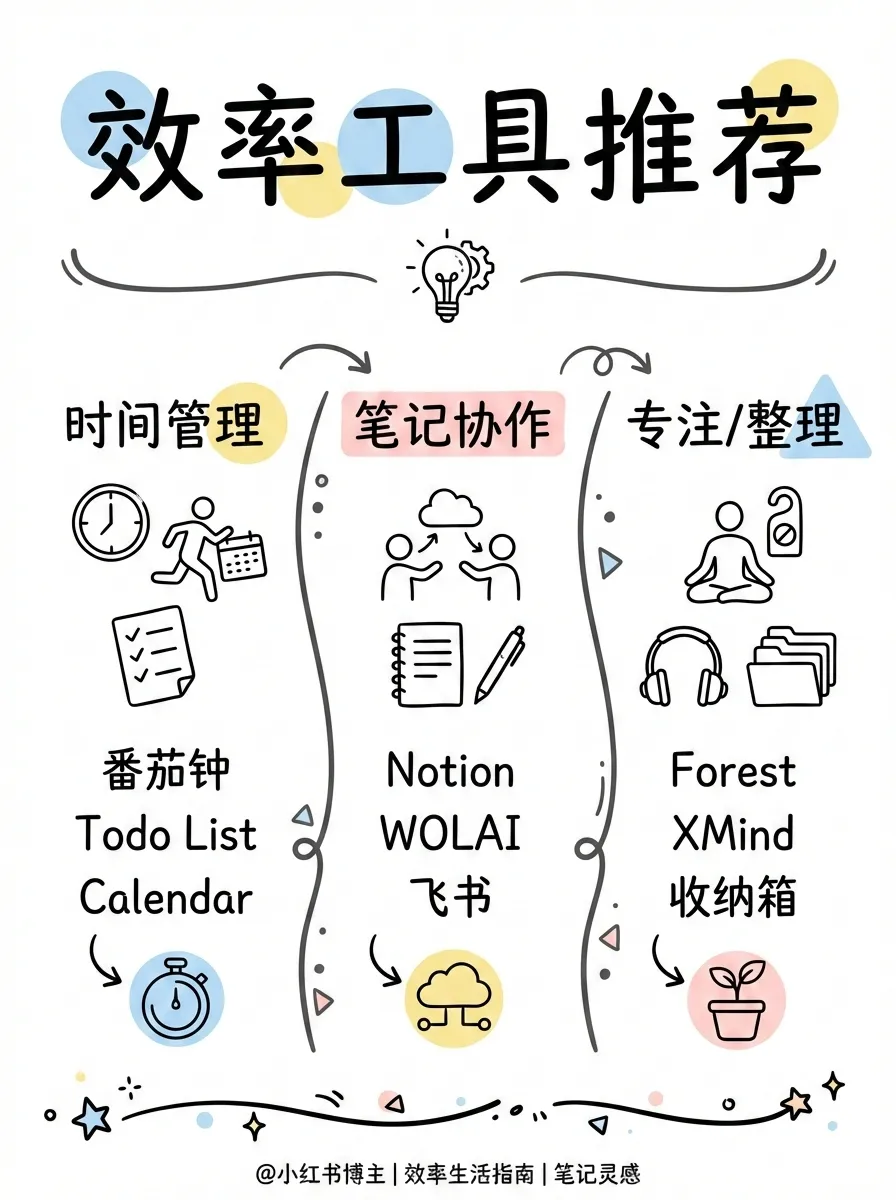 | 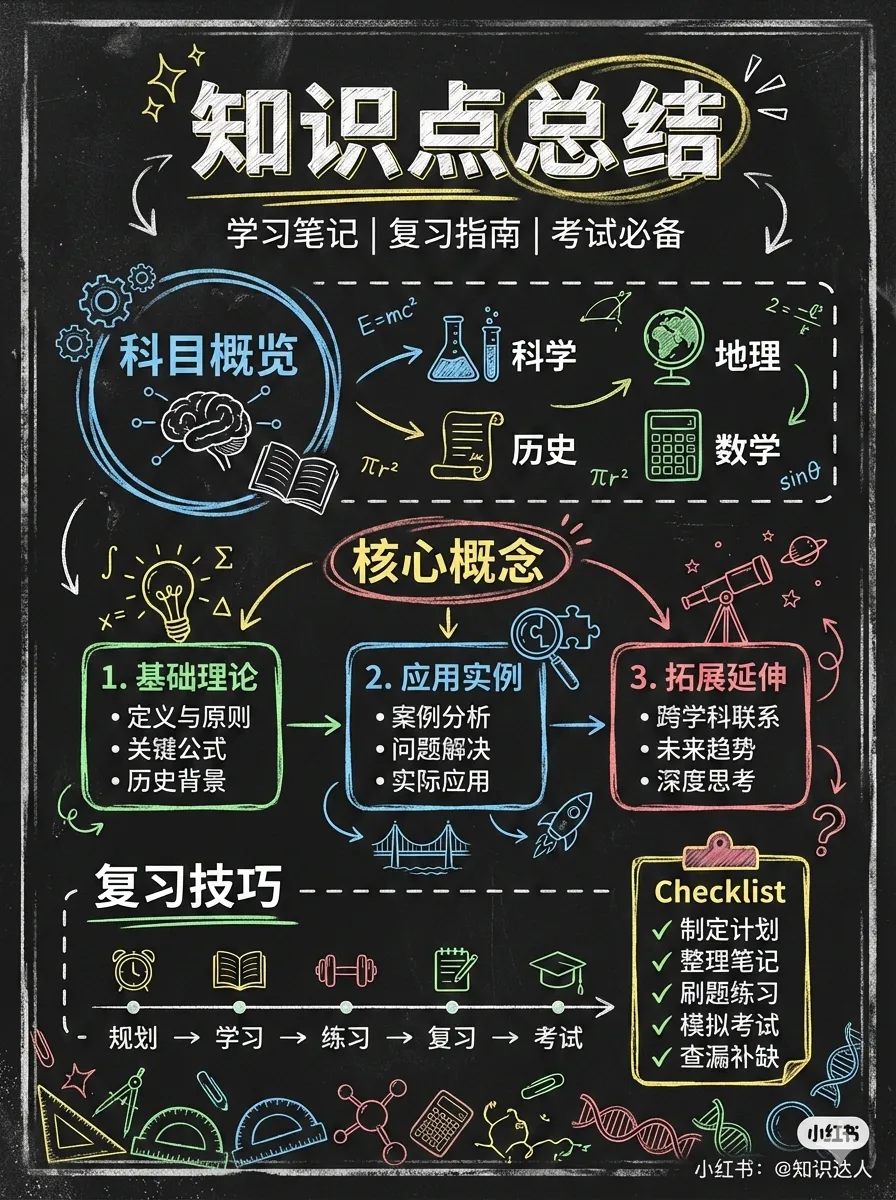 |
| pop | notion | chalkboard |
布局(信息密度): | 布局 | 密度 | 适用场景 | |------|------|----------| | sparse | 1-2 点 | 封面、金句 | | balanced | 3-4 点 | 常规内容 | | dense | 5-8 点 | 知识卡片、干货总结 | | list | 4-7 项 | 清单、排行 | | comparison | 双栏 | 对比、优劣 | | flow | 3-6 步 | 流程、时间线 |
布局预览:
 | 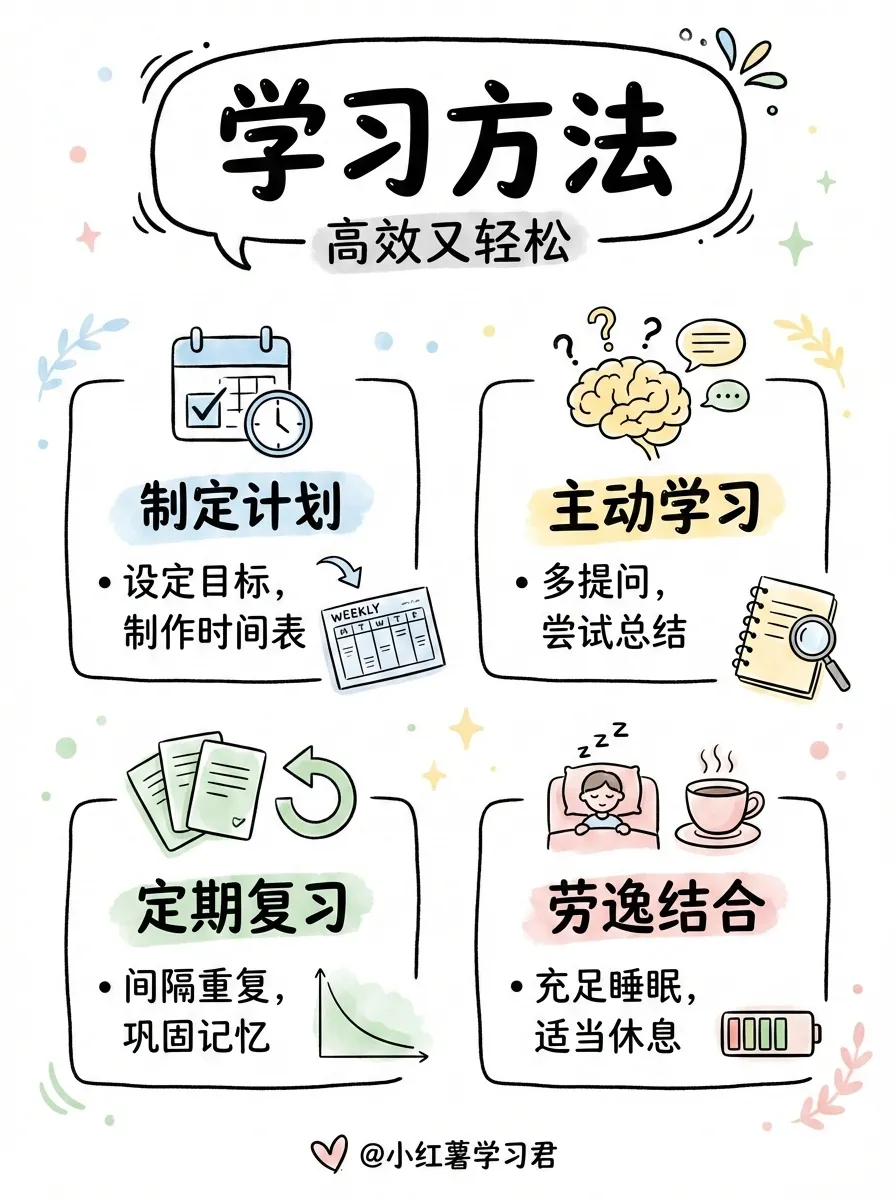 | 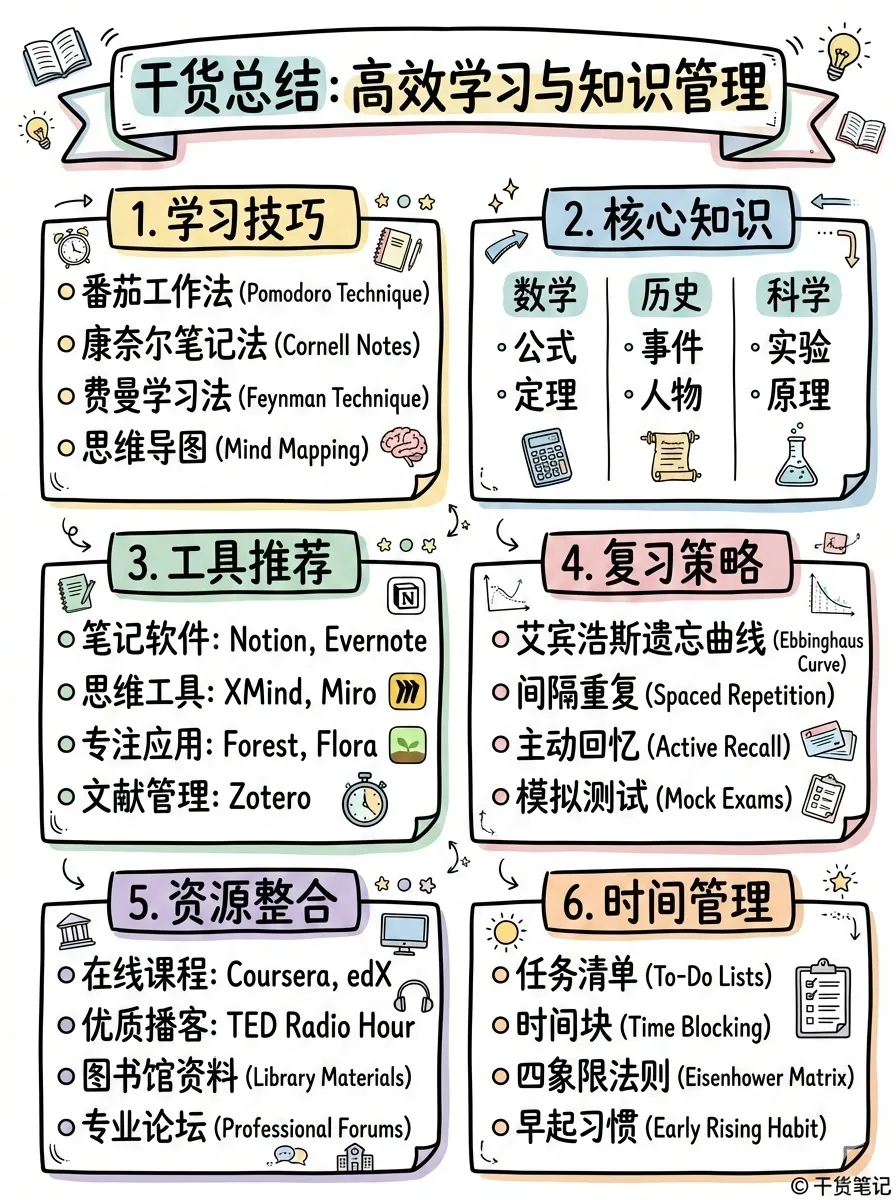 |
| sparse | balanced | dense |
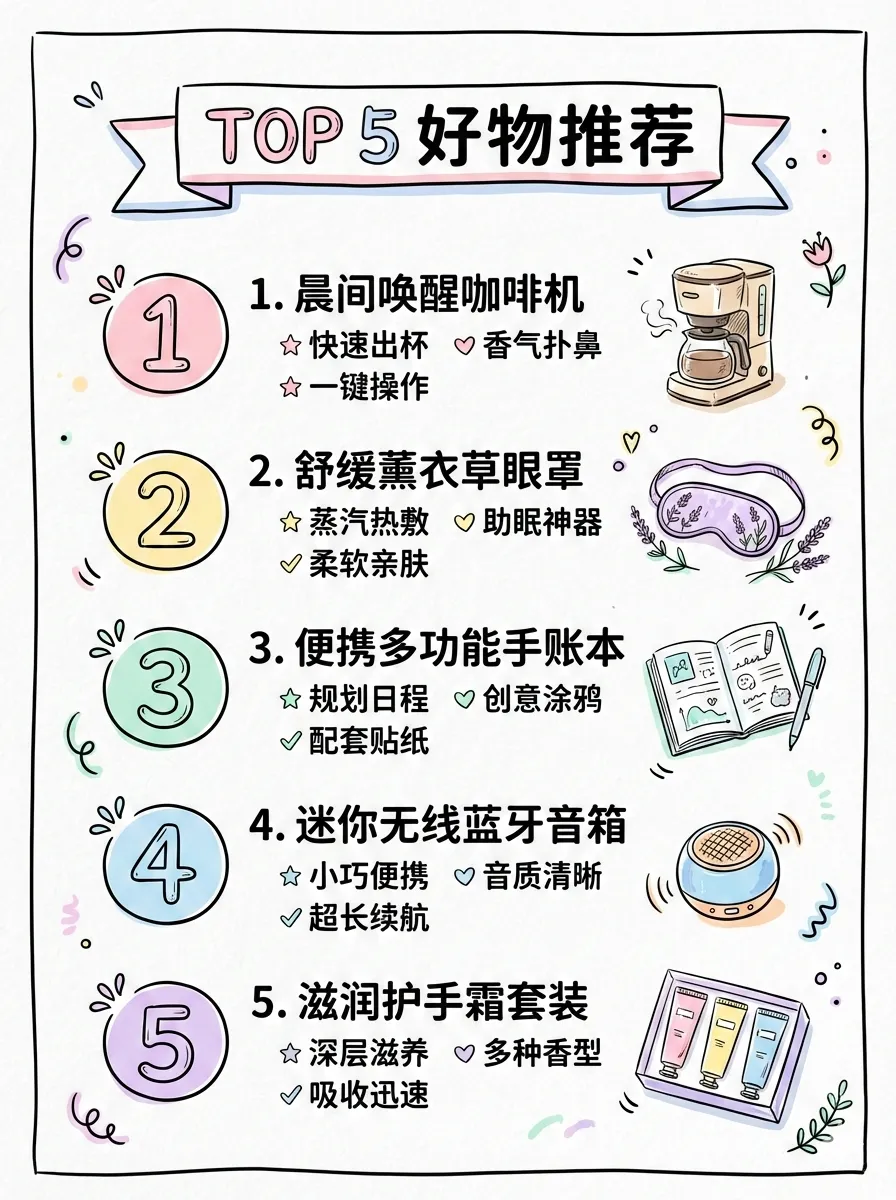 | 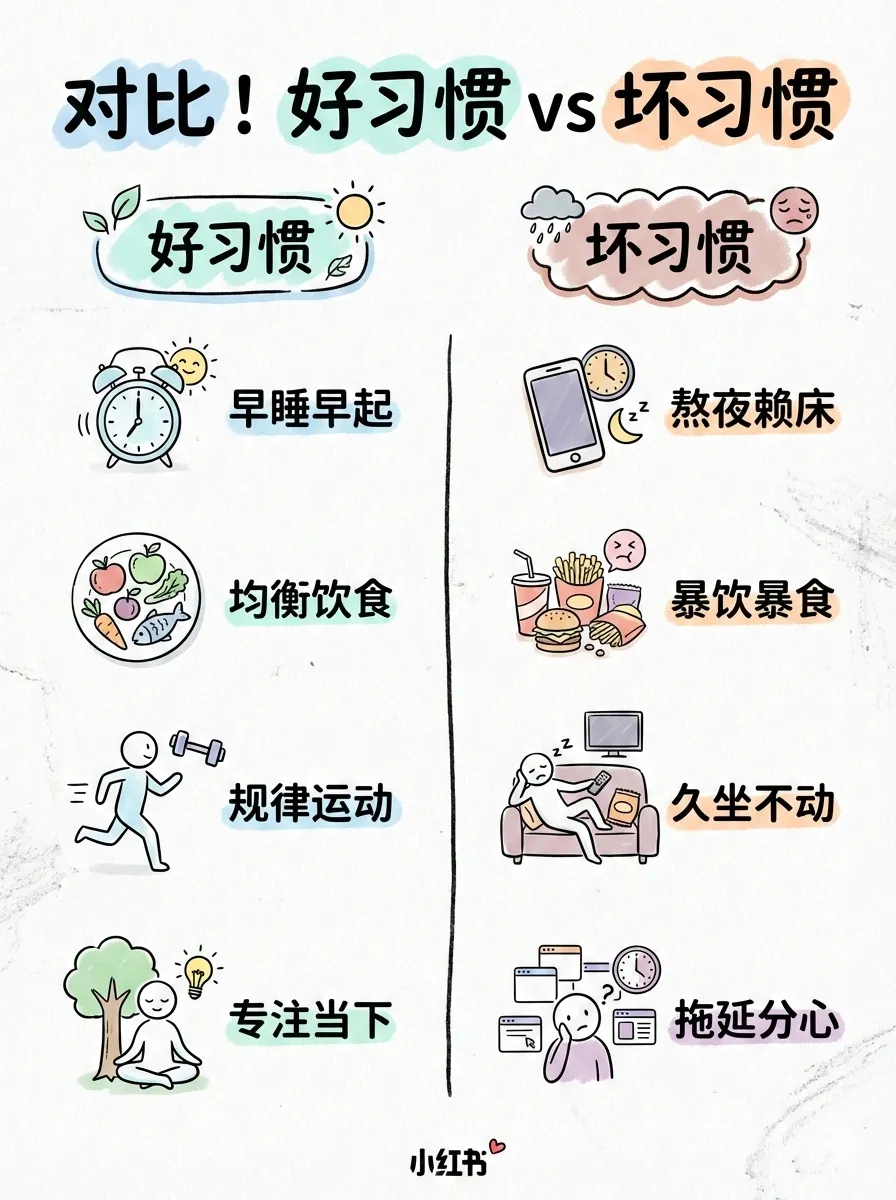 | 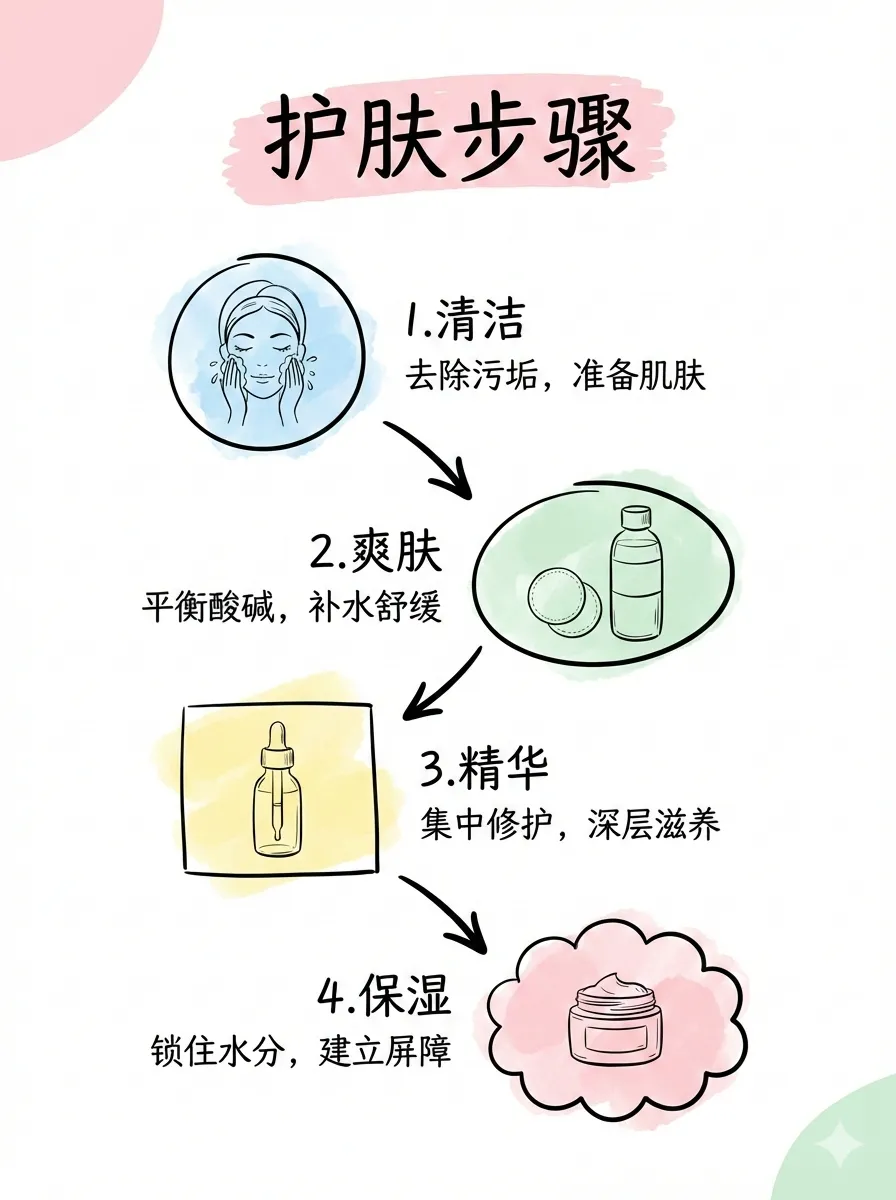 |
| list | comparison | flow |
baoyu-infographic
专业信息图生成器,支持 21 种布局和 21 种视觉风格。分析内容后推荐布局×风格组合,生成可发布的信息图。
# 根据内容自动推荐组合
/baoyu-infographic path/to/content.md

# 指定布局
/baoyu-infographic path/to/content.md --layout pyramid

# 指定风格(默认:craft-handmade)
/baoyu-infographic path/to/content.md --style technical-schematic

# 同时指定布局和风格
/baoyu-infographic path/to/content.md --layout funnel --style corporate-memphis

# 指定比例(预设名称或自定义 W:H)
/baoyu-infographic path/to/content.md --aspect portrait
/baoyu-infographic path/to/content.md --aspect 3:4选项: | 选项 | 说明 | |------|------| | --layout <name> | 信息布局(20 种选项) | | --style <name> | 视觉风格(17 种选项,默认:craft-handmade) | | --aspect <ratio> | 预设:landscape (16:9)、portrait (9:16)、square (1:1)。自定义:任意 W:H 比例(如 3:4、4:3、2.35:1) | | --lang <code> | 输出语言(en、zh、ja 等) |
布局(信息结构):
| 布局 | 适用场景 |
|---|---|
bridge | 问题→解决方案、跨越鸿沟 |
circular-flow | 循环、周期性流程 |
comparison-table | 多因素对比 |
do-dont | 正确 vs 错误做法 |
equation | 公式分解、输入→输出 |
feature-list | 产品功能、要点列表 |
fishbone | 根因分析、鱼骨图 |
funnel | 转化漏斗、筛选过程 |
grid-cards | 多主题概览、卡片网格 |
iceberg | 表面 vs 隐藏层面 |
journey-path | 用户旅程、里程碑 |
layers-stack | 技术栈、分层结构 |
mind-map | 头脑风暴、思维导图 |
nested-circles | 影响层级、范围圈 |
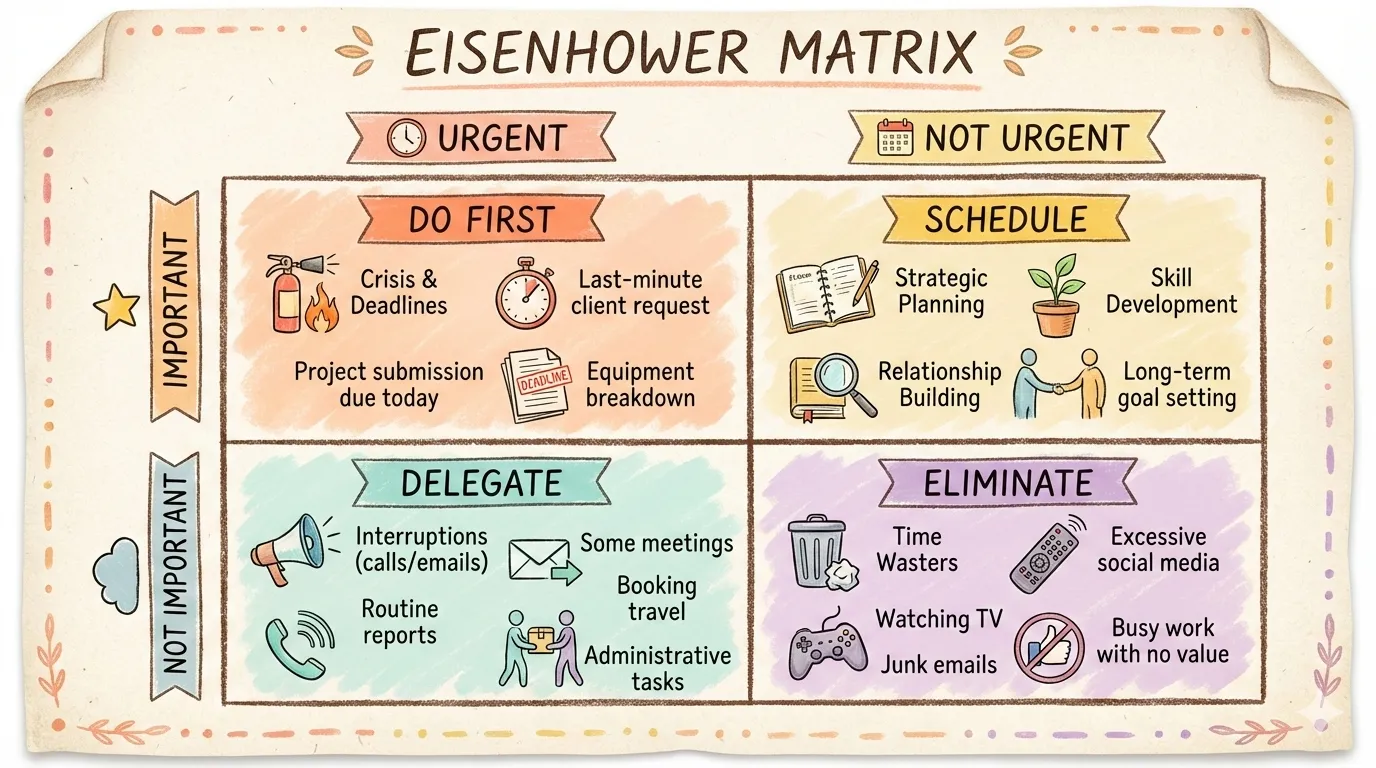
priority-quadrants | 四象限矩阵、优先级 |
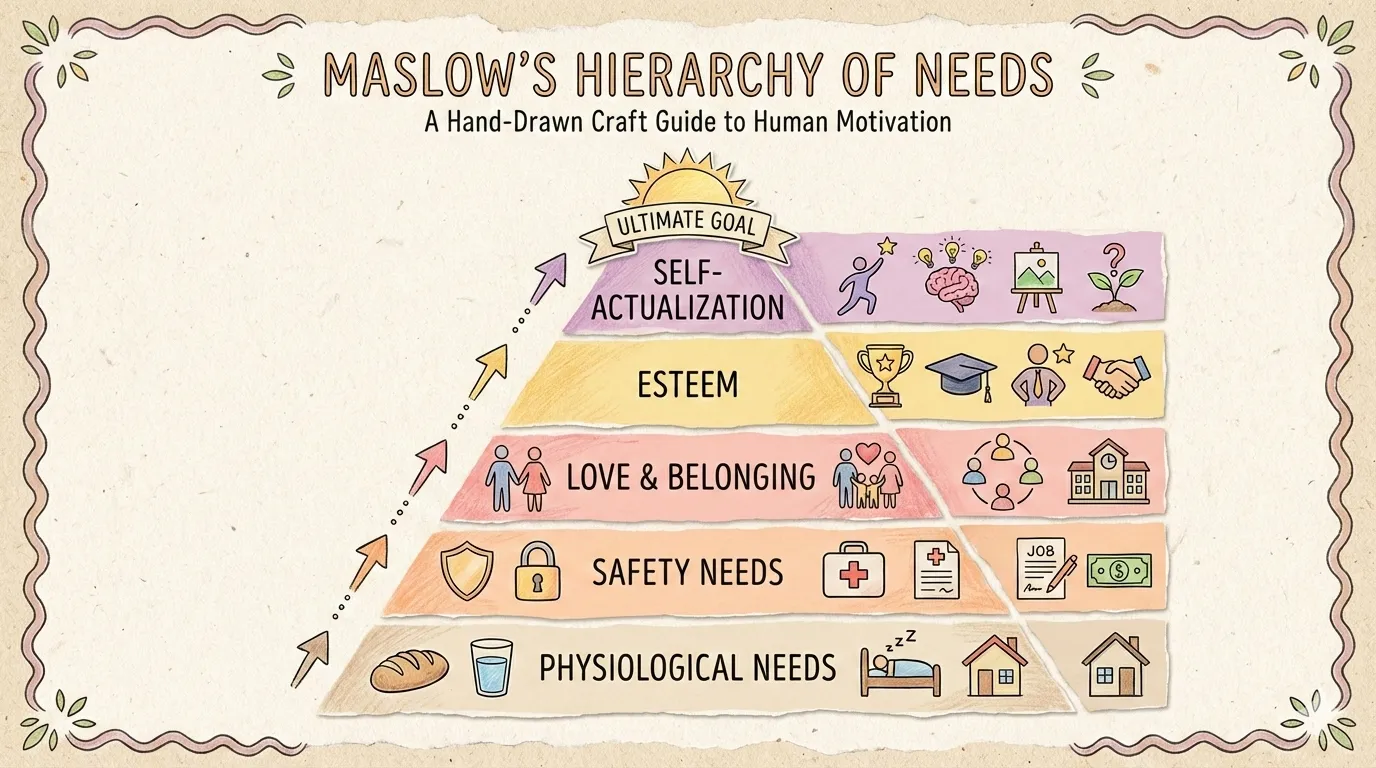
pyramid | 层级金字塔、马斯洛需求 |
scale-balance | 利弊权衡、天平对比 |
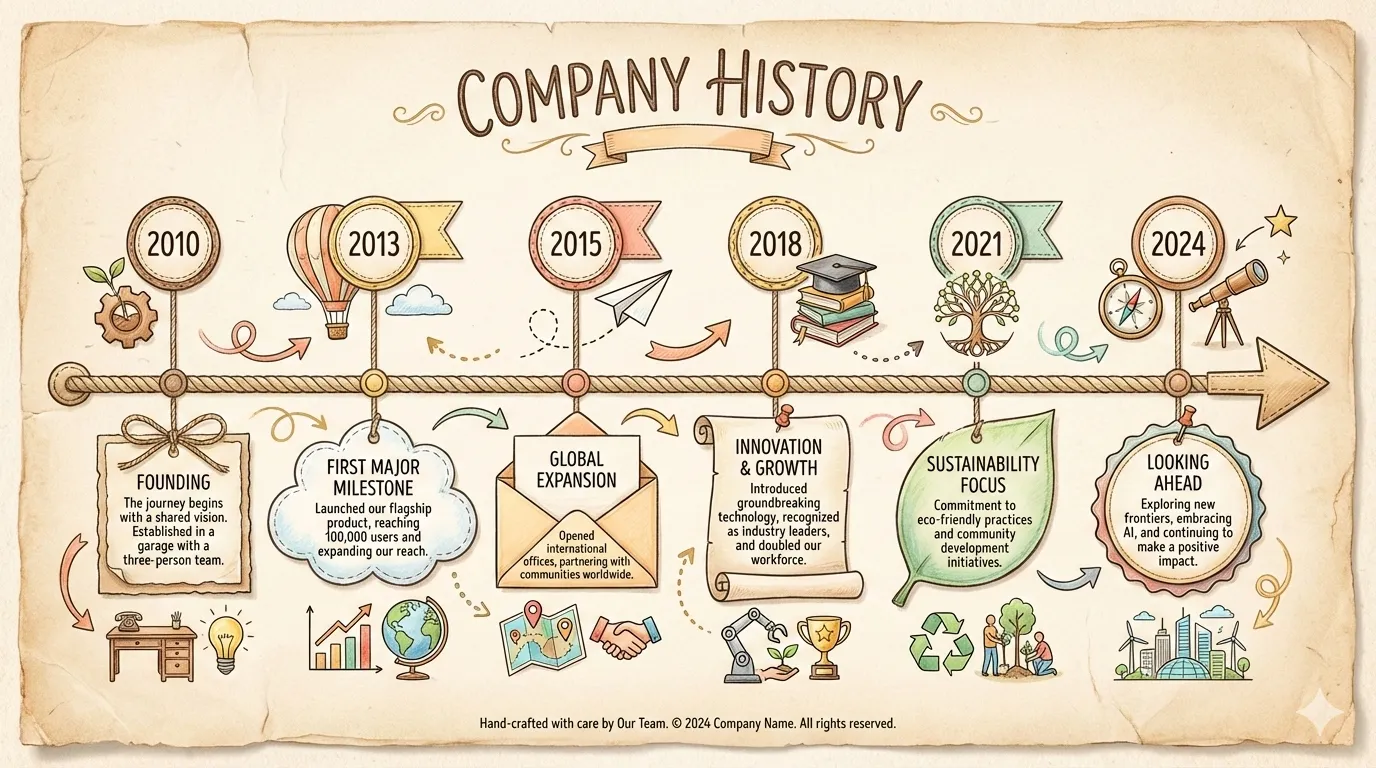
timeline-horizontal | 历史、时间线事件 |
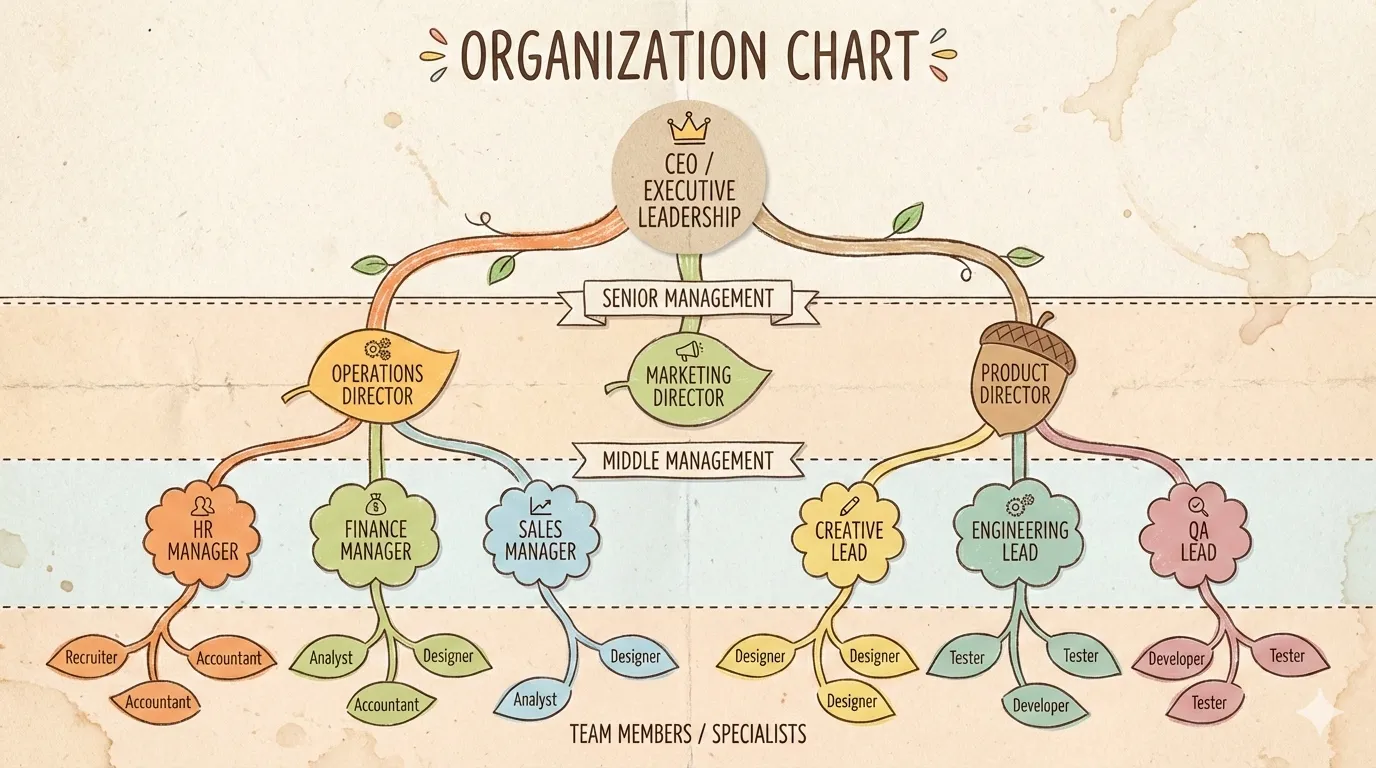
tree-hierarchy | 组织架构、分类树 |
venn | 重叠概念、韦恩图 |
布局预览:
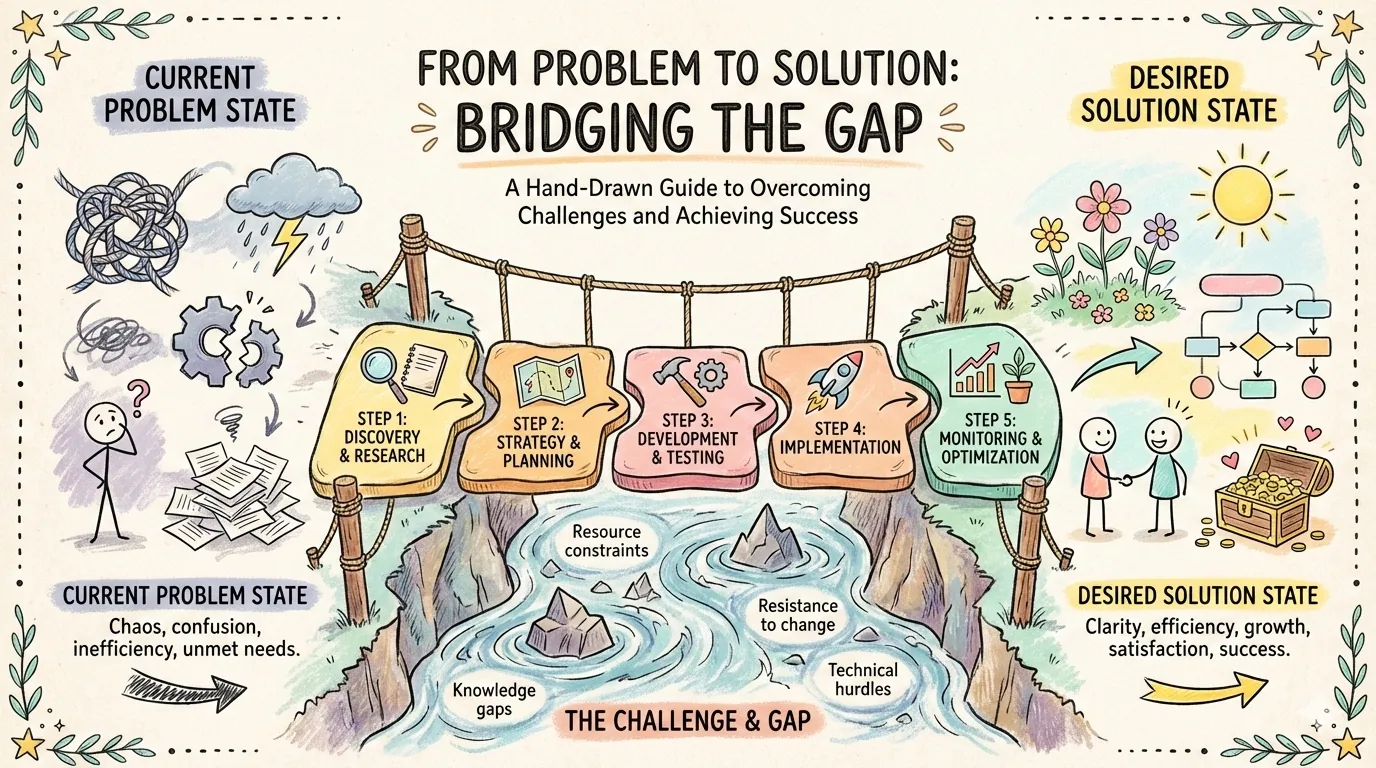 | 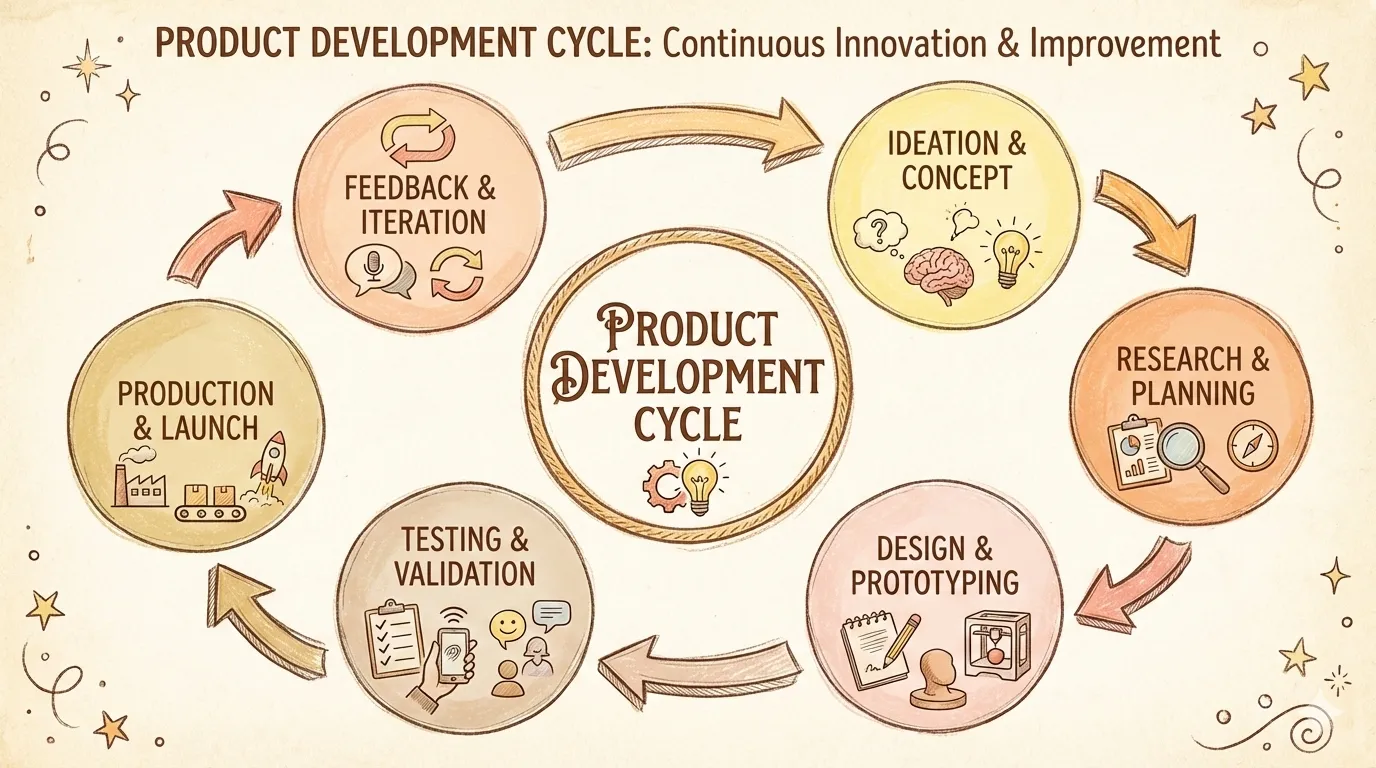 | 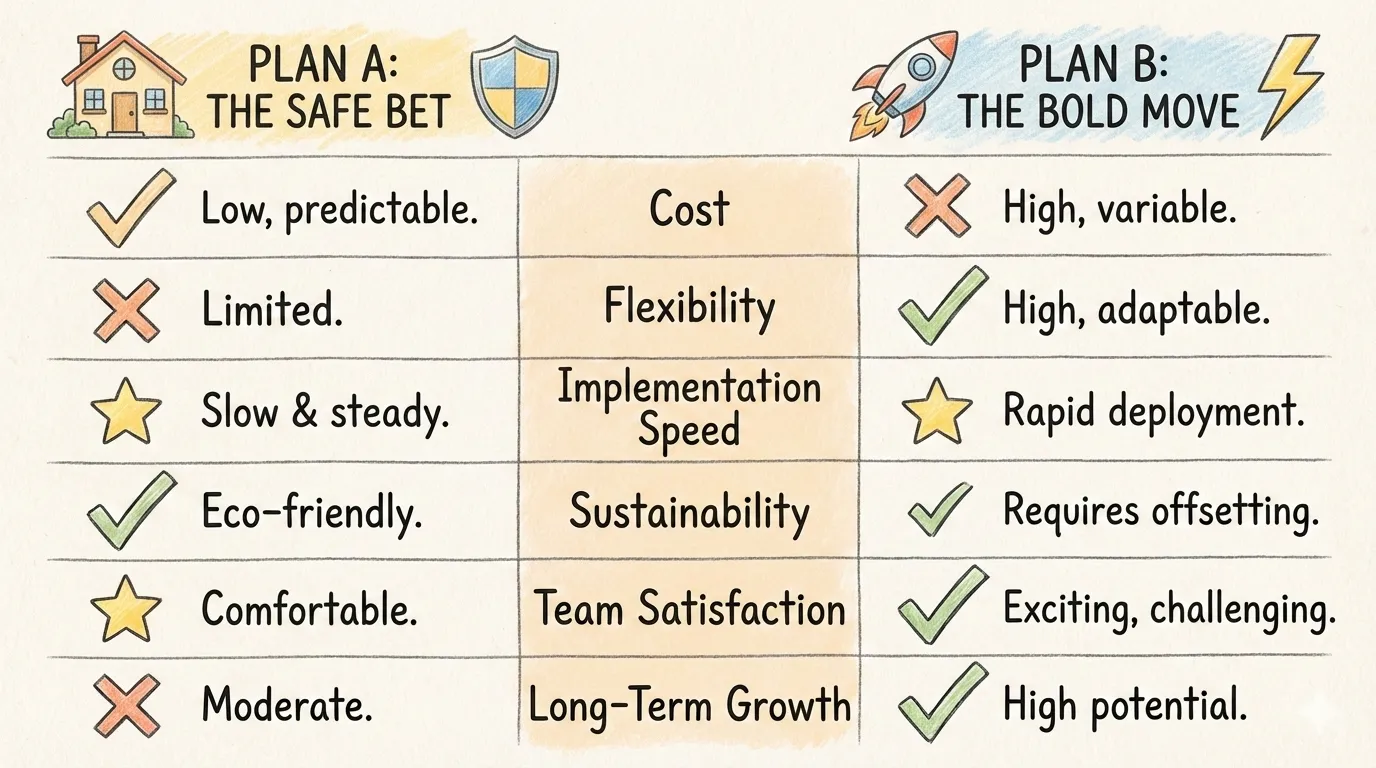 |
| bridge | circular-flow | comparison-table |
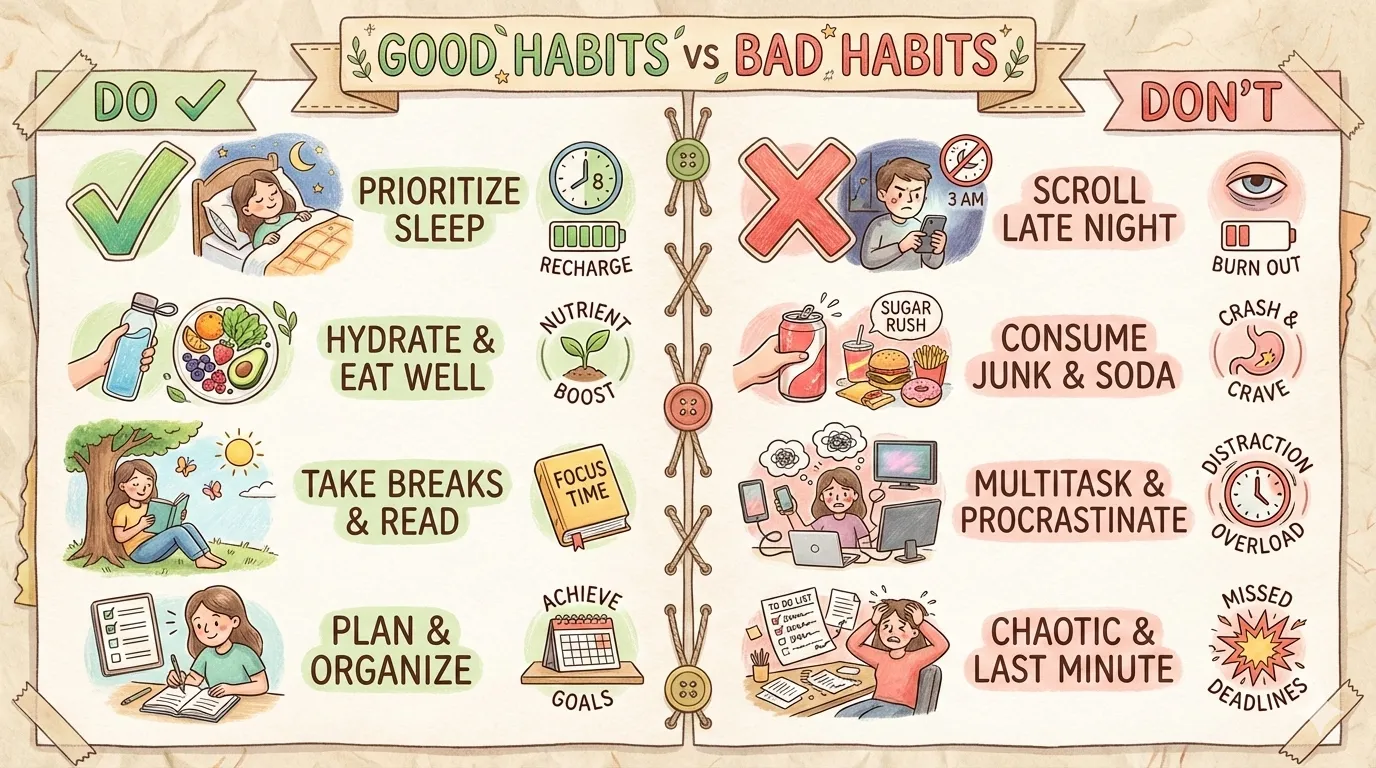 |  | 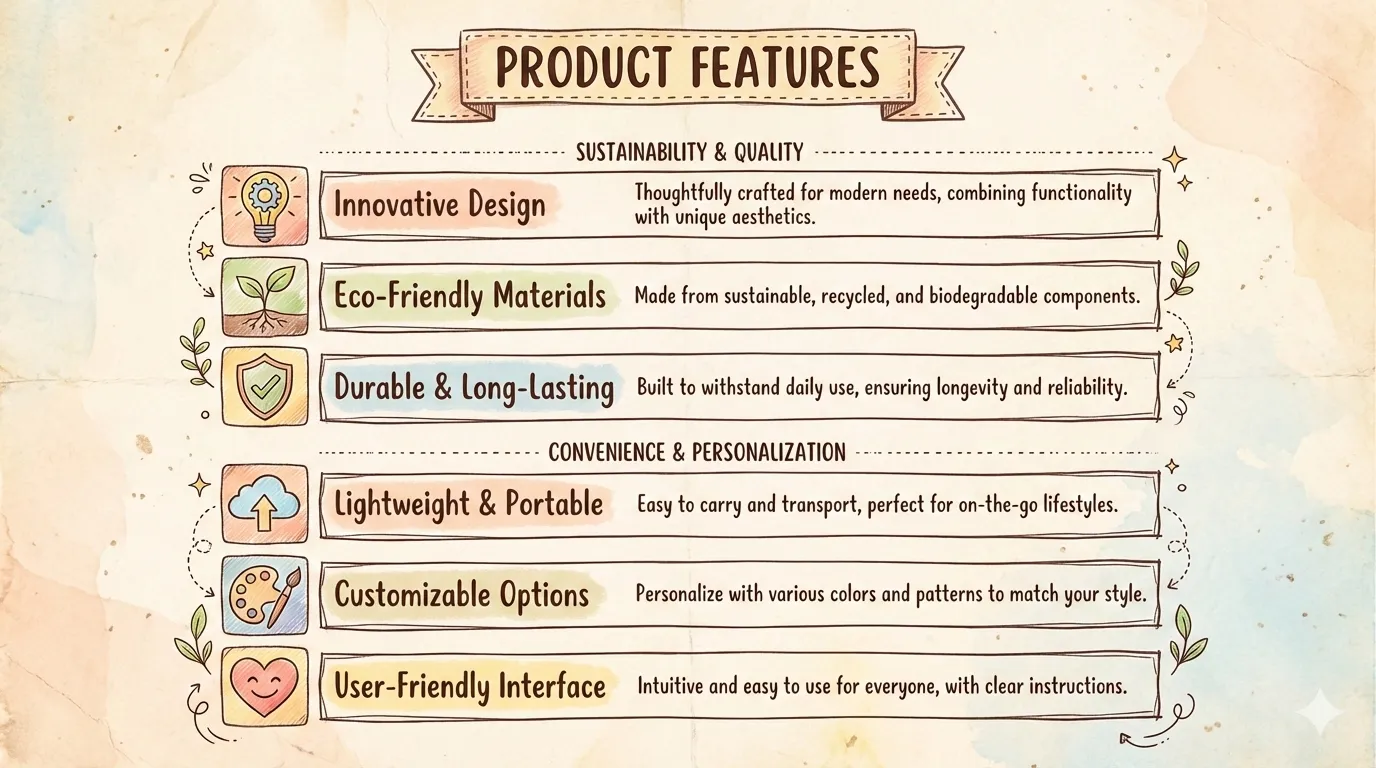 |
| do-dont | equation | feature-list |
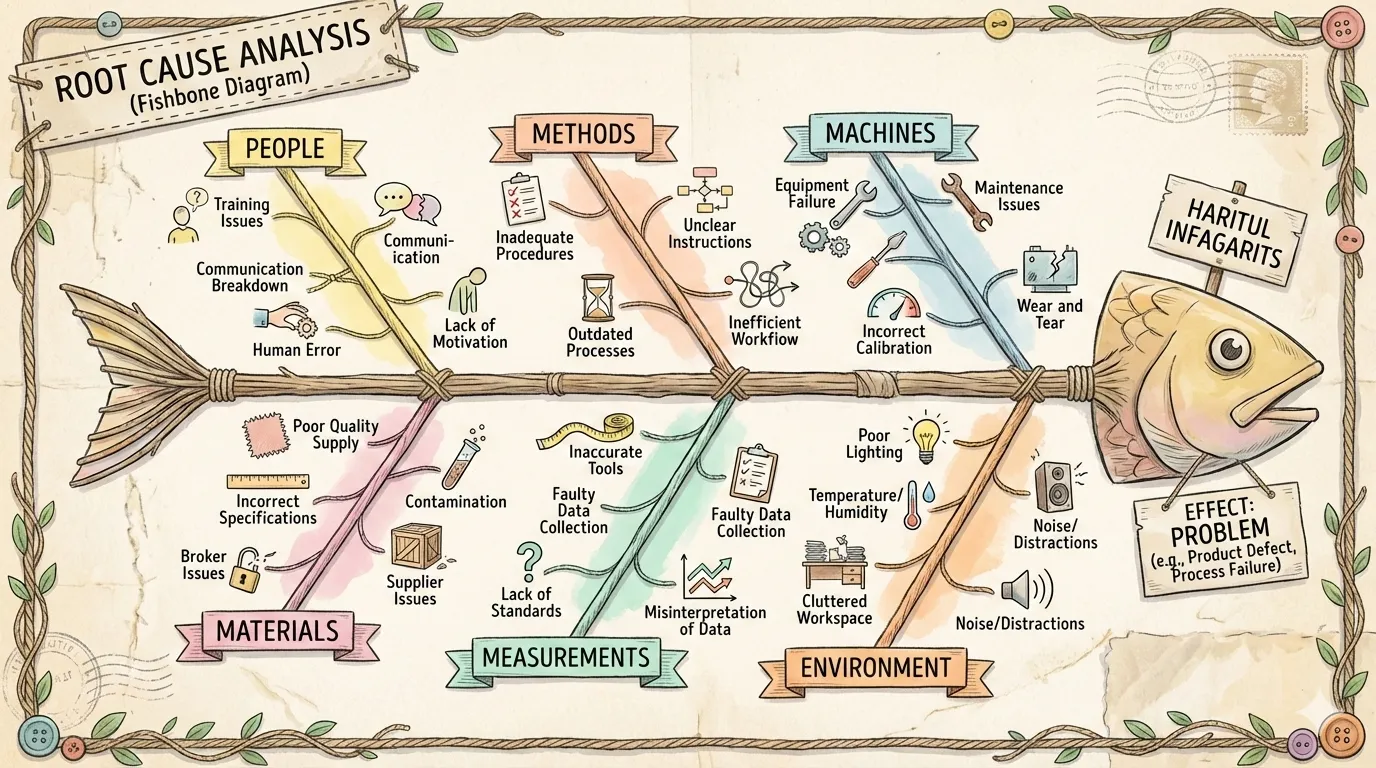 | 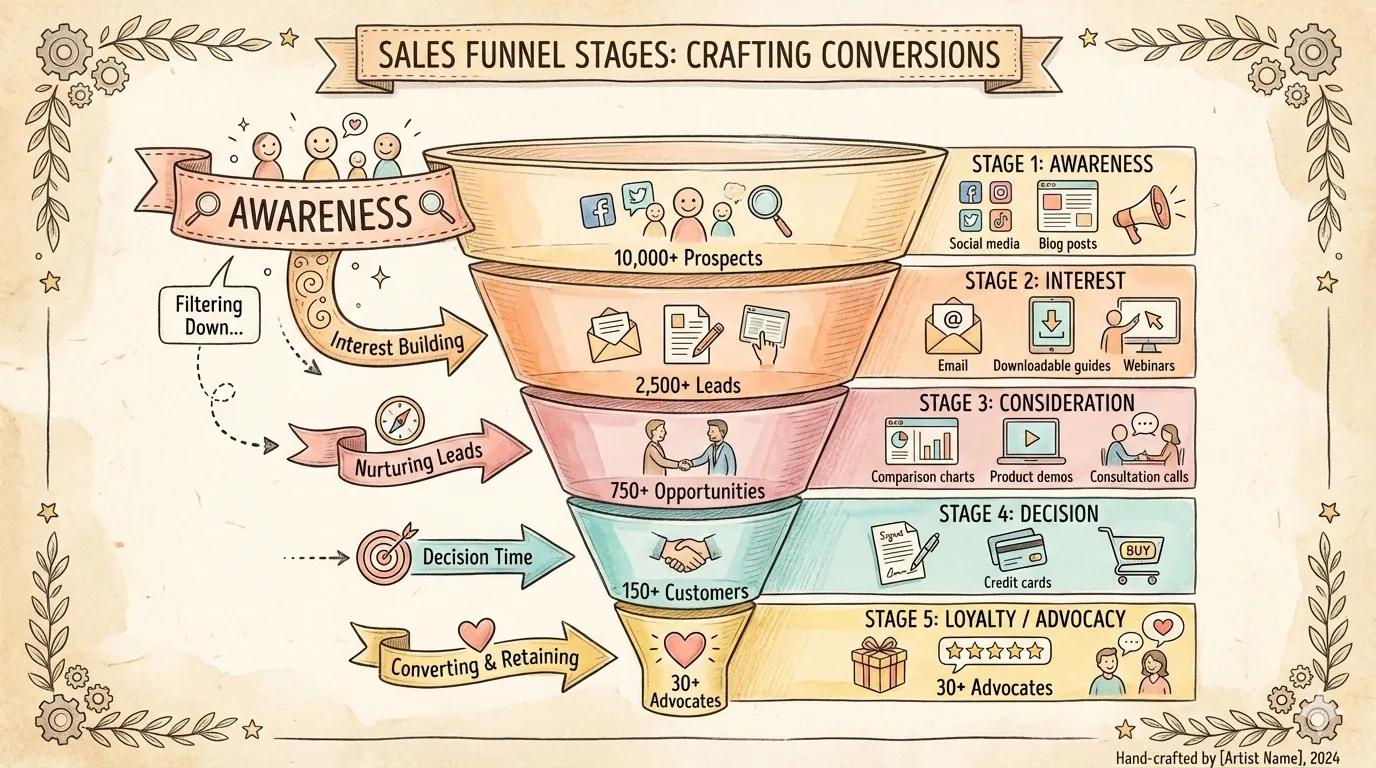 | 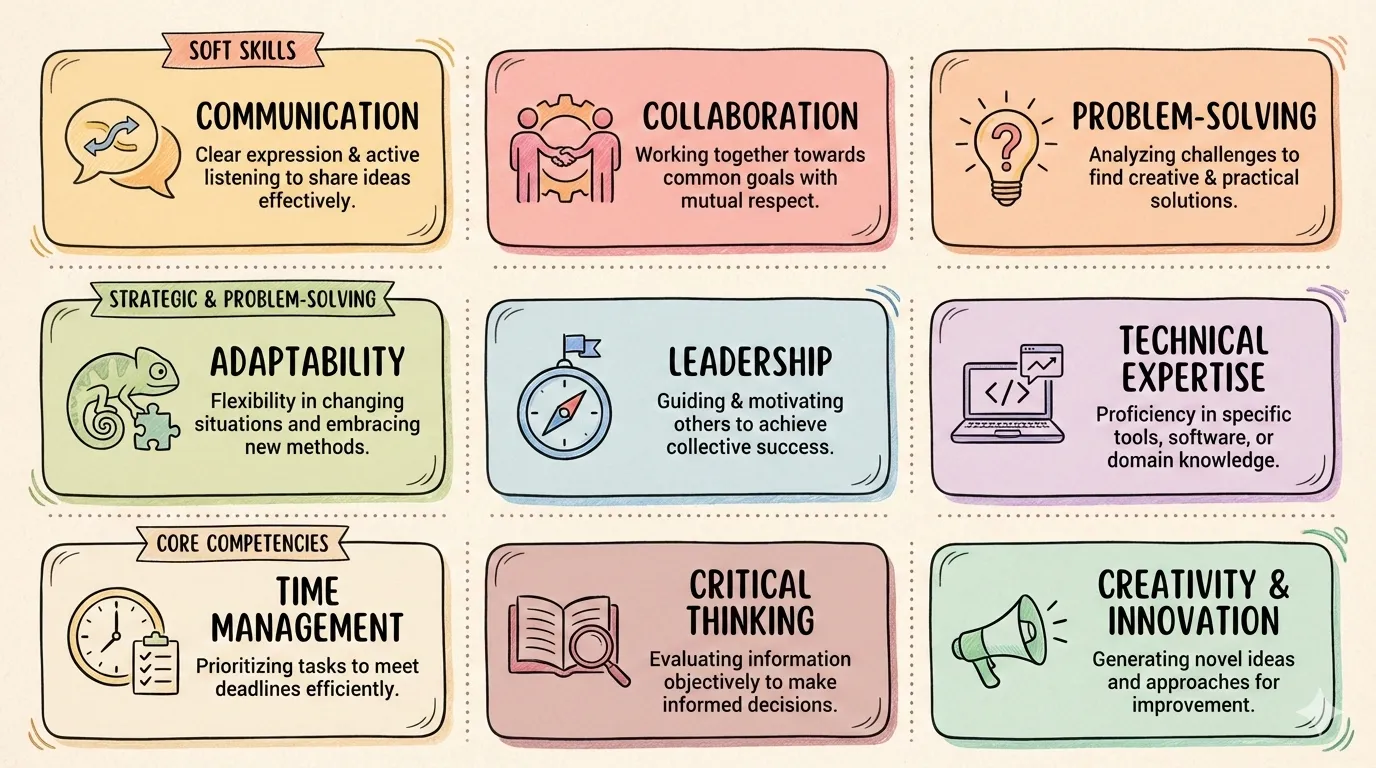 |
| fishbone | funnel | grid-cards |
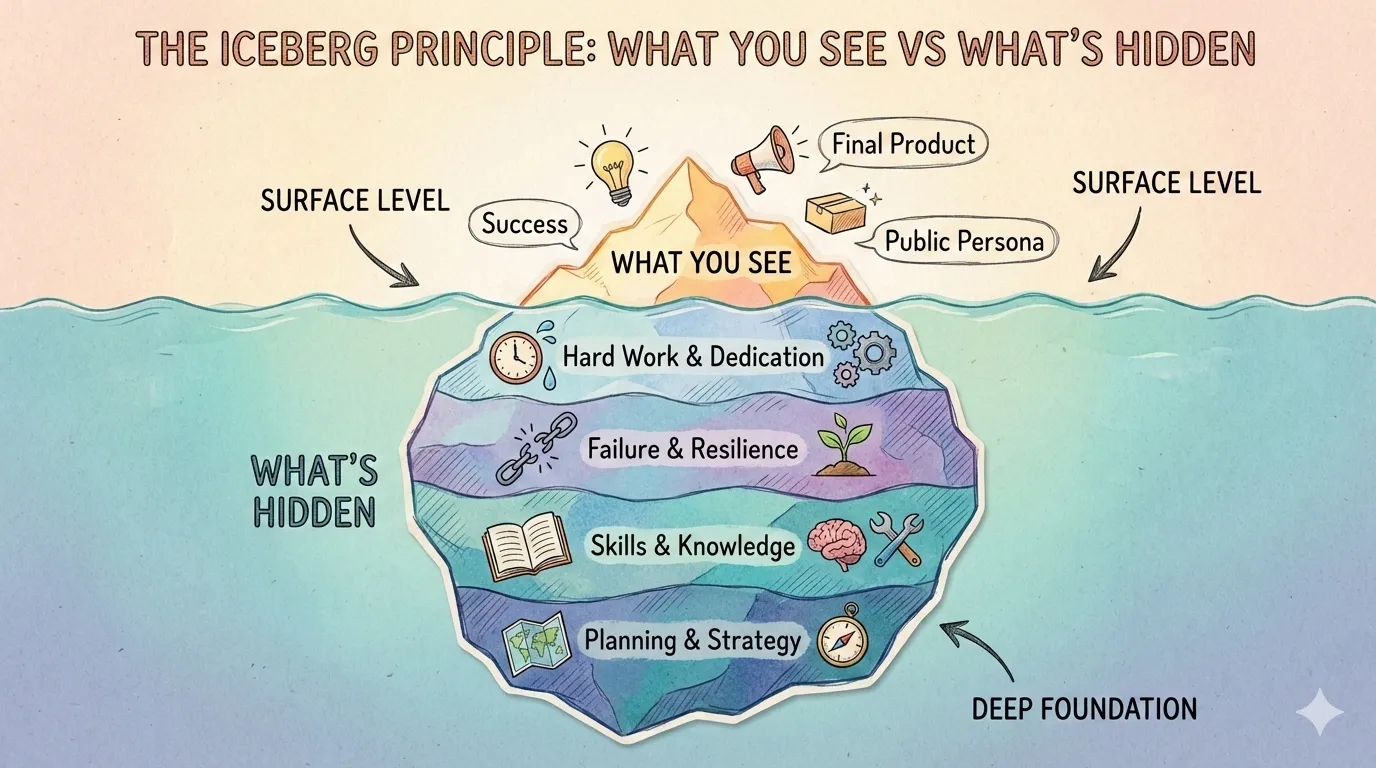 |  | 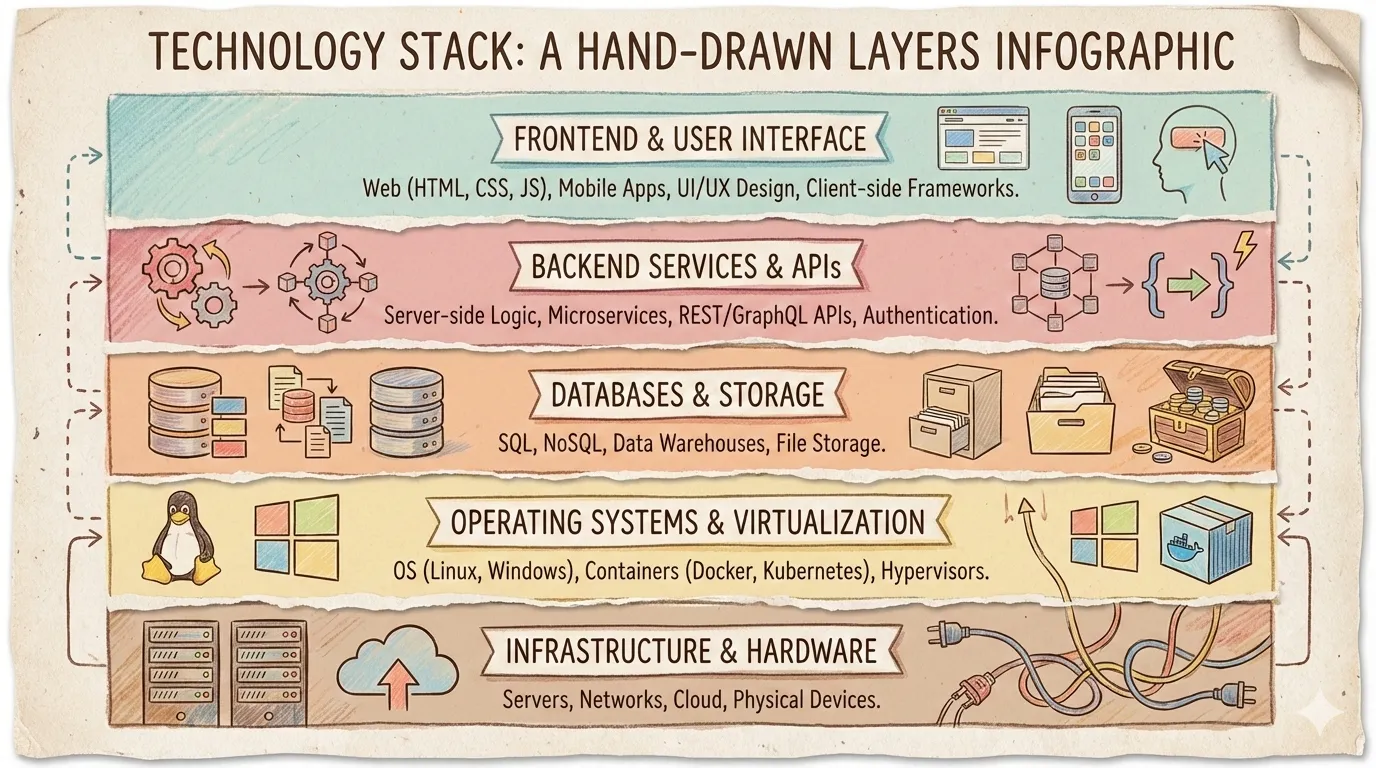 |
| iceberg | journey-path | layers-stack |
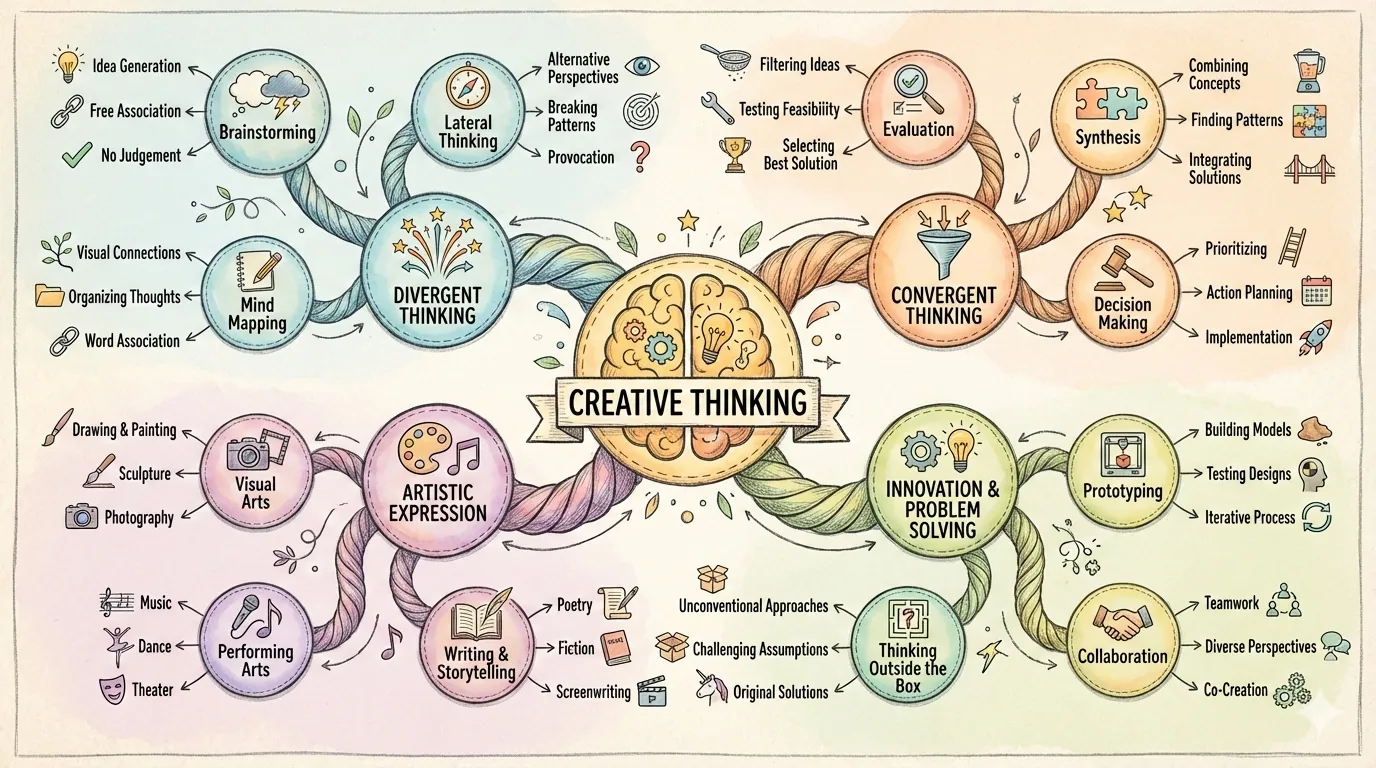 | 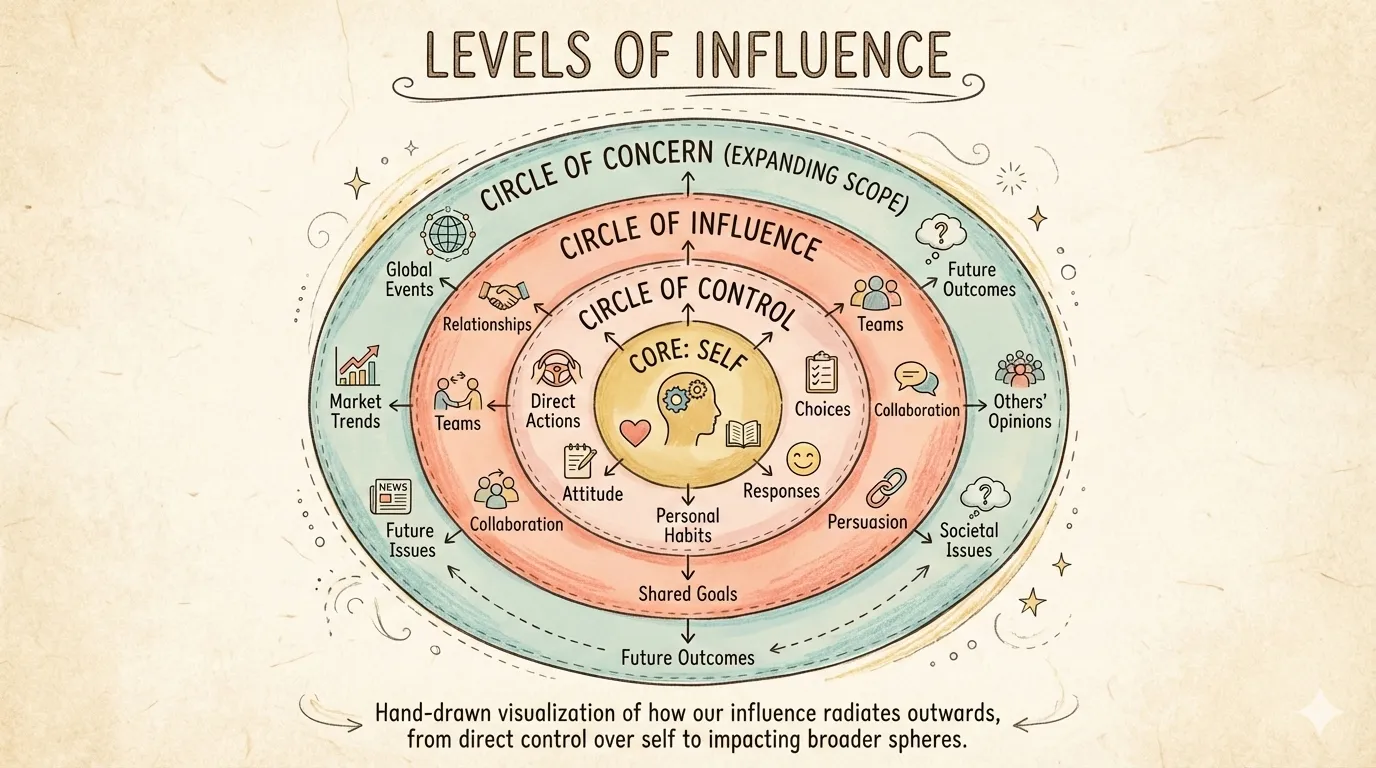 |  |
| mind-map | nested-circles | priority-quadrants |
 |  |  |
| pyramid | scale-balance | timeline-horizontal |
 | 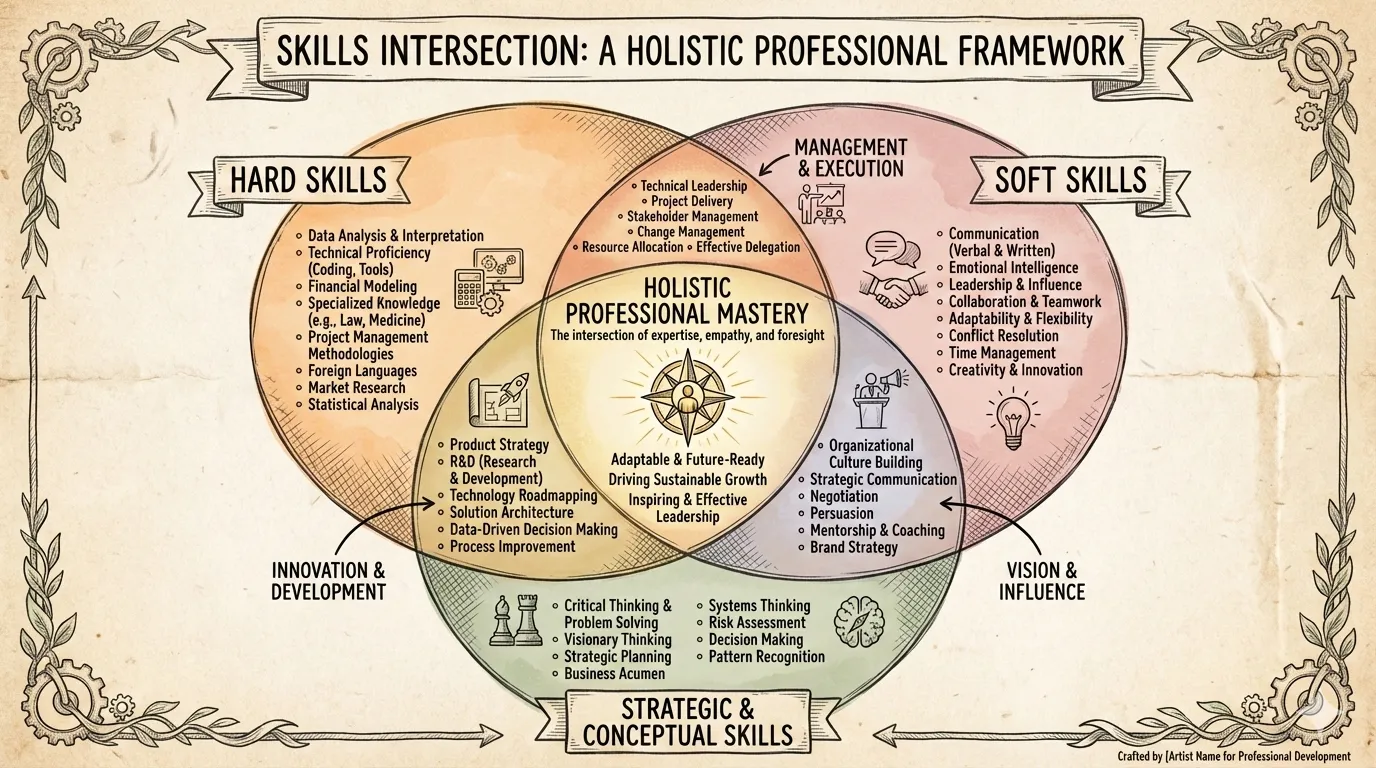 | |
| tree-hierarchy | venn |
风格(视觉美学):
| 风格 | 描述 |
|---|---|
craft-handmade(默认) | 手绘插画、纸艺风格 |
claymation | 3D 黏土人物、定格动画感 |
kawaii | 日系可爱、大眼睛、粉彩色 |
storybook-watercolor | 柔和水彩、童话绘本 |
chalkboard | 彩色粉笔、黑板风格 |
cyberpunk-neon | 霓虹灯光、暗色未来感 |
bold-graphic | 漫画风格、网点、高对比 |
aged-academia | 复古科学、泛黄素描 |
corporate-memphis | 扁平矢量人物、鲜艳填充 |
technical-schematic | 蓝图、等距 3D、工程图 |
origami | 折纸形态、几何感 |
pixel-art | 复古 8-bit、怀旧游戏 |
ui-wireframe | 灰度框图、界面原型 |
subway-map | 地铁图、彩色线路 |
ikea-manual | 极简线条、组装说明风 |
knolling | 整齐平铺、俯视图 |
lego-brick | 乐高积木、童趣拼搭 |
风格预览:
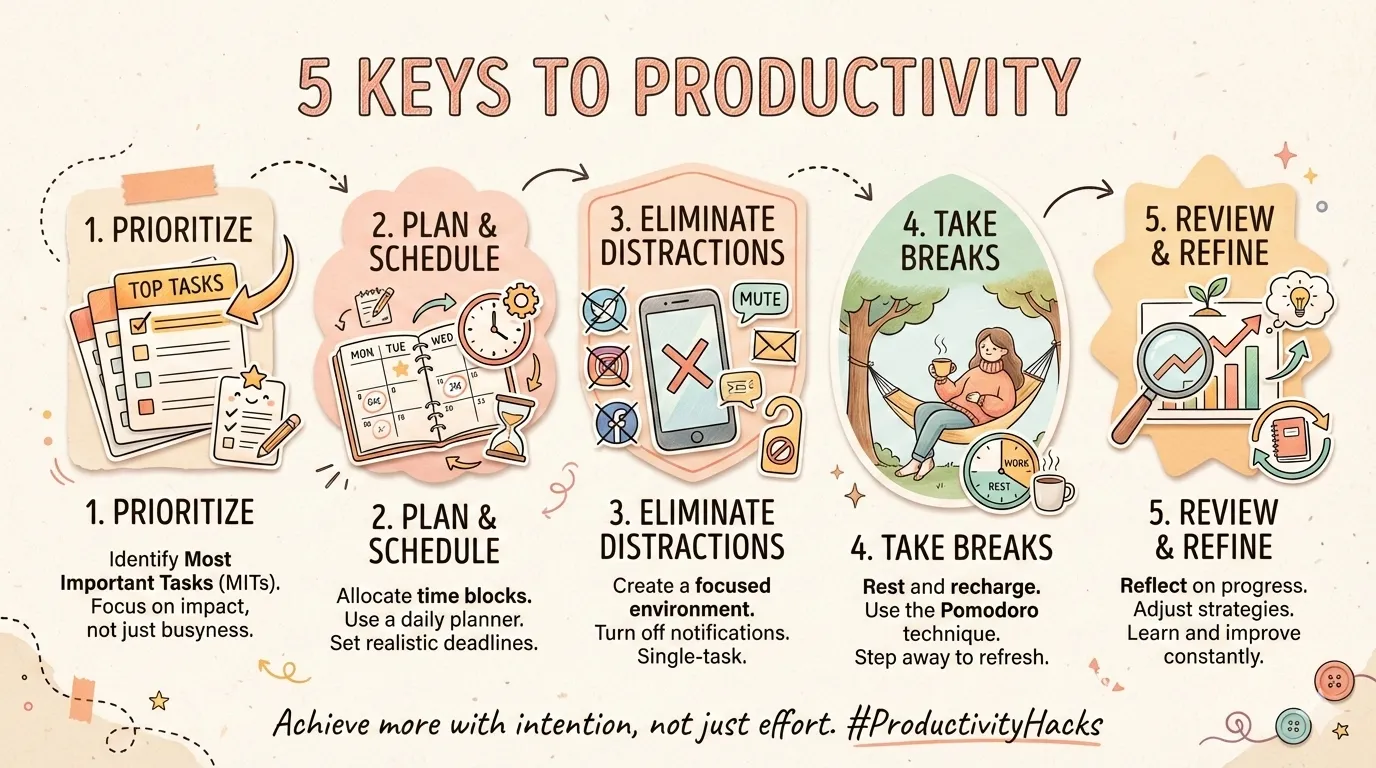 | 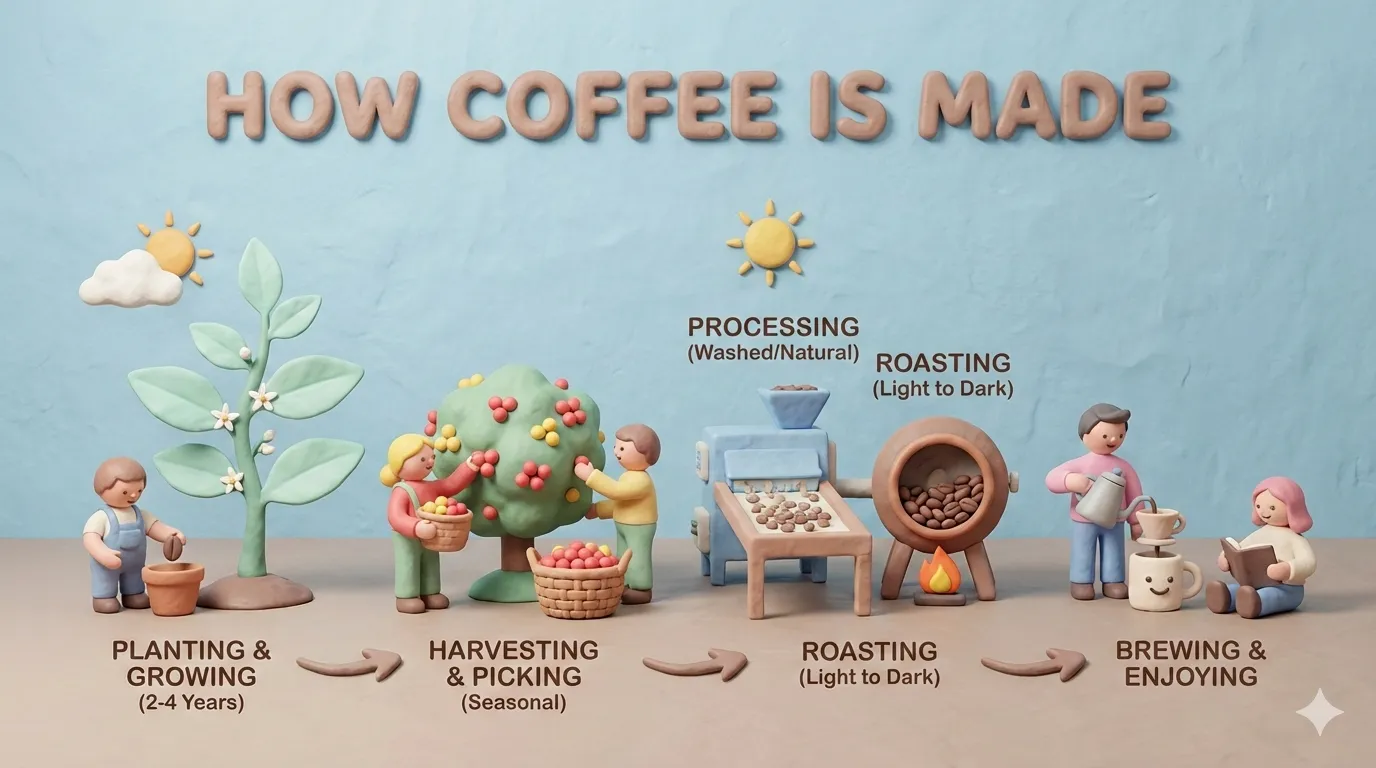 |  |
| craft-handmade | claymation | kawaii |
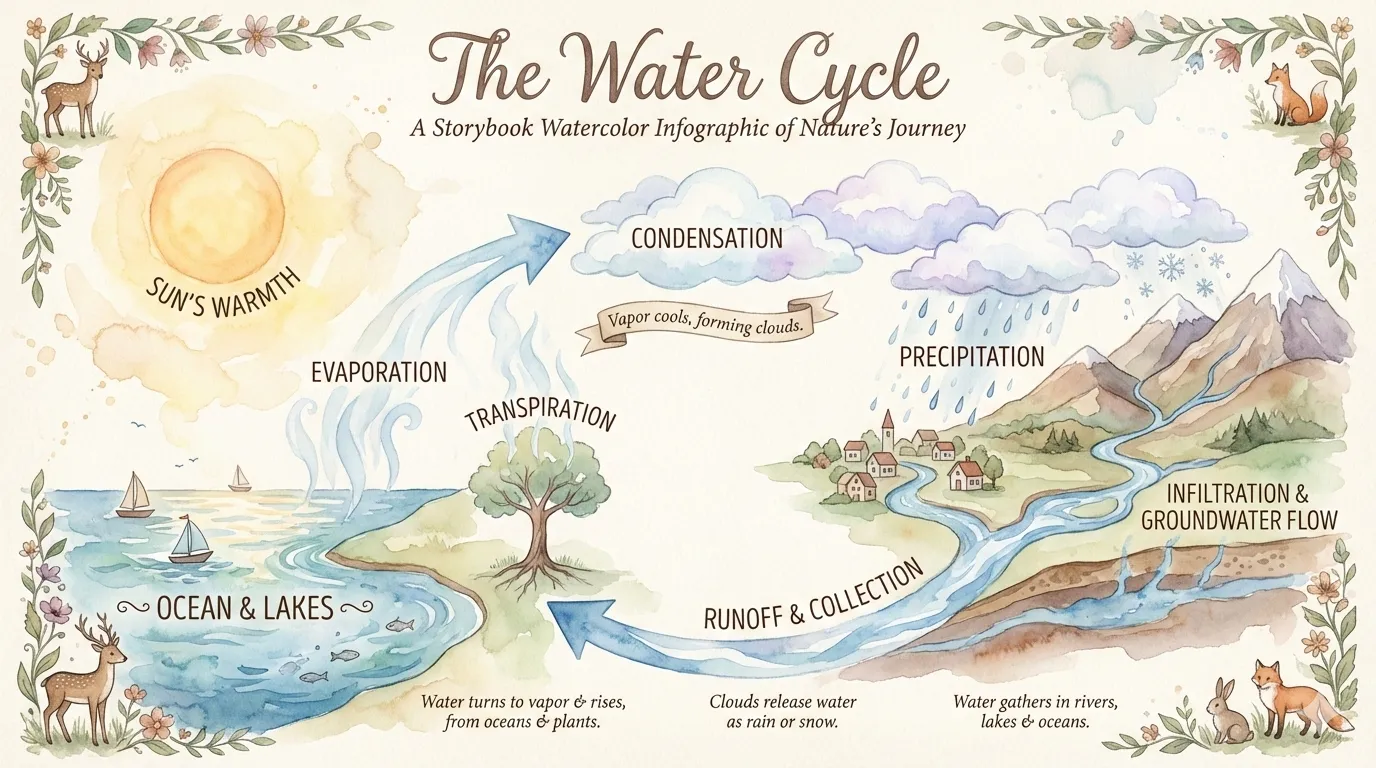 | 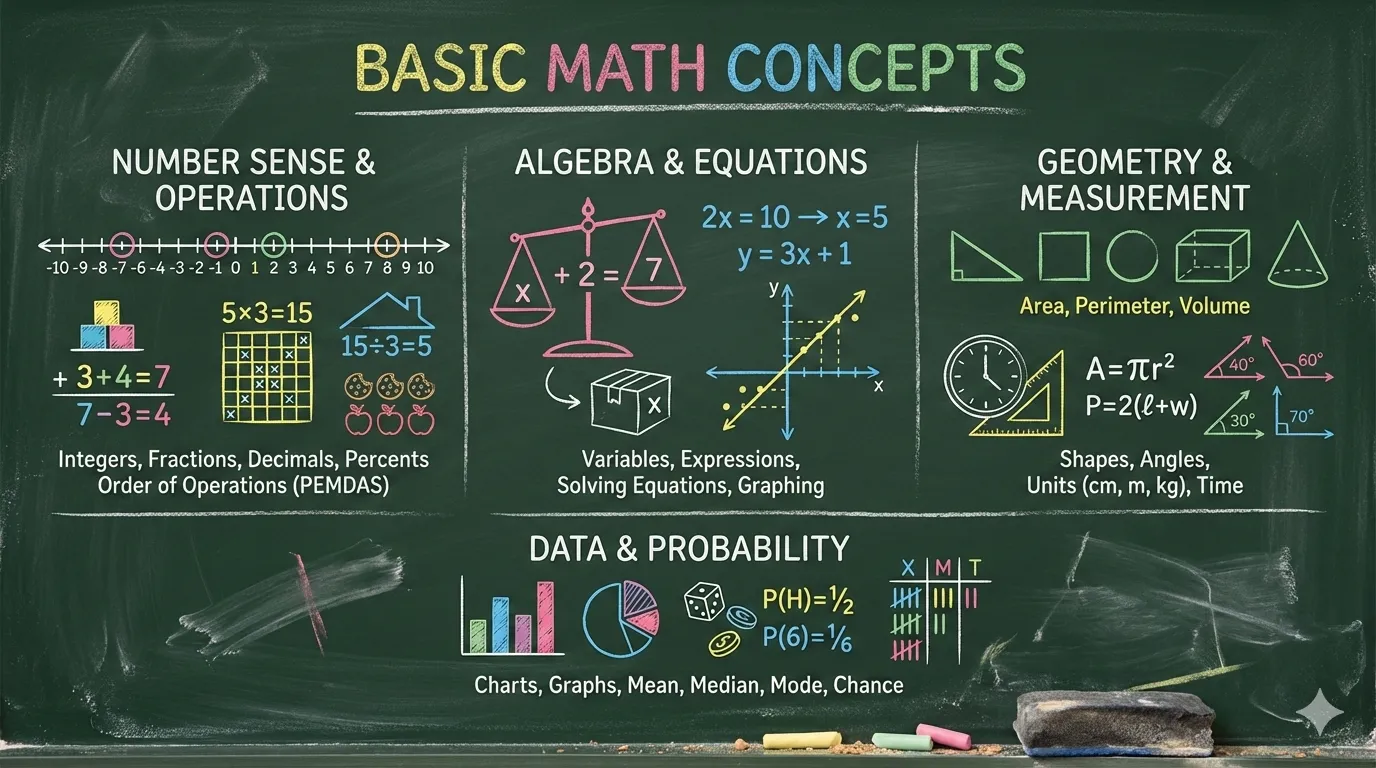 | 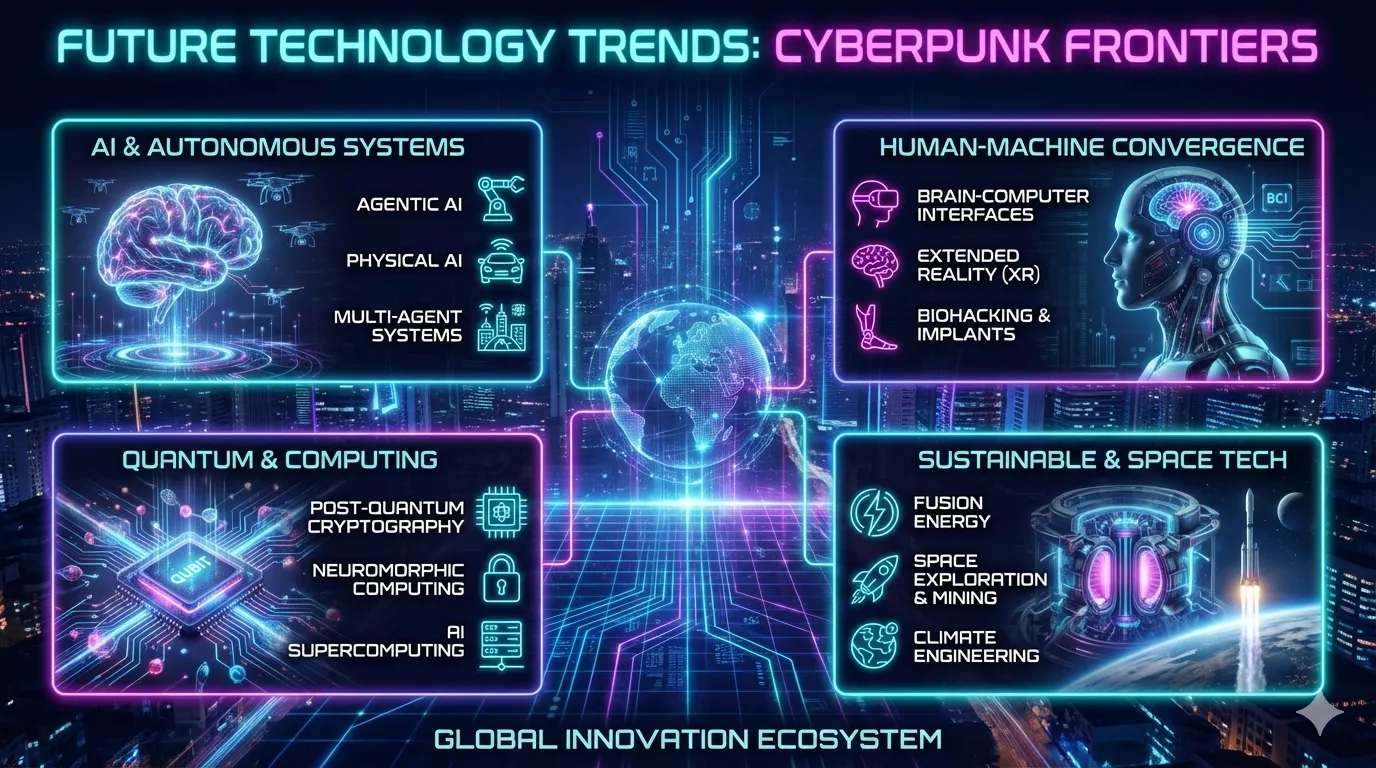 |
| storybook-watercolor | chalkboard | cyberpunk-neon |
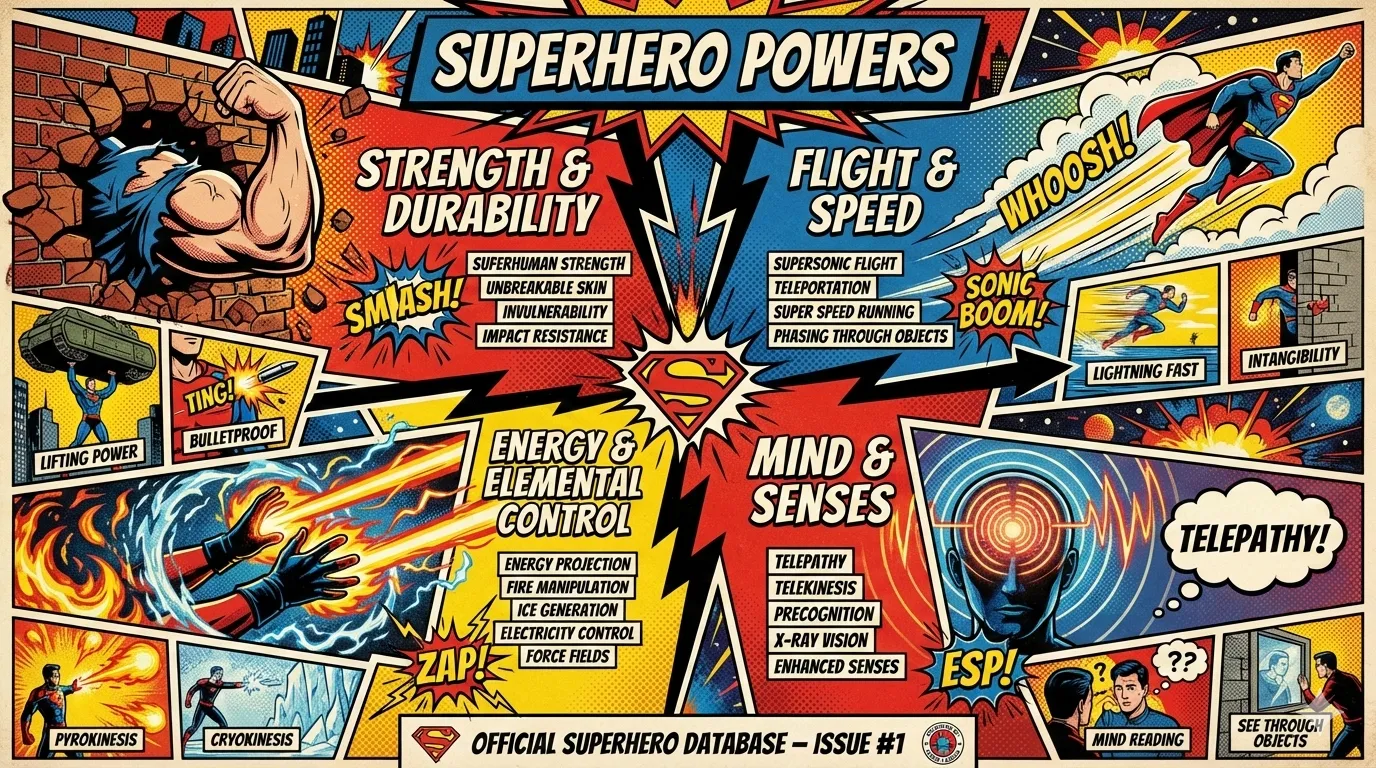 | 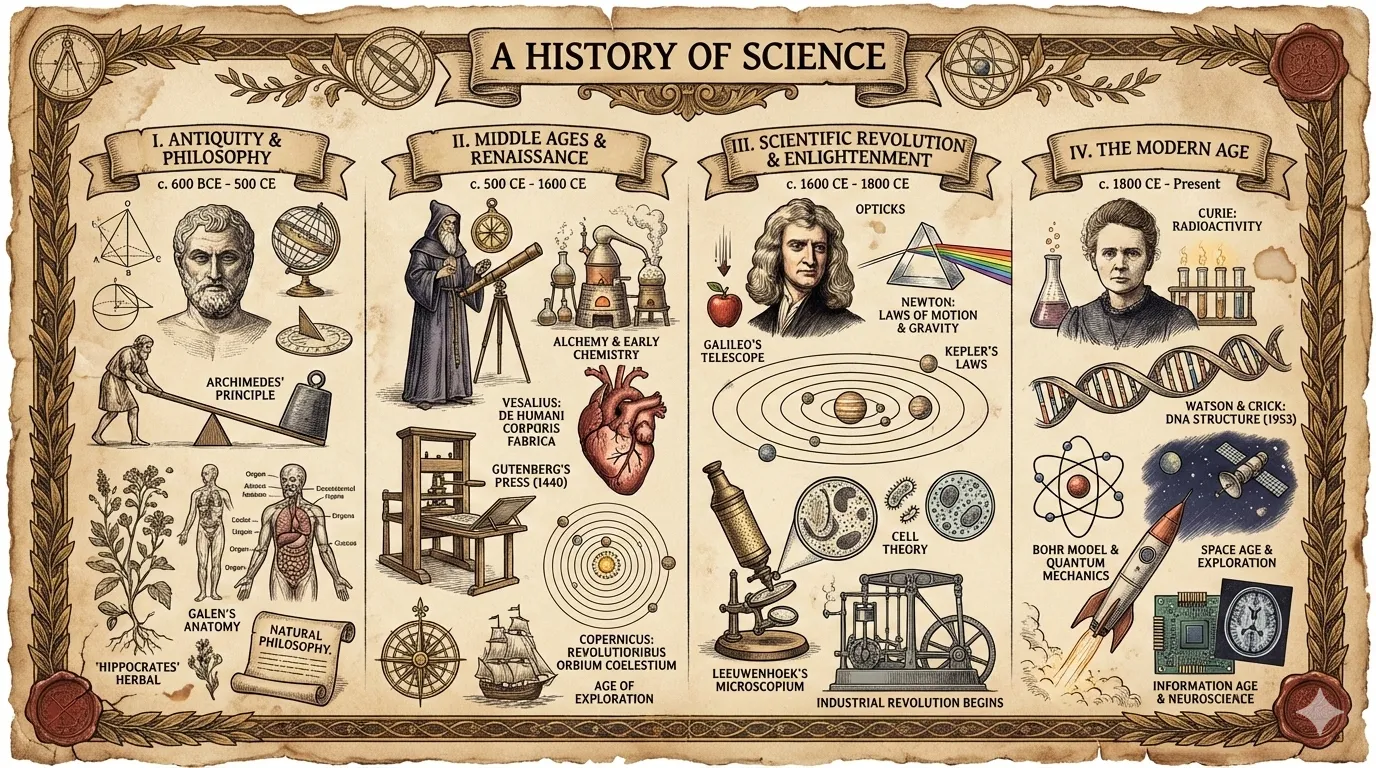 | 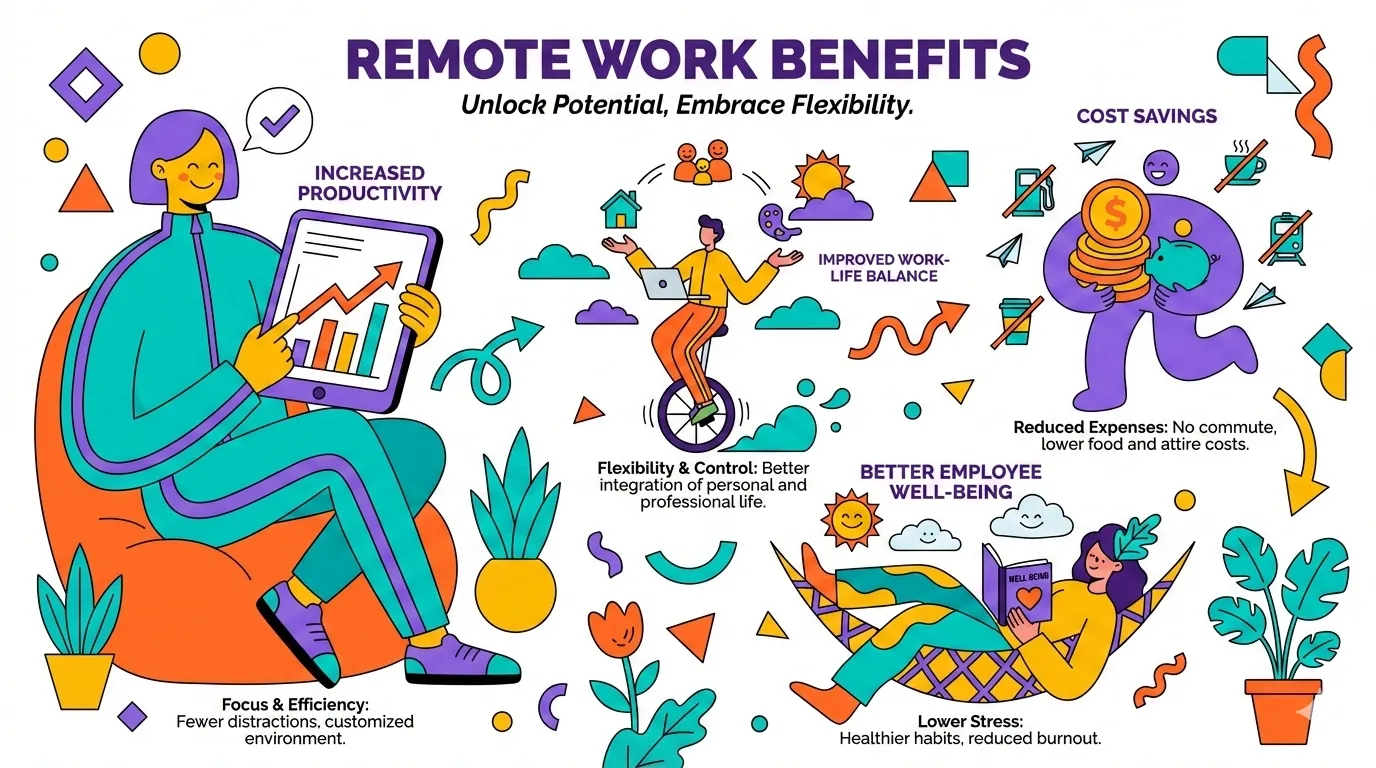 |
| bold-graphic | aged-academia | corporate-memphis |
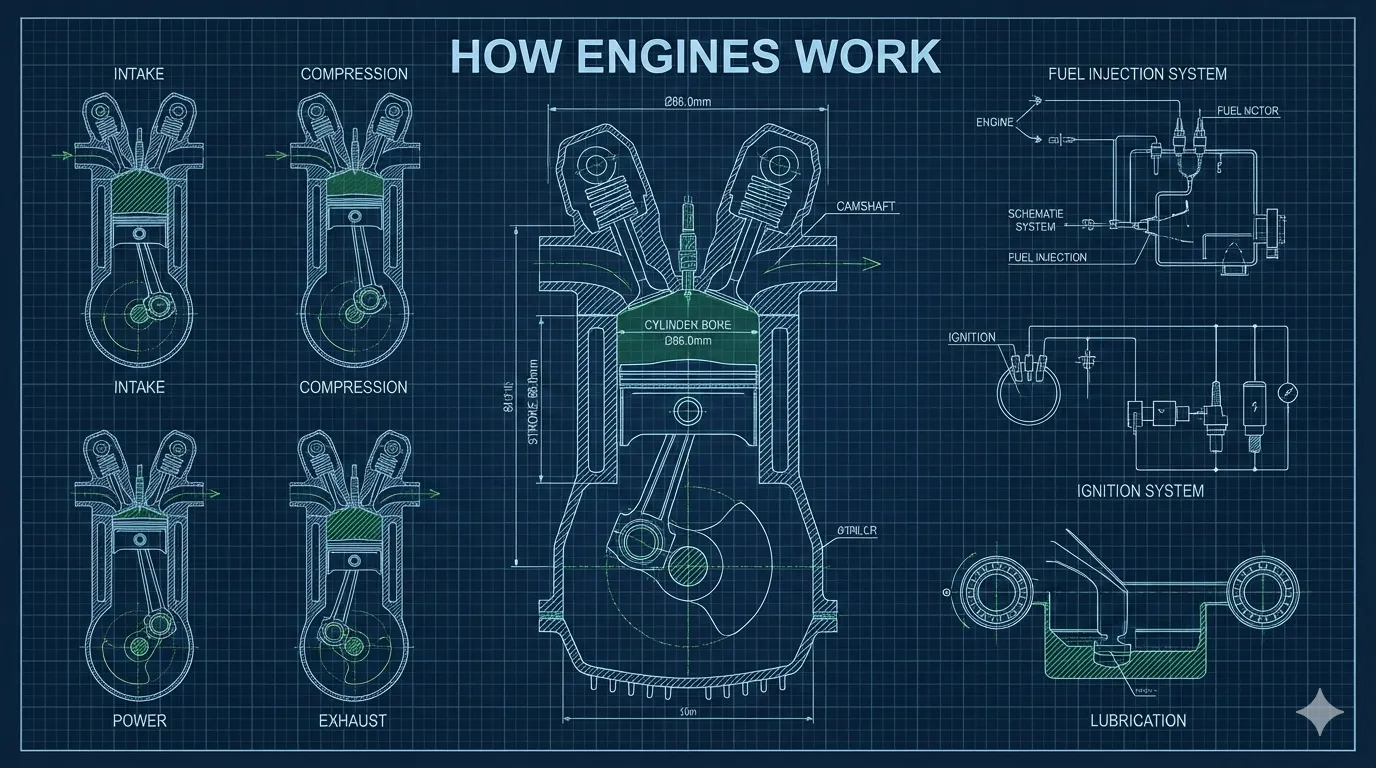 | 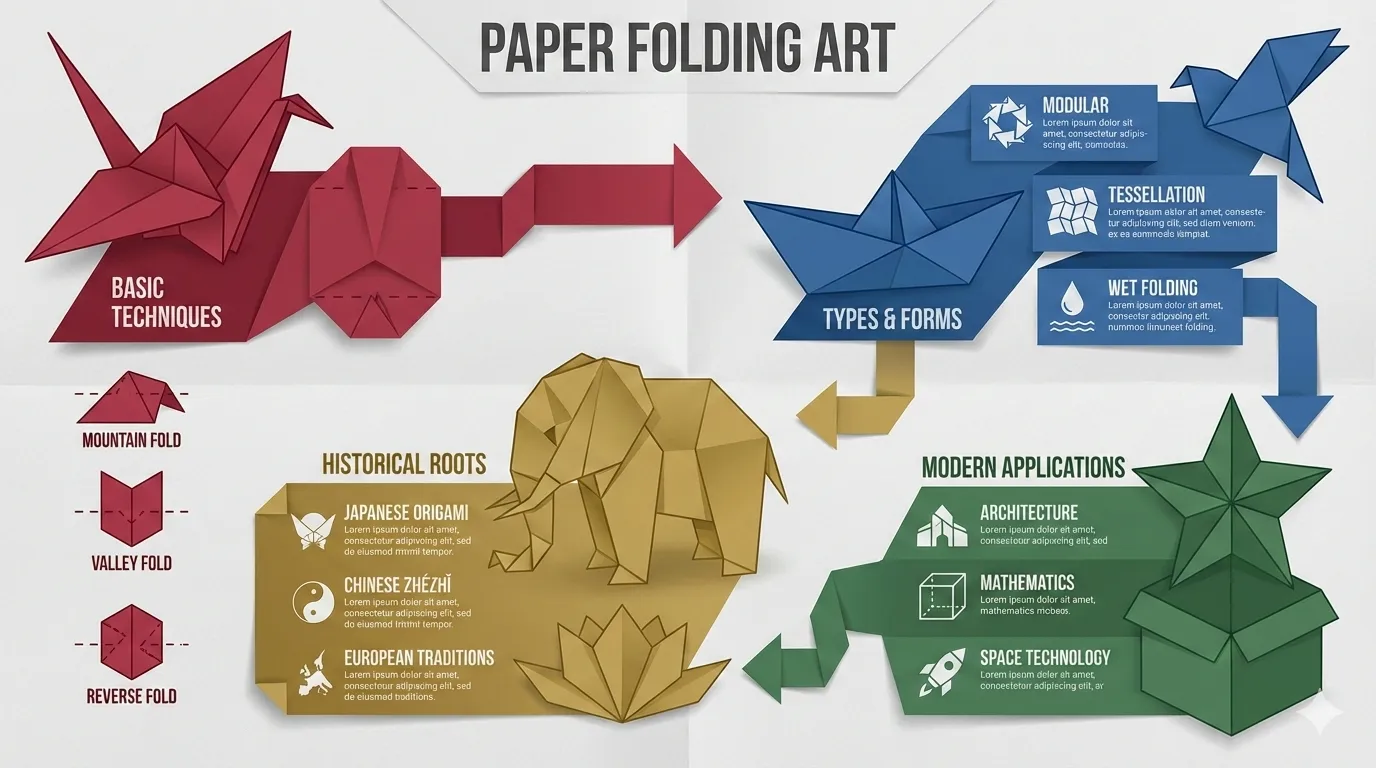 | 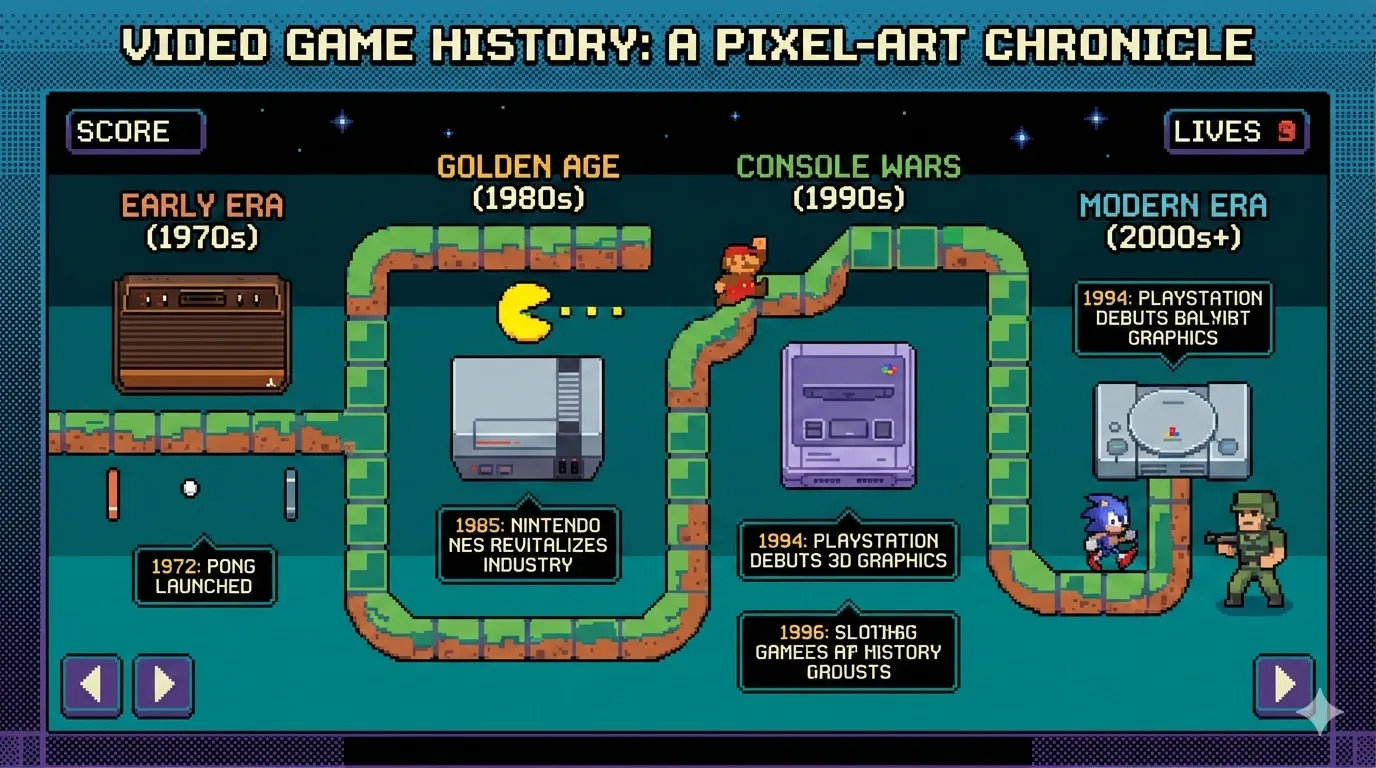 |
| technical-schematic | origami | pixel-art |
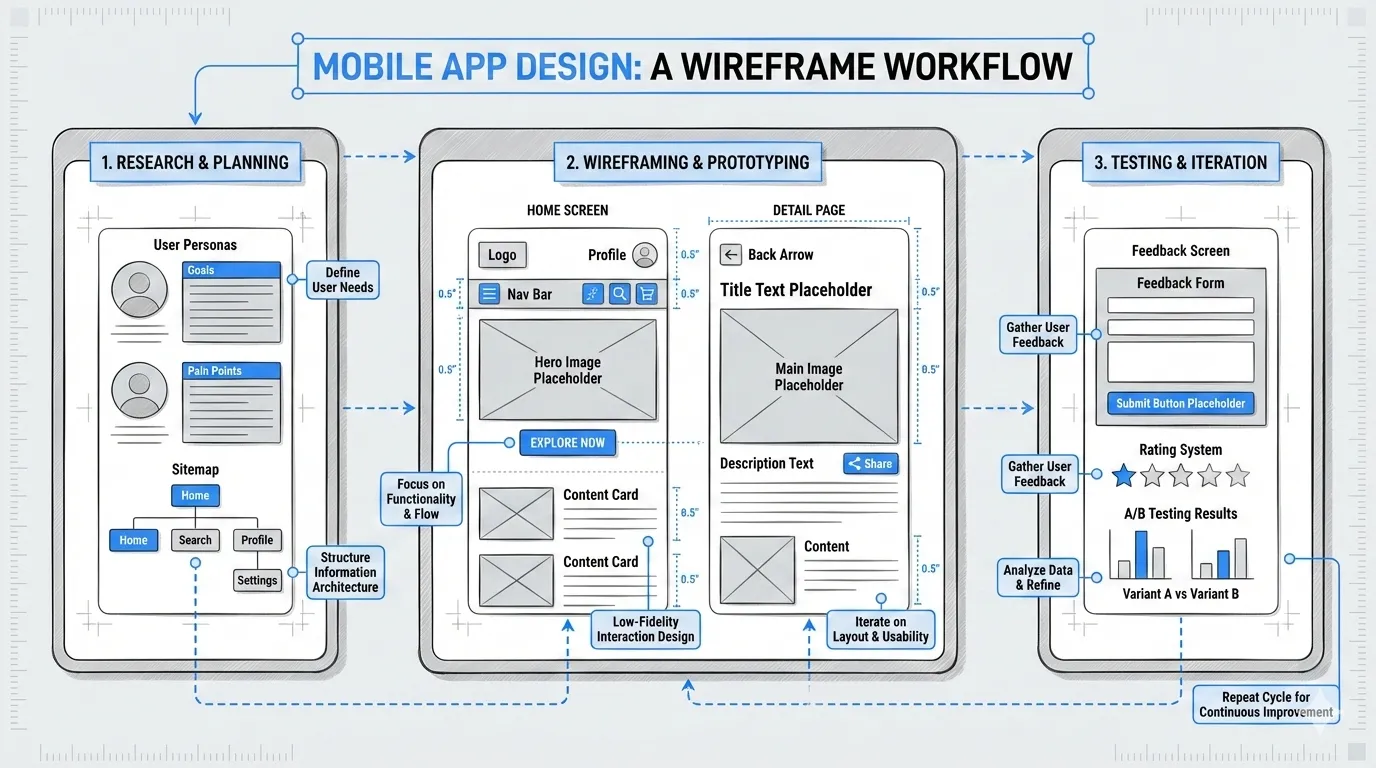 | 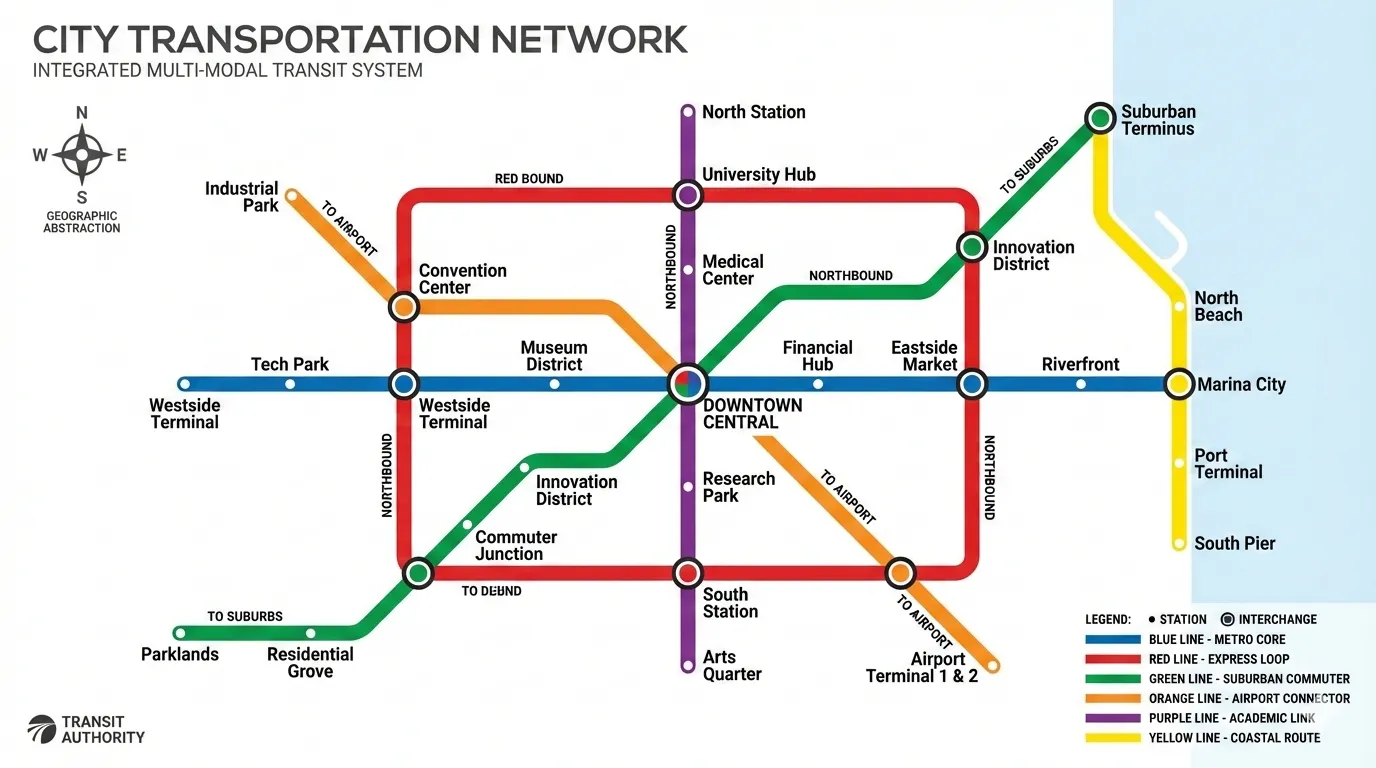 | 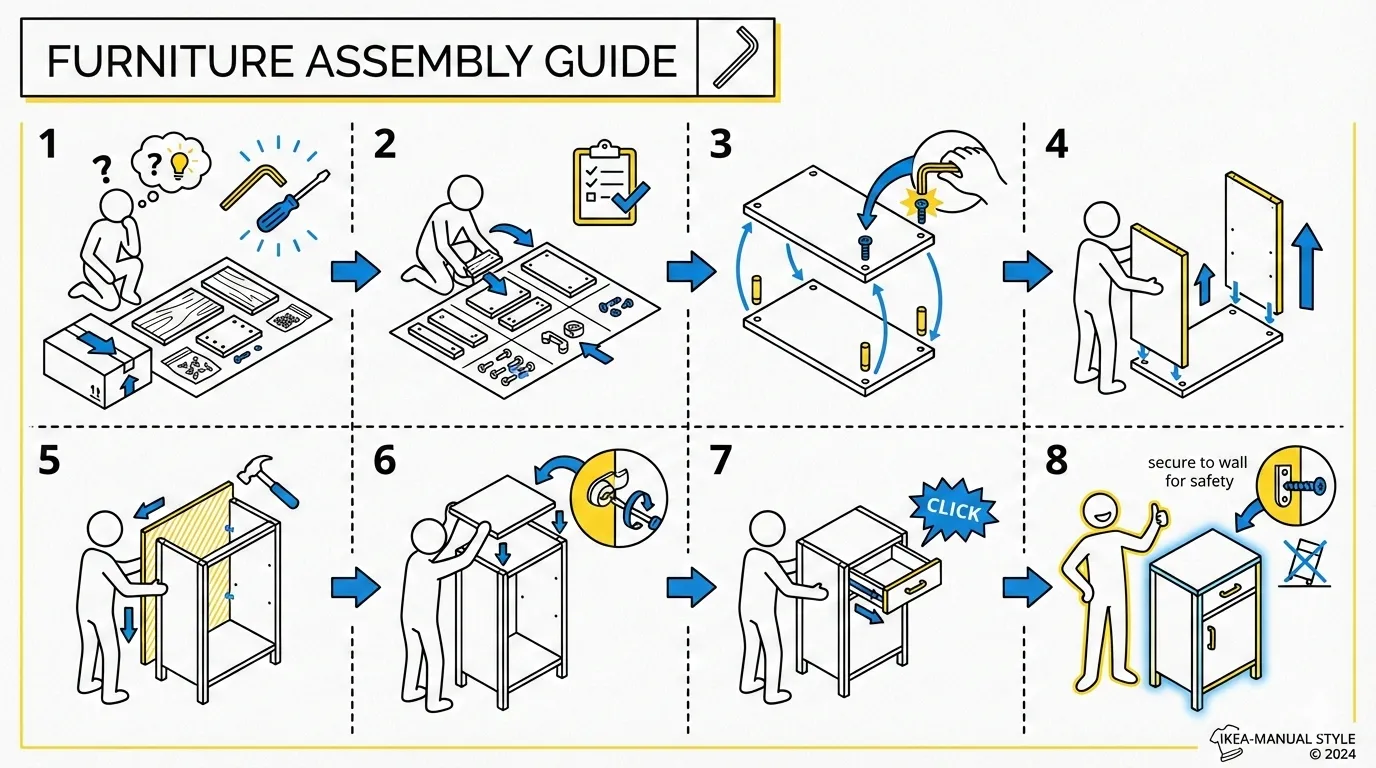 |
| ui-wireframe | subway-map | ikea-manual |
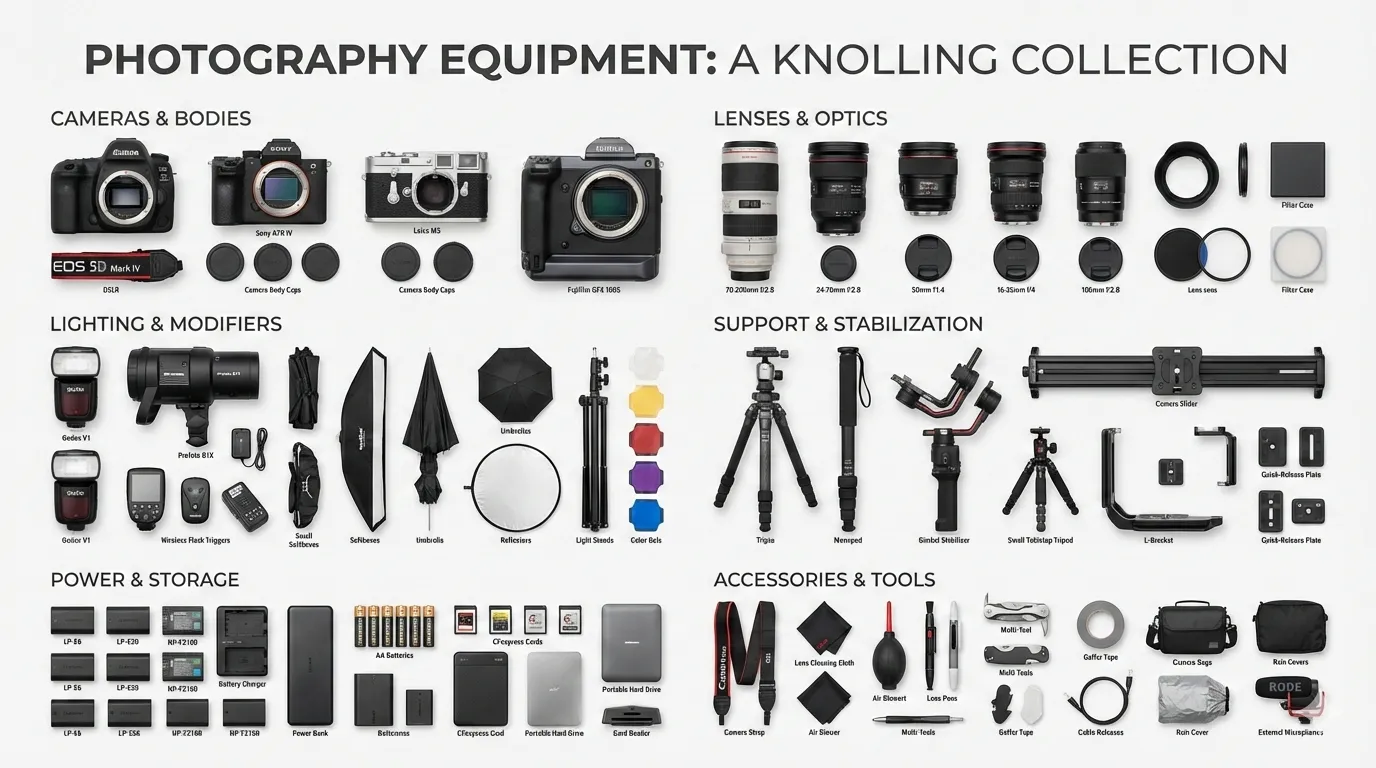 | 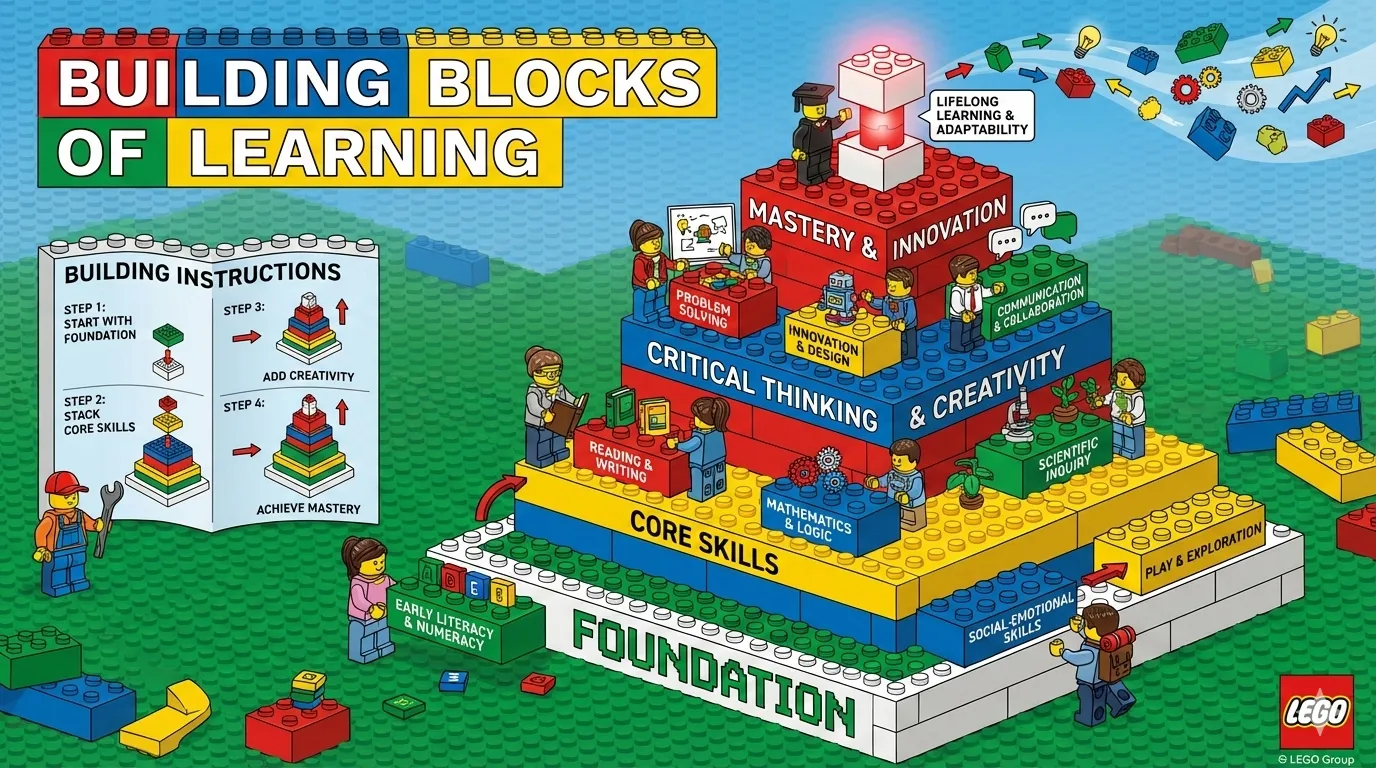 | |
| knolling | lego-brick |
baoyu-diagram
从源素材生成可直接发布的 SVG 图表 —— 包括流程图、时序/协议图、架构/结构图、示意图(直觉图解)。分析输入素材,推荐图表类型和拆分策略,一次确认后批量生成。Claude 直接输出符合统一设计规范的真实 SVG 代码,产物是自包含的 .svg 文件,内嵌样式并自动支持深色模式。
# 主题描述 —— 技能分析并提出方案
/baoyu-diagram "JWT 认证流程是怎么工作的"
/baoyu-diagram "Kubernetes 架构" --type structural
/baoyu-diagram "OAuth 2.0 流程"  --type sequence

# 文件路径 —— 技能读取、分析并提出方案
/baoyu-diagram path/to/article.md

# 语言和输出路径
/baoyu-diagram "微服务架构" --lang zh
/baoyu-diagram "build pipeline" --out docs/build-pipeline.svg参数: | 参数 | 说明 | |------|------| | --type <name> | flowchart、sequence、structural、illustrative、class、auto(默认)。跳过类型推荐直接生成。 | | --lang <code> | 输出语言(en、zh、ja 等) | | --out <path> | 输出文件路径。生成聚焦于最重要内容的单张图表。 |
五种图表类型:
| 类型 | 适用场景 | 触发动词 |
|---|---|---|
flowchart | 按顺序走一遍流程 | 流程、步骤、工作流、生命周期、状态机 |
sequence | 谁和谁通信、按什么顺序 | 协议、握手、认证流程、OAuth、TCP、请求/响应 |
structural | 展示什么包含什么、如何组织 | 架构、组件、拓扑、布局、什么在什么里面 |
illustrative | 建立直觉 —— 画出机制本身 | 怎么工作、原理、为什么、直观解释 |
class | 类型是什么、它们如何关联 | 类图、UML、继承、接口、数据模型 |
本技能不调用任何图像生成模型 —— Claude 通过手算坐标直接写 SVG 代码,确保每个图表都遵守设计规范。内嵌的 <style> 块包含 @media (prefers-color-scheme: dark),同一个文件在浅色和深色模式下均正确渲染,可嵌入到任意支持 SVG 的宿主环境中。
baoyu-cover-image
为文章生成封面图,支持五维定制系统:类型 × 配色 × 渲染 × 文字 × 氛围。11 种配色方案与 7 种渲染风格组合,提供 77 种独特效果。
# 根据内容自动选择所有维度
/baoyu-cover-image path/to/article.md

# 快速模式:跳过确认,使用自动选择
/baoyu-cover-image path/to/article.md --quick

# 指定维度(5D 系统)
/baoyu-cover-image path/to/article.md --type conceptual --palette cool --rendering digital
/baoyu-cover-image path/to/article.md --text title-subtitle --mood bold

# 风格预设(向后兼容的简写方式)
/baoyu-cover-image path/to/article.md --style blueprint

# 指定宽高比(默认:16:9)
/baoyu-cover-image path/to/article.md --aspect 2.35:1

# 纯视觉(不含标题文字)
/baoyu-cover-image path/to/article.md --no-title五个维度:
- 类型 (Type):
hero、conceptual、typography、metaphor、scene、minimal - 配色 (Palette):
warm、elegant、cool、dark、earth、vivid、pastel、mono、retro、duotone、macaron - 渲染 (Rendering):
flat-vector、hand-drawn、painterly、digital、pixel、chalk、screen-print - 文字 (Text):
none、title-only(默认)、title-subtitle、text-rich - 氛围 (Mood):
subtle、balanced(默认)、bold
baoyu-slide-deck
从内容生成专业的幻灯片图片。先创建包含样式说明的完整大纲,然后逐页生成幻灯片图片。
# 从 markdown 文件生成
/baoyu-slide-deck path/to/article.md

# 指定风格和受众
/baoyu-slide-deck path/to/article.md --style corporate
/baoyu-slide-deck path/to/article.md --audience executives

# 指定页数
/baoyu-slide-deck path/to/article.md --slides 15

# 仅生成大纲(不生成图片)
/baoyu-slide-deck path/to/article.md --outline-only

# 指定语言
/baoyu-slide-deck path/to/article.md --lang zh选项:
| 选项 | 说明 |
|---|---|
--style <name> | 视觉风格:预设名称或 custom |
--audience <type> | 目标受众:beginners、intermediate、experts、executives、general |
--lang <code> | 输出语言(en、zh、ja 等) |
--slides <number> | 目标页数(推荐 8-25,最多 30) |
--outline-only | 仅生成大纲,跳过图片 |
--prompts-only | 生成大纲 + 提示词,跳过图片 |
--images-only | 从现有提示词生成图片 |
--regenerate <N> | 重新生成指定页:3 或 2,5,8 |
风格系统:
风格由 4 个维度组合而成:纹理 × 氛围 × 字体 × 密度
| 维度 | 选项 |
|---|---|
| 纹理 | clean 纯净、grid 网格、organic 有机、pixel 像素、paper 纸张 |
| 氛围 | professional 专业、warm 温暖、cool 冷静、vibrant 鲜艳、dark 暗色、neutral 中性 |
| 字体 | geometric 几何、humanist 人文、handwritten 手写、editorial 编辑、technical 技术 |
| 密度 | minimal 极简、balanced 均衡、dense 密集 |
预设(预配置的维度组合):
| 预设 | 维度组合 | 适用场景 |
|---|---|---|
blueprint(默认) | grid + cool + technical + balanced | 架构设计、系统设计 |
chalkboard | organic + warm + handwritten + balanced | 教育、教程 |
corporate | clean + professional + geometric + balanced | 投资者演示、提案 |
minimal | clean + neutral + geometric + minimal | 高管简报 |
sketch-notes | organic + warm + handwritten + balanced | 教育、教程 |
watercolor | organic + warm + humanist + minimal | 生活方式、健康 |
dark-atmospheric | clean + dark + editorial + balanced | 娱乐、游戏 |
notion | clean + neutral + geometric + dense | 产品演示、SaaS |
bold-editorial | clean + vibrant + editorial + balanced | 产品发布、主题演讲 |
editorial-infographic | clean + cool + editorial + dense | 科技解说、研究 |
fantasy-animation | organic + vibrant + handwritten + minimal | 教育故事 |
intuition-machine | clean + cool + technical + dense | 技术文档、学术 |
pixel-art | pixel + vibrant + technical + balanced | 游戏、开发者 |
scientific | clean + cool + technical + dense | 生物、化学、医学 |
vector-illustration | clean + vibrant + humanist + balanced | 创意、儿童内容 |
vintage | paper + warm + editorial + balanced | 历史、传记 |
风格预览:
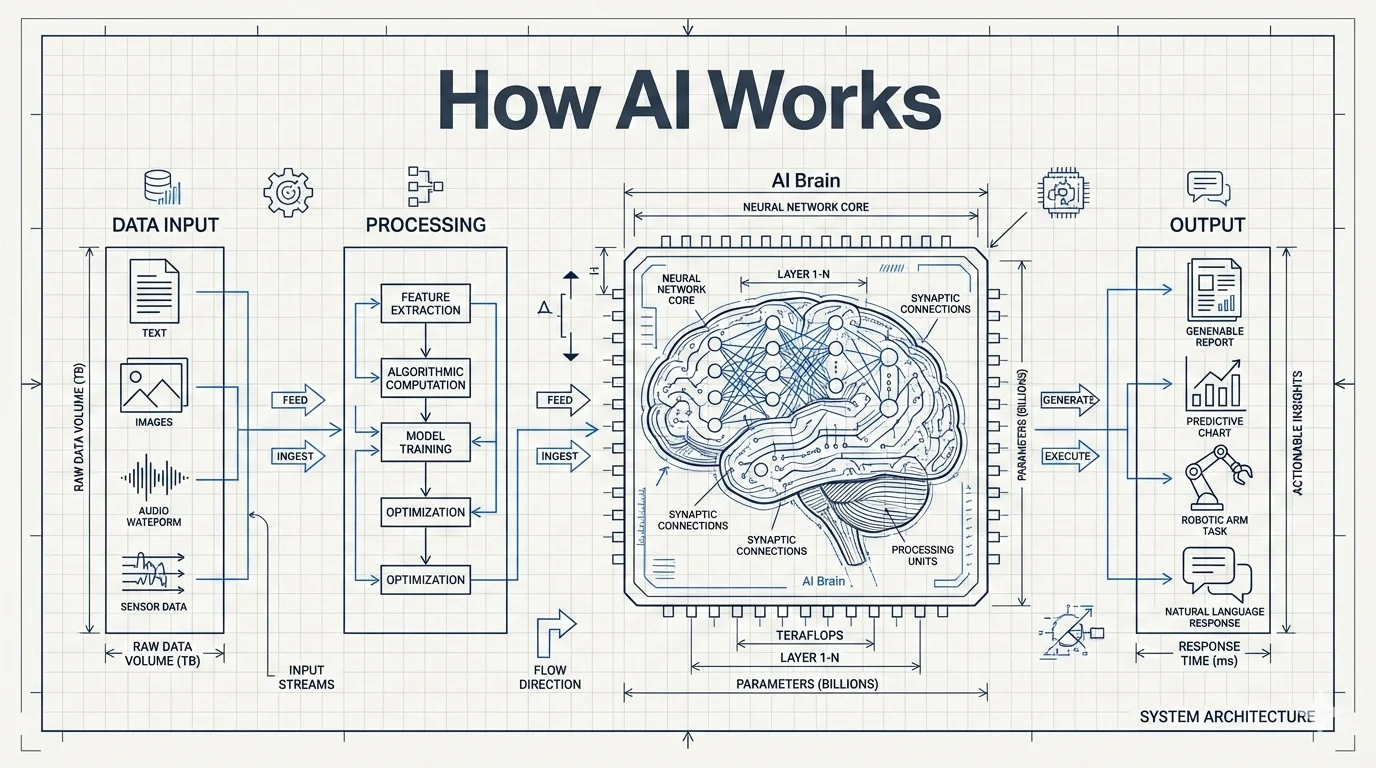 |  |  |
| blueprint | chalkboard | bold-editorial |
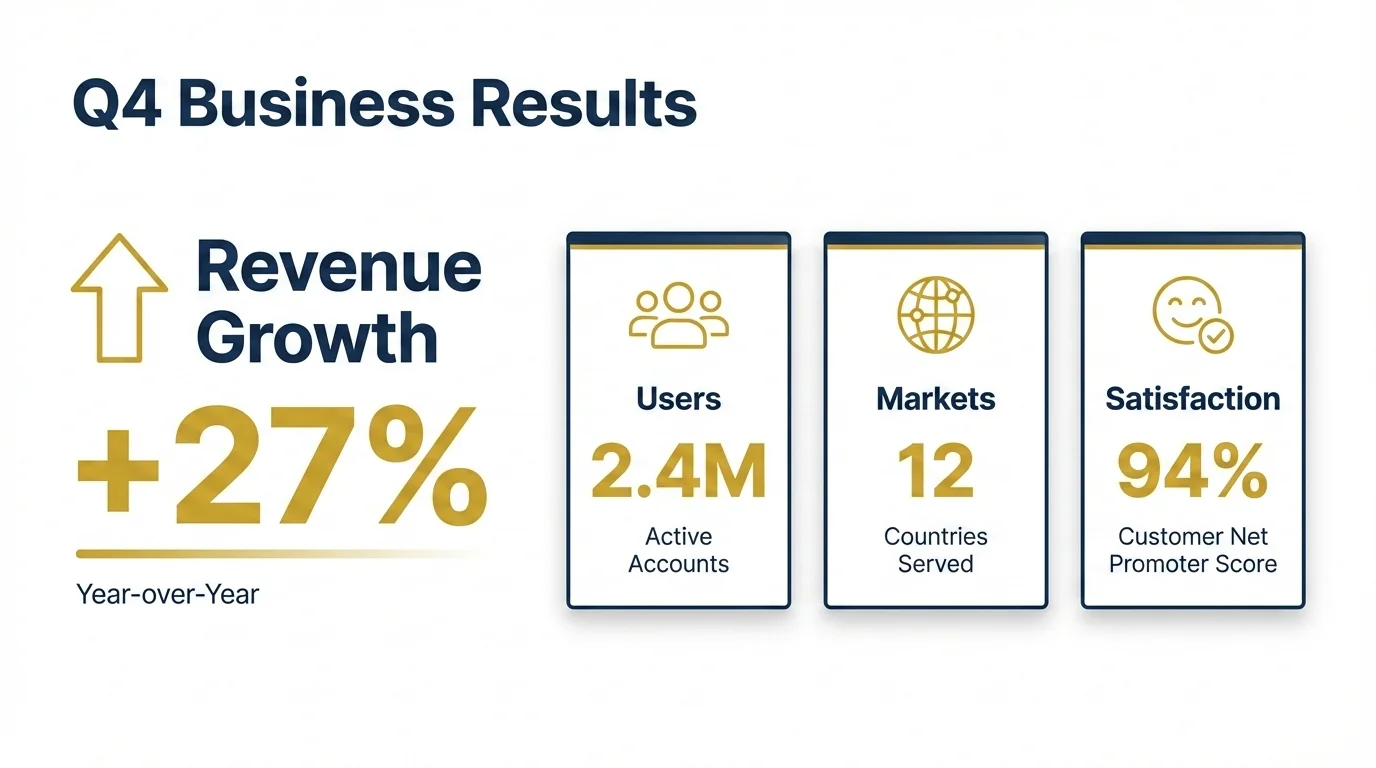 | 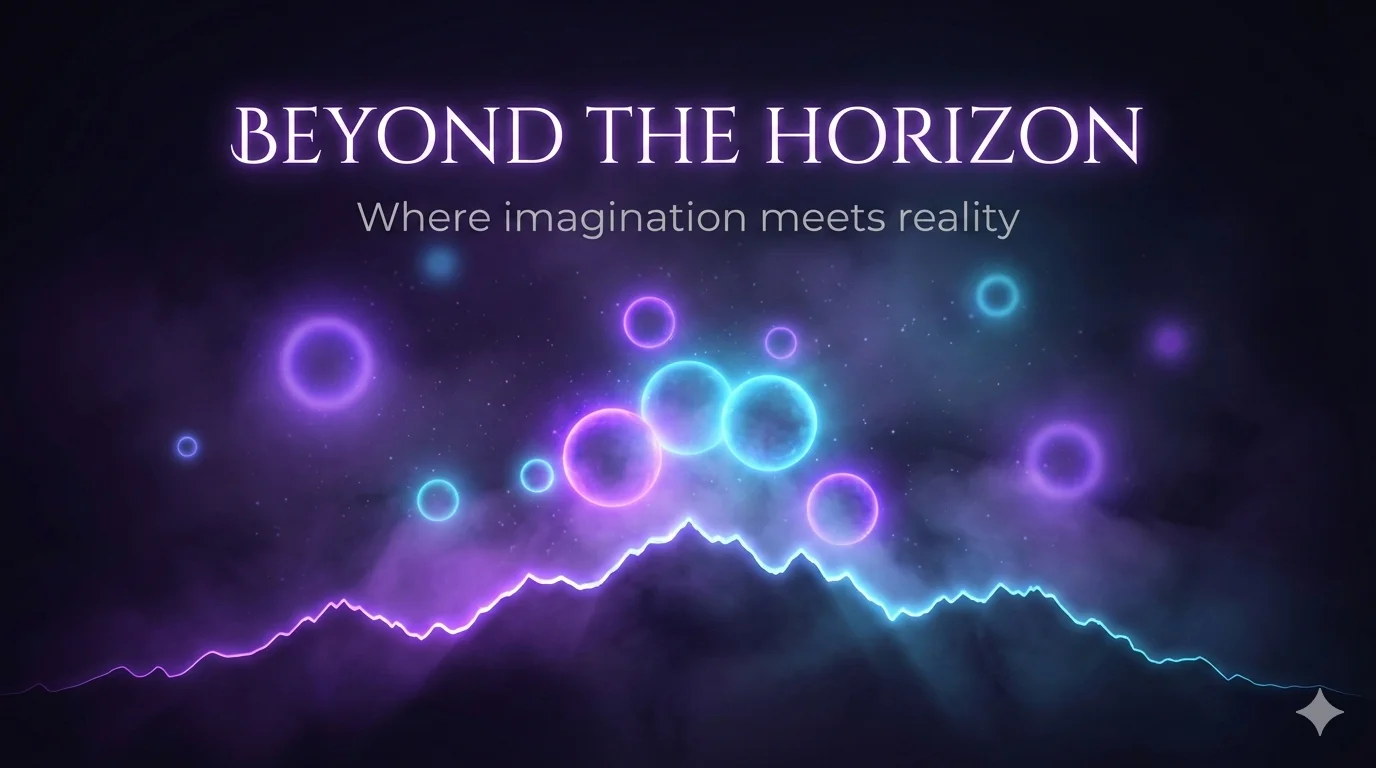 | 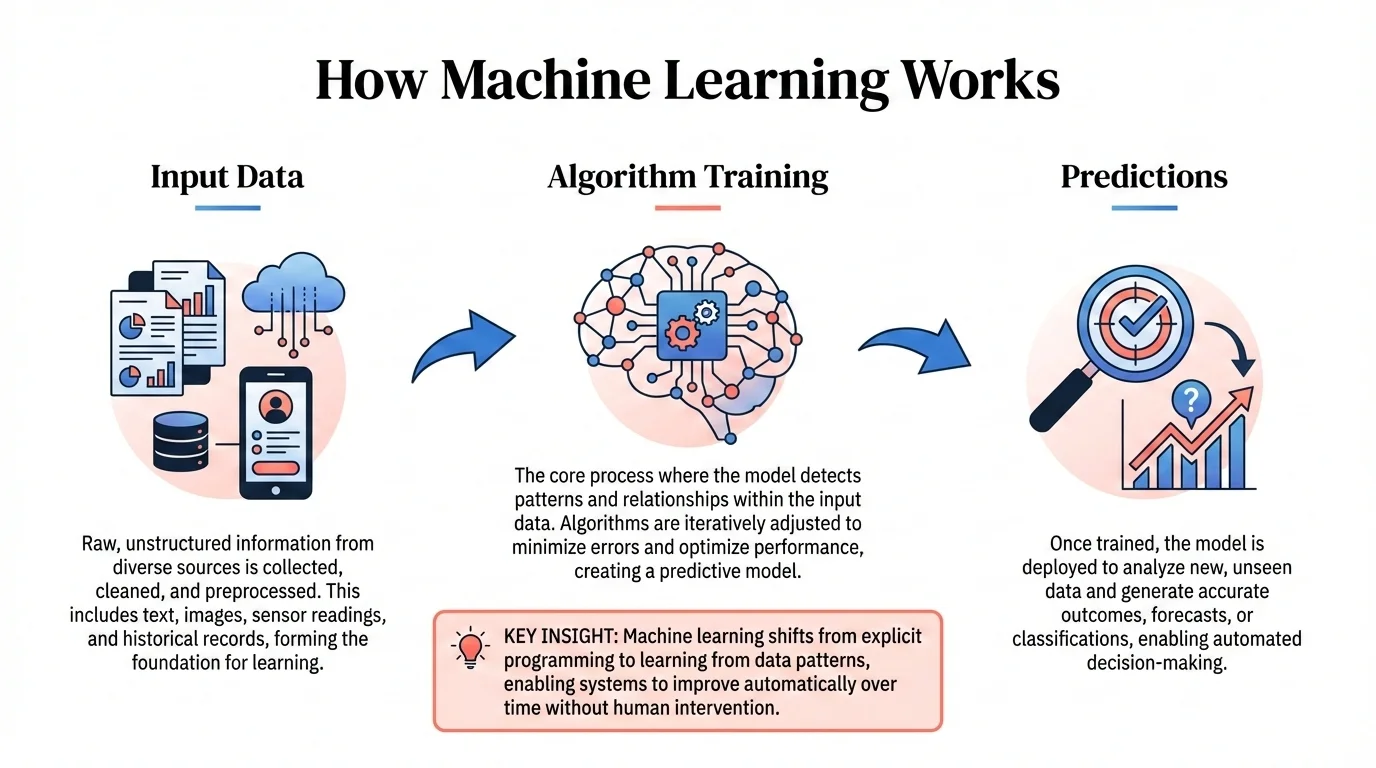 |
| corporate | dark-atmospheric | editorial-infographic |
 | 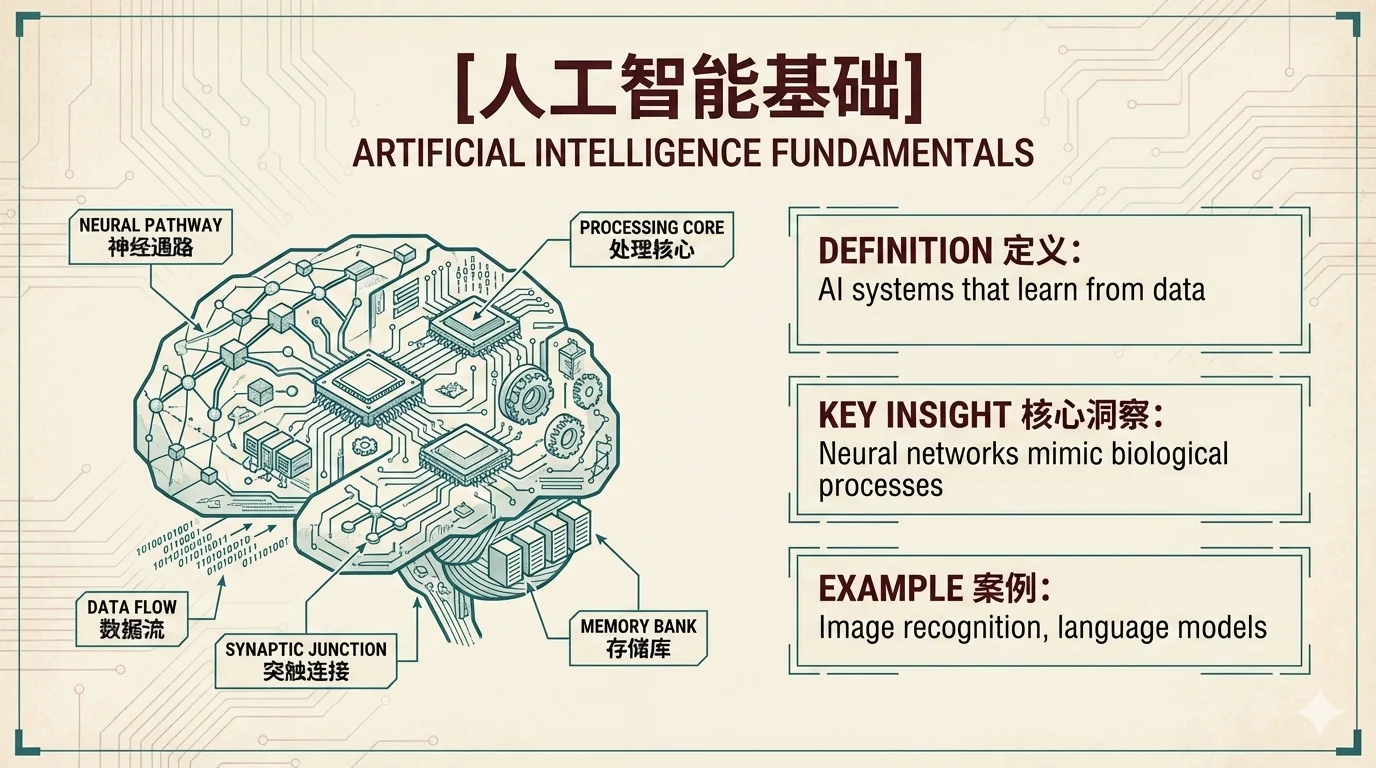 |  |
| fantasy-animation | intuition-machine | minimal |
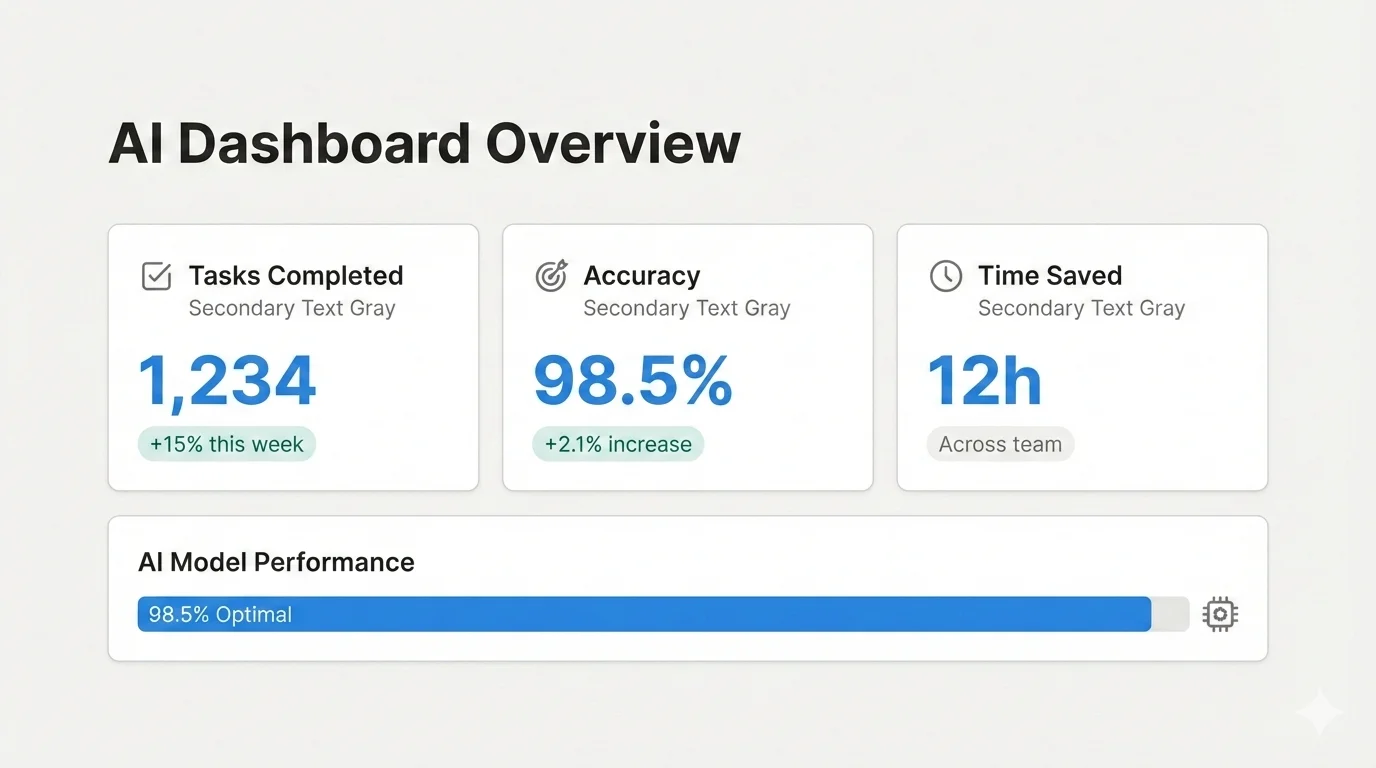 |  | 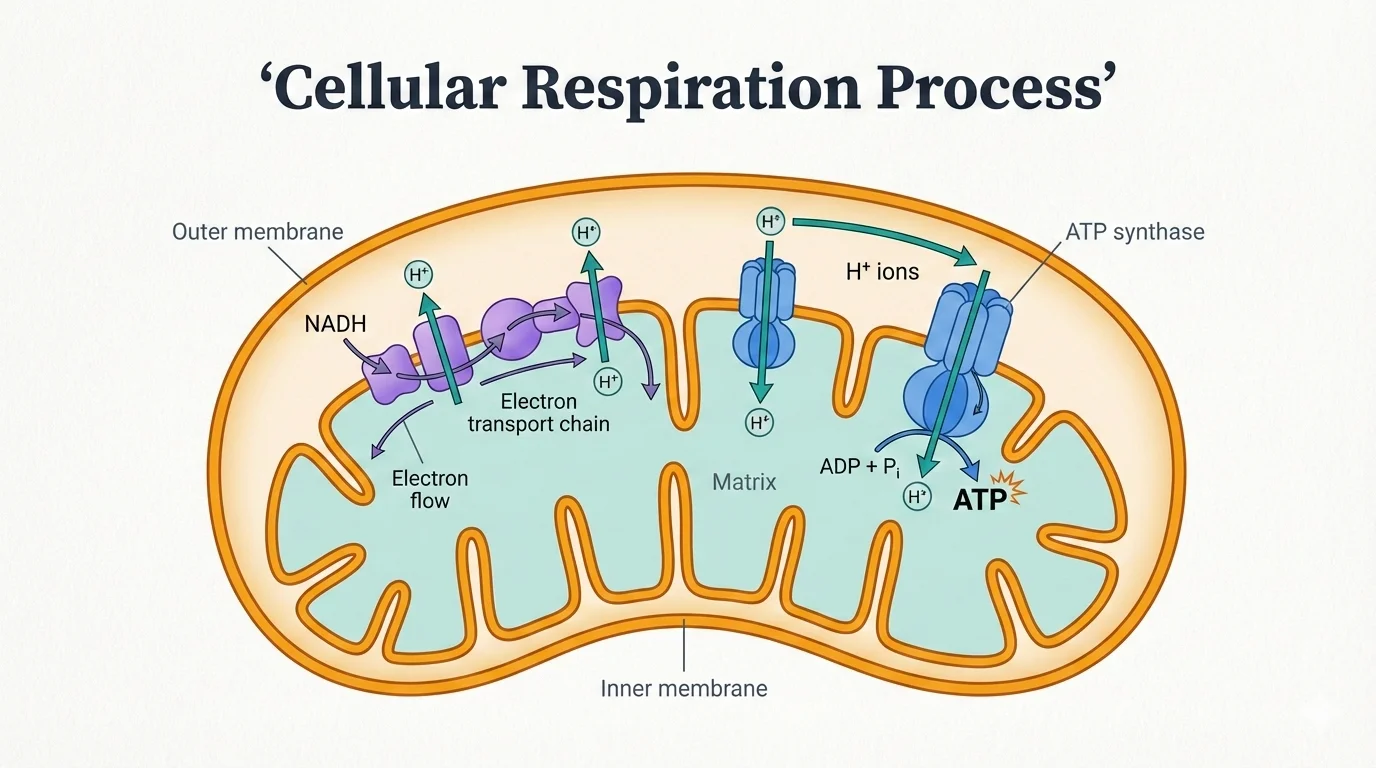 |
| notion | pixel-art | scientific |
 |  | 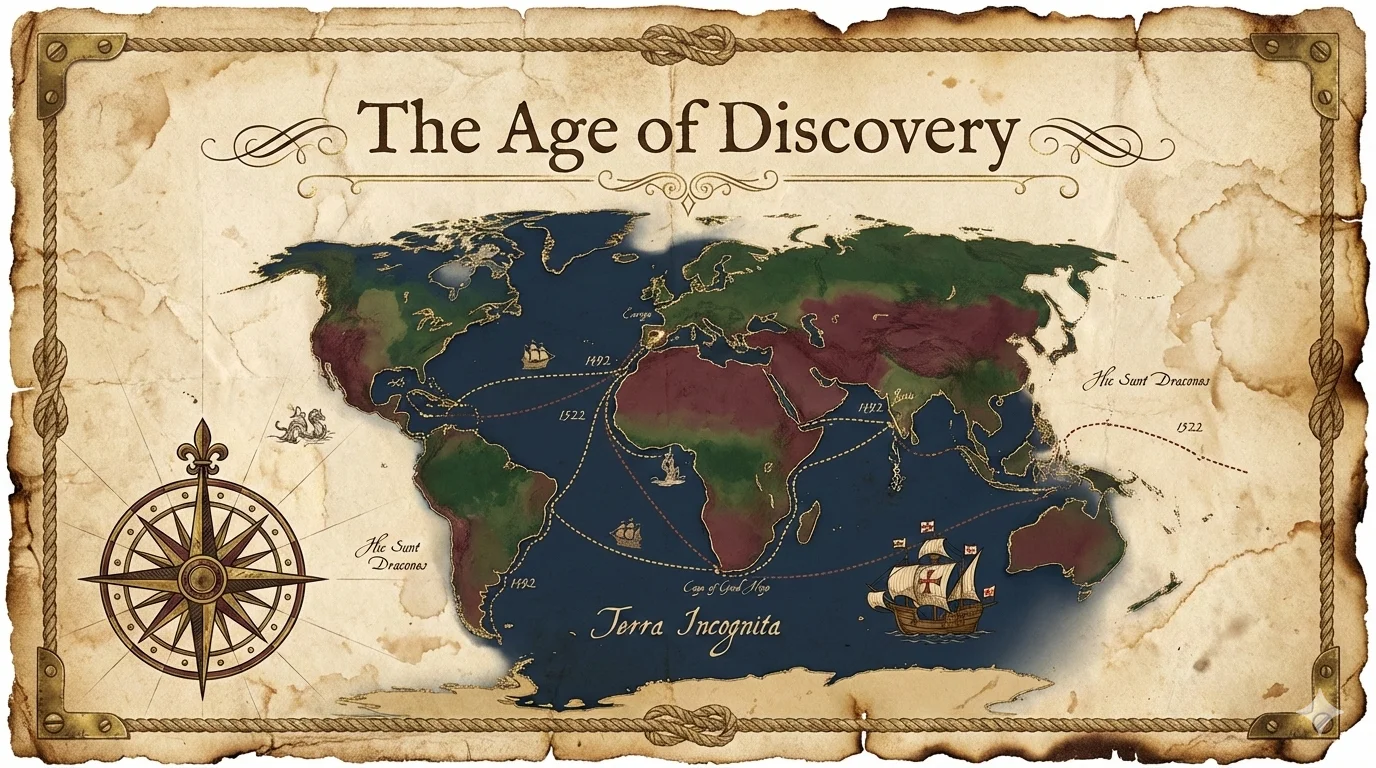 |
| sketch-notes | vector-illustration | vintage |
 | ||
| watercolor |
生成完成后,所有幻灯片会自动合并为 .pptx 和 .pdf 文件,方便分享。
baoyu-comic
知识漫画创作器,支持画风 × 基调灵活组合。创作带有详细分镜布局的原创教育漫画,逐页生成图片。
# 从素材文件生成(自动选择画风 + 基调)
/baoyu-comic posts/turing-story/source.md

# 指定画风和基调
/baoyu-comic posts/turing-story/source.md --art manga --tone warm
/baoyu-comic posts/turing-story/source.md --art ink-brush --tone dramatic

# 使用预设(包含特殊规则)
/baoyu-comic posts/turing-story/source.md --style ohmsha
/baoyu-comic posts/turing-story/source.md --style wuxia

# 指定布局和比例
/baoyu-comic posts/turing-story/source.md --layout cinematic
/baoyu-comic posts/turing-story/source.md --aspect 16:9

# 指定语言
/baoyu-comic posts/turing-story/source.md --lang zh

# 直接输入内容
/baoyu-comic "图灵的故事与计算机科学的诞生"选项: | 选项 | 取值 | |------|------| | --art | ligne-claire(默认)、manga、realistic、ink-brush、chalk | | --tone | neutral(默认)、warm、dramatic、romantic、energetic、vintage、action | | --style | ohmsha、wuxia、shoujo(预设,含特殊规则) | | --layout | standard(默认)、cinematic、dense、splash、mixed、webtoon | | --aspect | 3:4(默认,竖版)、4:3(横版)、16:9(宽屏) | | --lang | auto(默认)、zh、en、ja 等 |
画风(渲染技法):
| 画风 | 描述 |
|---|---|
ligne-claire | 统一线条、平涂色彩,欧洲漫画传统(丁丁、Logicomix) |
manga | 大眼睛、日漫风格、表情丰富 |
realistic | 数字绘画、写实比例、精致细腻 |
ink-brush | 中国水墨笔触、水墨晕染效果 |
chalk | 黑板粉笔风格、手绘温暖感 |
基调(氛围/情绪):
| 基调 | 描述 |
|---|---|
neutral | 平衡、理性、教育性 |
warm | 怀旧、个人化、温馨 |
dramatic | 高对比、紧张、有力 |
romantic | 柔和、唯美、装饰性元素 |
energetic | 明亮、动感、活力 |
vintage | 历史感、做旧、时代真实性 |
action | 速度线、冲击效果、战斗 |
预设(画风 + 基调 + 特殊规则):
| 预设 | 等价于 | 特殊规则 |
|---|---|---|
ohmsha | manga + neutral | 视觉比喻、禁止大头对话、道具揭秘 |
wuxia | ink-brush + action | 气功特效、战斗视觉、氛围元素 |
shoujo | manga + romantic | 装饰元素、眼睛细节、浪漫情节 |
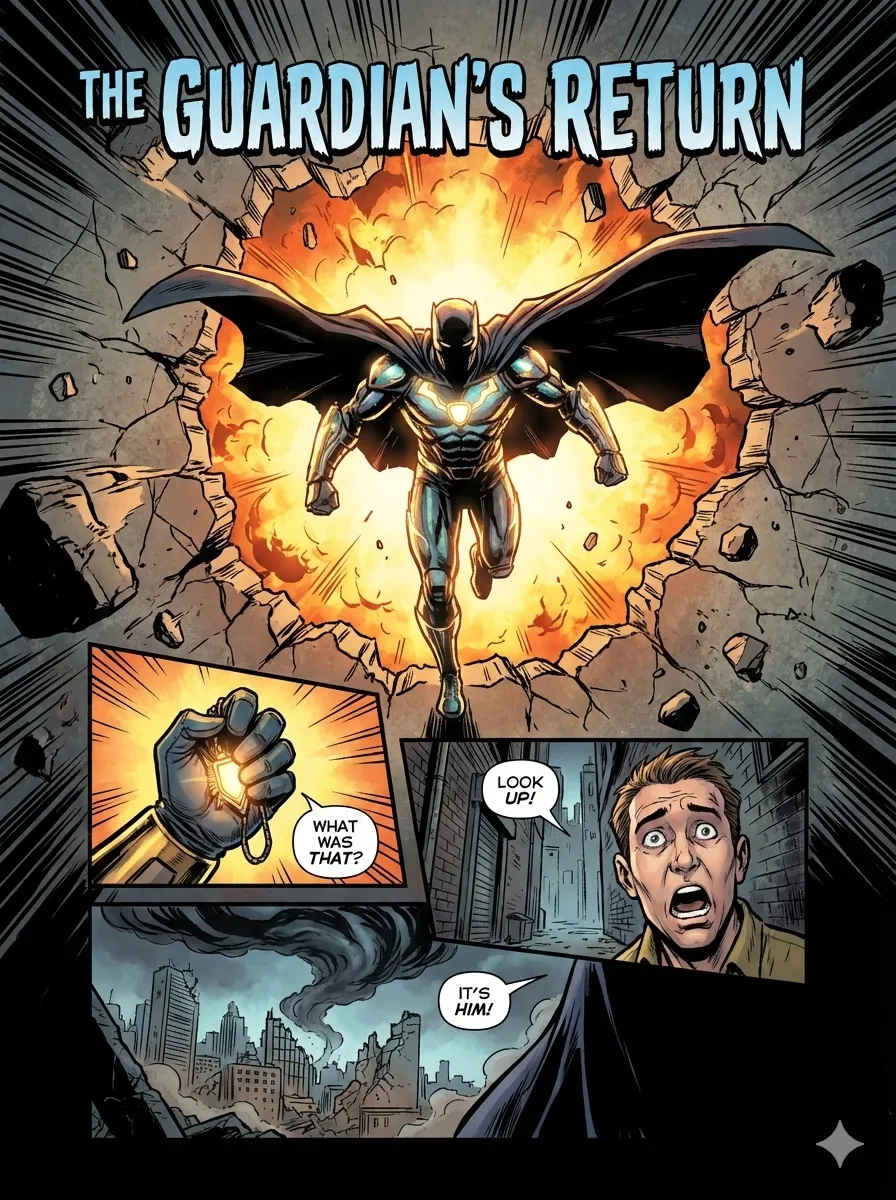
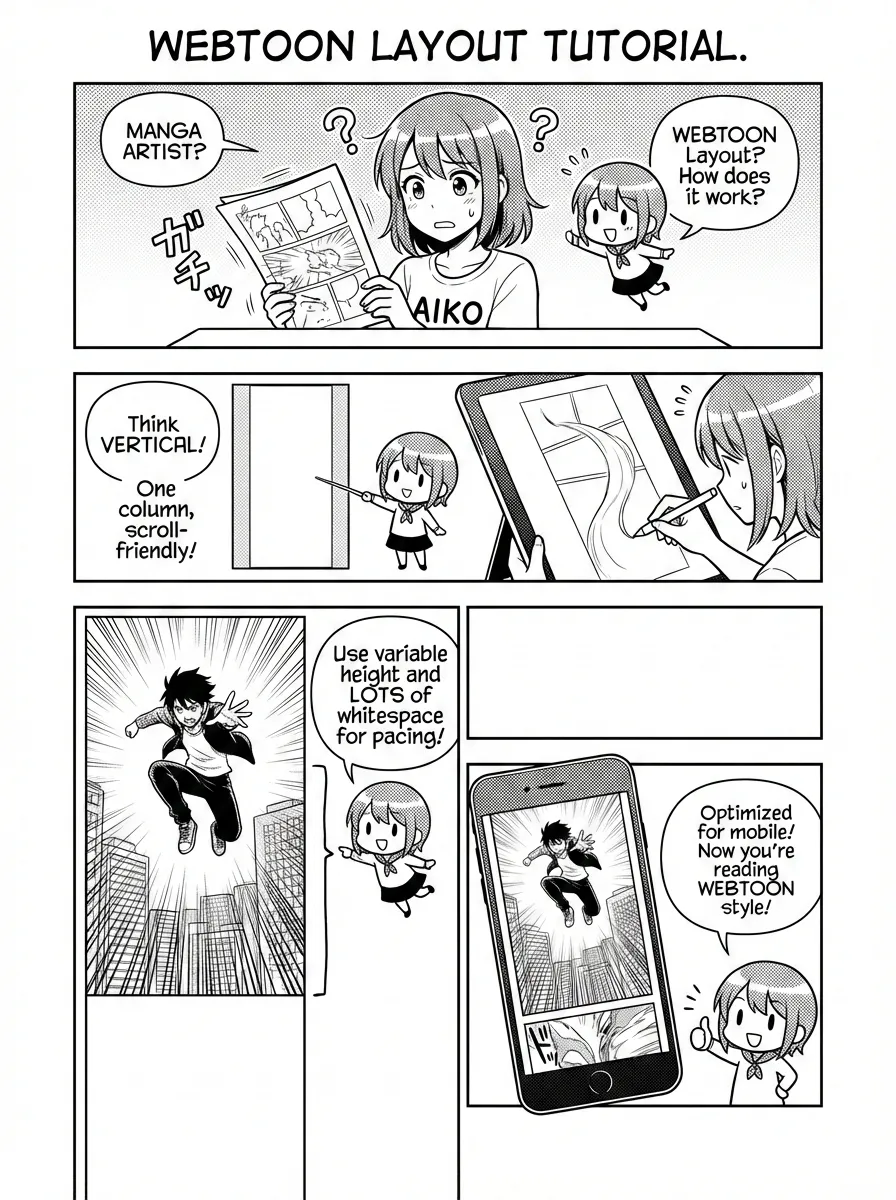
布局(分镜排列): | 布局 | 每页分镜数 | 适用场景 | |------|-----------|----------| | standard | 4-6 | 对话、叙事推进 | | cinematic | 2-4 | 戏剧性时刻、建立镜头 | | dense | 6-9 | 技术说明、时间线 | | splash | 1-2 大图 | 关键时刻、揭示 | | mixed | 3-7 不等 | 复杂叙事、情感弧线 | | webtoon | 3-5 竖向 | 欧姆社教程、手机阅读 |
布局预览:
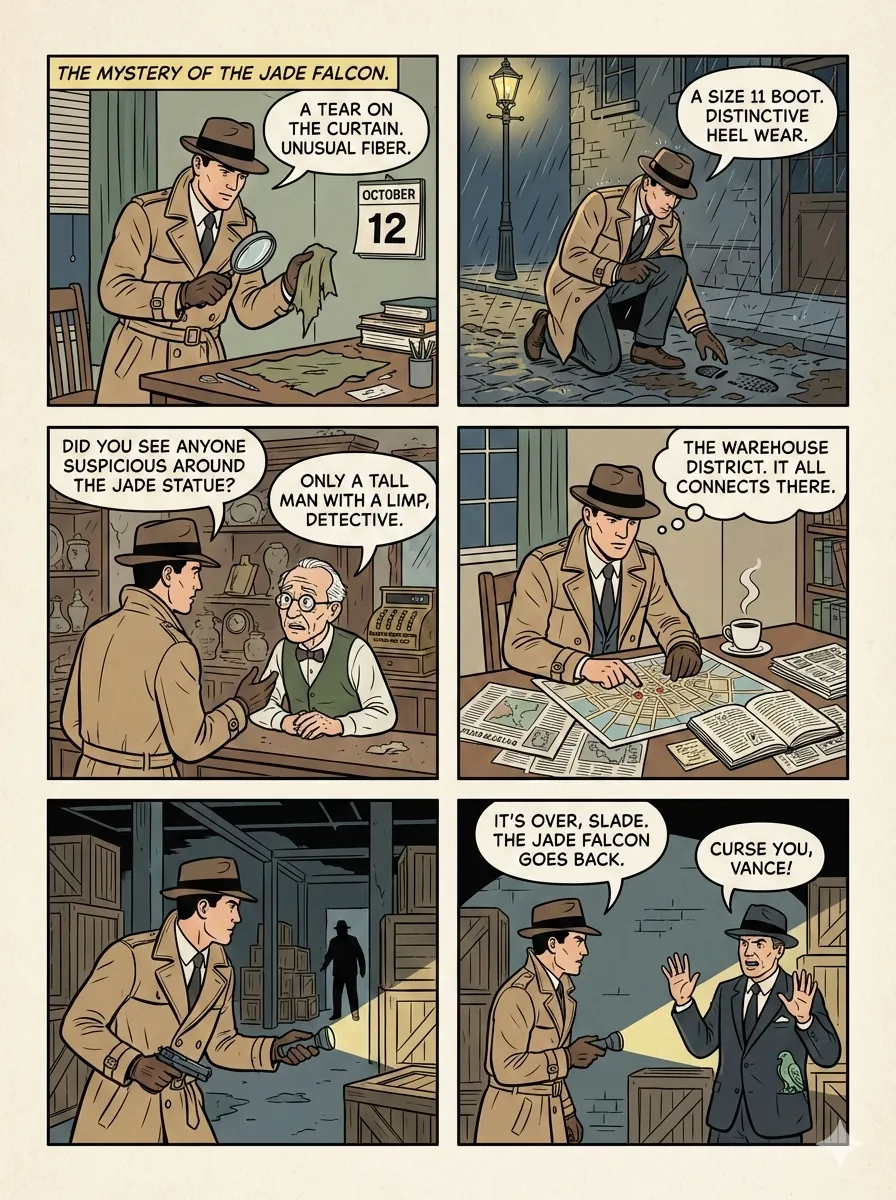 | 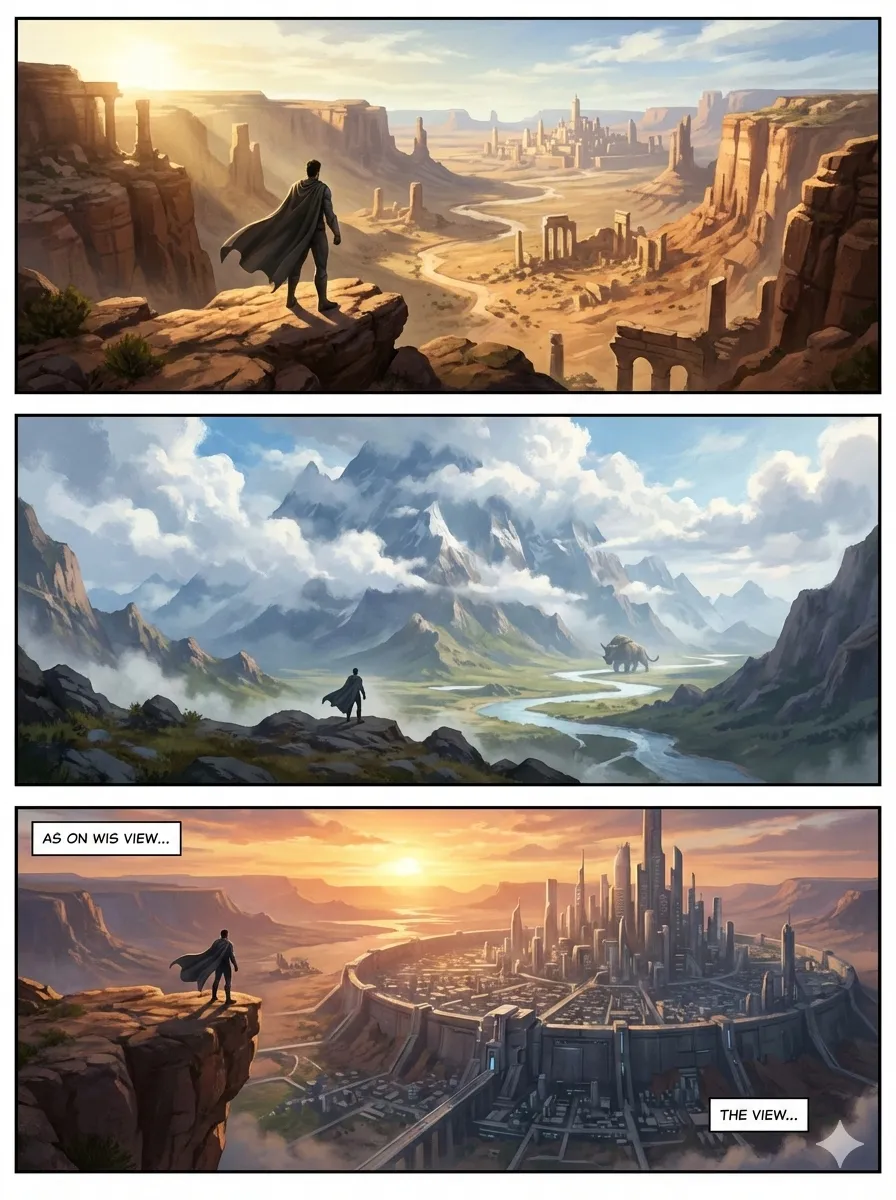 | 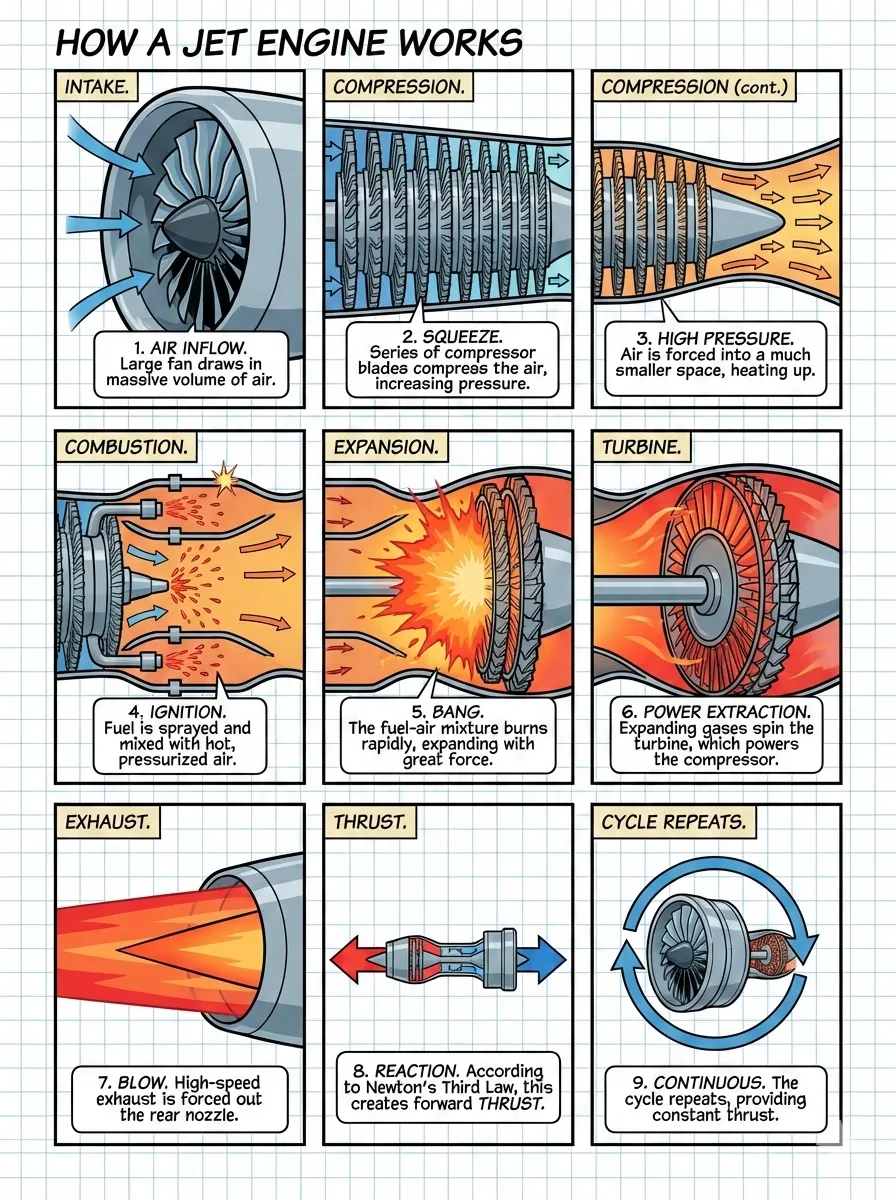 |
| standard | cinematic | dense |
 |  |  |
| splash | mixed | webtoon |
baoyu-article-illustrator
智能文章插图技能,采用类型 × 风格 × 色板三维系统。分析文章结构,识别需要视觉辅助的位置,生成插图。
# 根据内容自动选择类型和风格
/baoyu-article-illustrator path/to/article.md

# 组合类型和风格
/baoyu-article-illustrator path/to/article.md --type flowchart --style notion

# 使用色板覆盖
/baoyu-article-illustrator path/to/article.md --style vector-illustration --palette macaron类型(信息结构):
| 类型 | 描述 | 适用场景 |
|---|---|---|
infographic | 数据可视化、图表、指标 | 技术文章、数据分析 |
scene | 氛围插图、情绪渲染 | 叙事、个人故事 |
flowchart | 流程图、步骤可视化 | 教程、工作流 |
comparison | 并排对比、前后对照 | 产品比较 |
framework | 概念图、关系图 | 方法论、架构 |
timeline | 时间线进展 | 历史、项目进度 |
风格(渲染手法):
| 风格 | 描述 | 适用场景 |
|---|---|---|
notion(默认) | 极简手绘线条画 | 知识分享、SaaS、生产力 |
elegant | 精致、优雅 | 商业、思想领导力 |
warm | 友好、亲切 | 个人成长、生活方式 |
minimal | 极简、禅意 | 哲学、极简主义 |
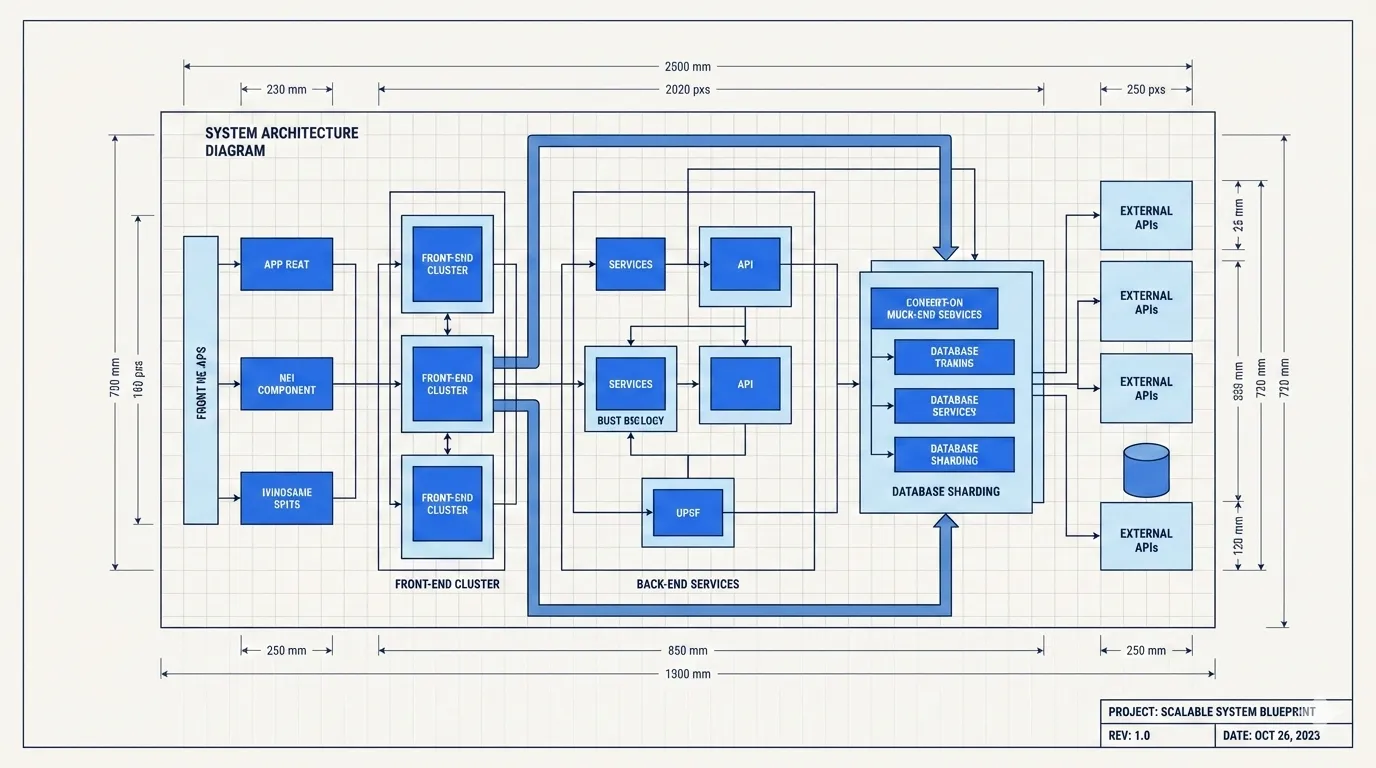
blueprint | 技术蓝图 | 架构、系统设计 |
watercolor | 柔和艺术感、自然温暖 | 生活方式、旅行、创意 |
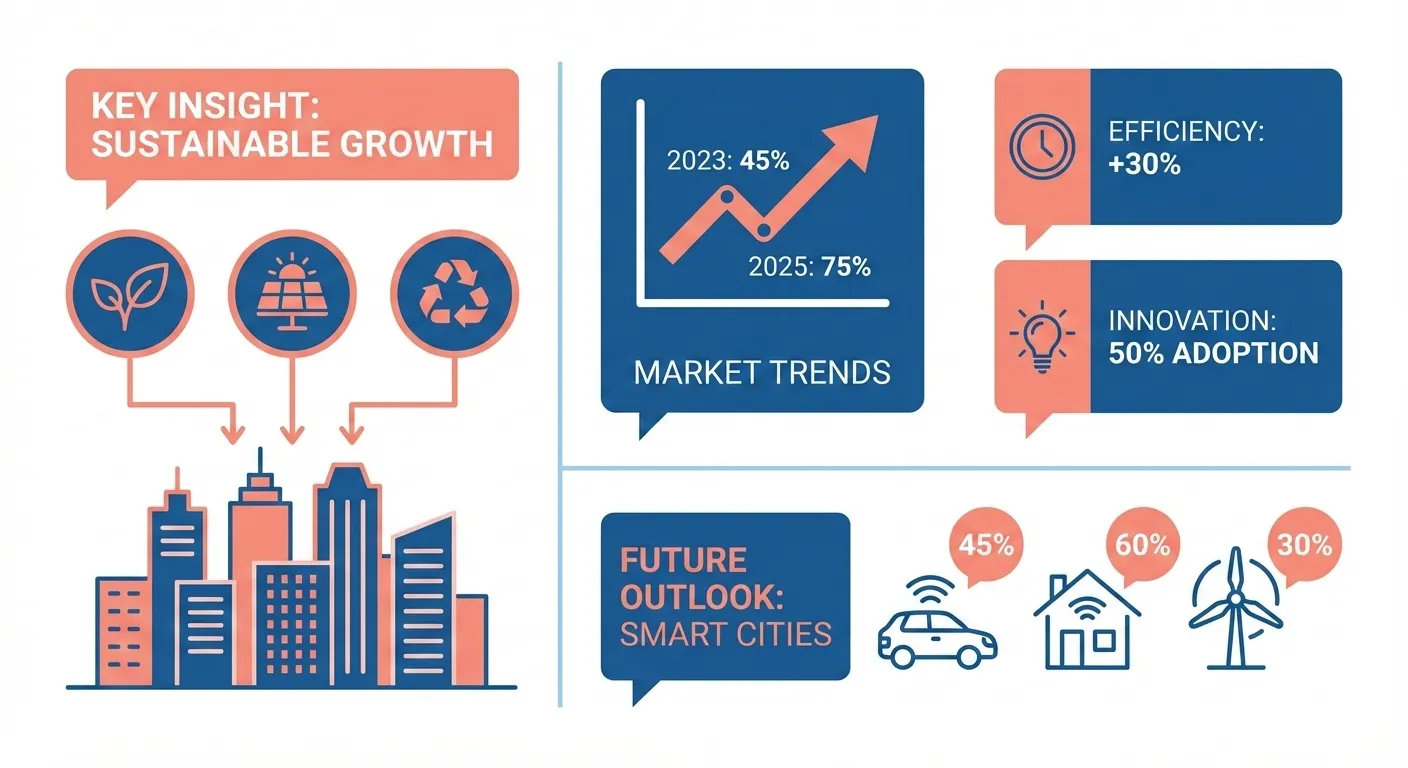
editorial | 杂志风格信息图 | 科技解说、新闻 |
scientific | 学术精确图表 | 生物、化学、技术 |
色板(可选配色覆盖):
| 色板 | 描述 | 适用场景 |
|---|---|---|
macaron | 马卡龙柔和色块(浅蓝、浅绿、浅紫、浅橙)暖白底 | 教育、知识分享、教程 |
warm | 暖色系(橙、赭石、金)无冷色 | 品牌、产品、生活方式 |
neon | 霓虹色(粉、青、黄)深色底 | 游戏、复古、潮流 |
风格预览:
 |  |  |
| notion | elegant | warm |
 |  |  |
| minimal | blueprint | watercolor |
 |  | |
| editorial | scientific |
baoyu-post-to-x
发布内容和文章到 X (Twitter)。支持带图片的普通帖子和 X 文章(长篇 Markdown)。使用真实 Chrome + CDP 绕过反自动化检测。
纯文本输入默认按普通帖子处理,Markdown 文件默认按 X 文章处理。脚本会将内容填入浏览器,用户需手动检查并发布。
# 发布文字
/baoyu-post-to-x "Hello from AI Agent!"

# 发布带图片
/baoyu-post-to-x "看看这个" --image photo.png

# 发布 X 文章
/baoyu-post-to-x --article path/to/article.md
baoyu-post-to-wechat
发布内容到微信公众号,支持两种模式:
贴图模式 - 多图配短标题和正文:
/baoyu-post-to-wechat 贴图 --markdown article.md --images ./photos/
/baoyu-post-to-wechat 贴图 --markdown article.md --image img1.png --image img2.png --image img3.png
/baoyu-post-to-wechat 贴图 --title "标题" --content "内容" --image img1.png --submit
文章模式 - 完整 markdown/HTML 富文本格式:
/baoyu-post-to-wechat 文章 --markdown article.md
/baoyu-post-to-wechat 文章 --markdown article.md --theme grace
/baoyu-post-to-wechat 文章 --html article.html发布方式:
| 方式 | 速度 | 要求 |
|---|---|---|
| API(推荐) | 快 | API 凭证(本机 IP 在公众号白名单内) |
| 浏览器 | 慢 | Chrome,登录会话 |
| 远程 API | 快 | API 凭证 + 一台 IP 在公众号白名单内、可 SSH 登录的服务器 |
API 配置(更快的发布方式):
# 添加到 .baoyu-skills/.env(项目级)或 ~/.baoyu-skills/.env(用户级)
WECHAT_APP_ID=你的AppID
WECHAT_APP_SECRET=你的AppSecret
获取凭证方法:
- 访问 https://developers.weixin.qq.com/platform/
- 进入:我的业务 → 公众号 → 开发密钥
- 添加开发密钥,复制 AppID 和 AppSecret
- 将你操作的机器 IP 加入白名单
浏览器方式(无需 API 配置):需已安装 Google Chrome,首次运行需扫码登录(登录状态会保存)
远程 API 方式(适用于本机 IP 不在公众号白名单内的情况):通过 SSH SOCKS5 动态端口转发,将对 api.weixin.qq.com 的 HTTPS 调用转发到 IP 在白名单内的服务器上。Markdown 渲染、图片处理、草稿组装仍在本地完成;远端不会落任何文件,AppSecret 不会离开本地进程。仅支持 SSH 密钥认证,且只接受类型化的 remote_publish_* 配置项,不透传任意 ssh 选项。在 EXTEND.md 中配置 remote_publish_host 等字段后,发布时加上 --remote(或将 default_publish_method 设为 remote-api)。
多账号支持:通过 EXTEND.md 管理多个微信公众号:
mkdir -p .baoyu-skills/baoyu-post-to-wechat创建 .baoyu-skills/baoyu-post-to-wechat/EXTEND.md:
# 全局设置(所有账号共享)
default_theme: default
default_color: blue

# 账号列表
accounts:
  - name: 宝玉的技术分享
    alias: baoyu
    default: false
    default_publish_method: api
    default_author: 宝玉
    need_open_comment: 1
    only_fans_can_comment: 0
    app_id: 你的微信 AppID
    app_secret: 你的微信 AppSecret
  - name: AI 工具集
    alias: ai-tools
    default_publish_method: browser
    default_author: AI 工具集
    need_open_comment: 1
only_fans_can_comment: 0| 账号配置情况 | 行为 |
|---|---|
无 accounts 块 | 单账号模式(向后兼容) |
| 1 个账号 | 自动选择,无需提示 |
| 2+ 个账号 | 提示选择,或使用 --account <别名> |
某账号设置 default: true | 预选为默认账号 |
每个账号拥有独立的 Chrome 配置目录,保证浏览器方式下的登录会话互不干扰。API 凭证可在 EXTEND.md 中直接配置,也可通过 .env 文件使用别名前缀的环境变量(如 WECHAT_BAOYU_APP_ID)。
baoyu-post-to-weibo
发布内容到微博。支持文字、图片、视频发布和头条文章(长篇 Markdown)。使用真实 Chrome + CDP 绕过反自动化检测。
普通微博 - 文字 + 图片/视频(最多 18 个文件):
# 发布文字
/baoyu-post-to-weibo "Hello Weibo!"

# 发布带图片
/baoyu-post-to-weibo "看看这个" --image photo.png

# 发布带视频
/baoyu-post-to-weibo "看这个" --video clip.mp4
头条文章 - 长篇 Markdown 文章:
# 发布文章
/baoyu-post-to-weibo --article article.md

# 带封面图
/baoyu-post-to-weibo --article article.md --cover cover.jpg文章选项: | 选项 | 说明 | |------|------| | --cover <path> | 封面图 | | --title <text> | 覆盖标题(最多 32 字) | | --summary <text> | 覆盖摘要(最多 44 字) |
说明:脚本会将内容填入浏览器,用户需手动检查并发布。首次运行需手动登录微博(登录状态会保存)。
AI 生成技能 (AI Generation Skills)
AI 驱动的生成后端。
baoyu-image-gen
基于 AI SDK 的图像生成,支持 OpenAI GPT Image 2、Azure OpenAI、Google、OpenRouter、DashScope(阿里通义万相)、MiniMax、即梦(Jimeng)、豆包(Seedream)和 Replicate API。支持文生图、参考图、宽高比、自定义尺寸、批量生成和质量预设。
# 基础生成(自动检测服务商)
/baoyu-image-gen --prompt "一只可爱的猫" --image cat.png

# 指定宽高比
/baoyu-image-gen --prompt "风景图" --image landscape.png --ar 16:9

# 高质量(2k 分辨率)
/baoyu-image-gen --prompt "横幅图" --image banner.png --quality 2k

# 指定服务商
/baoyu-image-gen --prompt "一只猫" --image cat.png --provider openai --model gpt-image-2

# Azure OpenAI(model 为部署名称)
/baoyu-image-gen --prompt "一只猫" --image cat.png --provider azure --model gpt-image-2

# OpenRouter
/baoyu-image-gen --prompt "一只猫" --image cat.png --provider openrouter

# OpenRouter + 参考图
/baoyu-image-gen --prompt "把它变成蓝色" --image out.png --provider openrouter --model google/gemini-3.1-flash-image --ref source.png

# DashScope(阿里通义万相)
/baoyu-image-gen --prompt "一只可爱的猫" --image cat.png --provider dashscope

# DashScope 自定义尺寸
/baoyu-image-gen --prompt "为咖啡品牌设计一张 21:9 横幅海报,包含清晰中文标题" --image banner.png --provider dashscope --model qwen-image-2.0-pro --size 2048x872

# Z.AI GLM-Image
/baoyu-image-gen --prompt "一张带清晰中文标题的科技海报" --image out.png --provider zai

# MiniMax
/baoyu-image-gen --prompt "A fashion editorial portrait by a bright studio window" --image out.jpg --provider minimax

# MiniMax + 角色参考图
/baoyu-image-gen --prompt "A girl stands by the library window, cinematic lighting" --image out.jpg --provider minimax --model image-01 --ref portrait.png --ar 16:9

# Replicate(默认:google/nano-banana-2)
/baoyu-image-gen --prompt "一只猫" --image cat.png --provider replicate

# Replicate Seedream 4.5
/baoyu-image-gen --prompt "一张影棚人像" --image portrait.png --provider replicate --model bytedance/seedream-4.5 --ar 3:2

# Replicate Wan 2.7 Image Pro
/baoyu-image-gen --prompt "一张概念分镜" --image frame.png --provider replicate --model wan-video/wan-2.7-image-pro --size 2048x1152

# 即梦(Jimeng)
/baoyu-image-gen --prompt "一只可爱的猫" --image cat.png --provider jimeng

# 豆包(Seedream)
/baoyu-image-gen --prompt "一只可爱的猫" --image cat.png --provider seedream

# 带参考图(Google、OpenAI、Azure OpenAI、OpenRouter、Replicate、MiniMax 或 Seedream 5.0/4.5/4.0)
/baoyu-image-gen --prompt "把它变成蓝色" --image out.png --ref source.png

# 批量模式
/baoyu-image-gen --batchfile batch.json --jobs 4 --json选项: | 选项 | 说明 | |------|------| | --prompt, -p | 提示词文本 | | --promptfiles | 从文件读取提示词(多文件拼接) | | --image | 输出图片路径(必需) | | --batchfile | 多图批量生成的 JSON 文件 | | --jobs | 批量模式的并发 worker 数 | | --provider | google、openai、azure、openrouter、dashscope、zai、minimax、jimeng、seedream、replicate 或 agnes | | --model, -m | 模型 ID 或部署名。Azure 使用部署名;OpenRouter 使用完整模型 ID;Z.AI 使用 glm-image;MiniMax 使用 image-01 / image-01-live | | --ar | 宽高比(如 16:9、1:1、4:3) | | --size | 尺寸(如 1024x1024;gpt-image-2 支持最长边不超过 3840px 的有效自定义尺寸) | | --quality | normal 或 2k(默认:2k) | | --imageSize | Google/OpenRouter 使用的 1K、2K、4K | | --imageApiDialect | OpenAI 兼容网关的图像 API 方言(openai-native 或 ratio-metadata) | | --ref | 参考图片(Google、OpenAI、Azure OpenAI、OpenRouter、Replicate 支持的模型家族、MiniMax 或 Seedream 5.0/4.5/4.0) | | --n | 单次请求生成图片数量(replicate 当前只支持 --n 1) | | --json | 输出 JSON 结果 |
环境变量(配置方法见环境配置): | 变量 | 说明 | 默认值 | |------|------|--------| | OPENAI_API_KEY | OpenAI API 密钥 | - | | AZURE_OPENAI_API_KEY | Azure OpenAI API 密钥 | - | | OPENROUTER_API_KEY | OpenRouter API 密钥 | - | | GOOGLE_API_KEY | Google API 密钥 | - | | GEMINI_API_KEY | GOOGLE_API_KEY 的别名 | - | | DASHSCOPE_API_KEY | DashScope API 密钥(阿里云) | - | | ZAI_API_KEY | Z.AI API 密钥 | - | | BIGMODEL_API_KEY | Z.AI API 密钥向后兼容别名 | - | | MINIMAX_API_KEY | MiniMax API 密钥 | - | | REPLICATE_API_TOKEN | Replicate API Token | - | | JIMENG_ACCESS_KEY_ID | 即梦火山引擎 Access Key | - | | JIMENG_SECRET_ACCESS_KEY | 即梦火山引擎 Secret Key | - | | ARK_API_KEY | 豆包火山引擎 ARK API 密钥 | - | | OPENAI_IMAGE_MODEL | OpenAI 模型 | gpt-image-2 | | AZURE_OPENAI_DEPLOYMENT | Azure 默认部署名 | - | | AZURE_OPENAI_IMAGE_MODEL | 兼容旧配置的 Azure 部署/模型别名 | gpt-image-2 | | OPENROUTER_IMAGE_MODEL | OpenRouter 模型 | google/gemini-3.1-flash-image | | GOOGLE_IMAGE_MODEL | Google 模型 | gemini-3-pro-image | | DASHSCOPE_IMAGE_MODEL | DashScope 模型 | qwen-image-2.0-pro | | ZAI_IMAGE_MODEL | Z.AI 模型 | glm-image | | BIGMODEL_IMAGE_MODEL | Z.AI 模型向后兼容别名 | glm-image | | MINIMAX_IMAGE_MODEL | MiniMax 模型 | image-01 | | REPLICATE_IMAGE_MODEL | Replicate 模型 | google/nano-banana-2 | | JIMENG_IMAGE_MODEL | 即梦模型 | jimeng_t2i_v40 | | SEEDREAM_IMAGE_MODEL | 豆包模型 | doubao-seedream-5-0-260128 | | OPENAI_BASE_URL | 自定义 OpenAI 端点 | - | | OPENAI_IMAGE_API_DIALECT | OpenAI 兼容图像 API 方言(openai-native 或 ratio-metadata) | openai-native | | OPENAI_IMAGE_USE_CHAT | OpenAI 改走 /chat/completions | false | | AZURE_OPENAI_BASE_URL | Azure 资源或部署端点 | - | | AZURE_API_VERSION | Azure 图像 API 版本 | 2025-04-01-preview | | OPENROUTER_BASE_URL | 自定义 OpenRouter 端点 | https://openrouter.ai/api/v1 | | OPENROUTER_HTTP_REFERER | OpenRouter 归因用站点 URL | - | | OPENROUTER_TITLE | OpenRouter 归因用应用名 | - | | GOOGLE_BASE_URL | 自定义 Google 端点 | - | | DASHSCOPE_BASE_URL | 自定义 DashScope 端点 | - | | ZAI_BASE_URL | 自定义 Z.AI 端点 | https://api.z.ai/api/paas/v4 | | BIGMODEL_BASE_URL | Z.AI 端点向后兼容别名 | - | | MINIMAX_BASE_URL | 自定义 MiniMax 端点 | https://api.minimaxi.com | | REPLICATE_BASE_URL | 自定义 Replicate 端点 | - | | JIMENG_BASE_URL | 自定义即梦端点 | https://visual.volcengineapi.com | | JIMENG_REGION | 即梦区域 | cn-north-1 | | SEEDREAM_BASE_URL | 自定义豆包端点 | https://ark.cn-beijing.volces.com/api/v3 | | BAOYU_IMAGE_GEN_MAX_WORKERS | 批量模式最大 worker 数 | 10 | | BAOYU_IMAGE_GEN_<PROVIDER>_CONCURRENCY | 覆盖 provider 并发数 | provider 默认值 | | BAOYU_IMAGE_GEN_<PROVIDER>_START_INTERVAL_MS | 覆盖 provider 请求启动间隔 | provider 默认值 |
Provider 说明:
- Azure OpenAI:
--model表示 Azure deployment name,不是底层模型家族名。 - DashScope:
qwen-image-2.0-pro是自定义--size、21:9和中英文排版的推荐默认模型。 - Z.AI:
glm-image适合海报、图表和中英文排版密集的图片生成,暂不支持参考图。 - MiniMax:
image-01支持官方文档里的自定义width/height;image-01-live更偏低延迟,适合配合--ar使用。 - MiniMax 参考图会走
subject_reference,当前能力更偏角色 / 人像一致性。 - 即梦不支持参考图。
- 豆包参考图能力仅适用于 Seedream 5.0 / 4.5 / 4.0,不适用于 Seedream 3.0。
- Replicate 默认模型改为
google/nano-banana-2。baoyu-image-gen目前只对google/nano-banana*、bytedance/seedream-4.5、bytedance/seedream-5-lite、wan-video/wan-2.7-image和wan-video/wan-2.7-image-pro开启本地能力识别与校验。 - Replicate 当前只保存单张输出图,
--n > 1会在本地直接报错,避免多图结果被静默丢弃。 - Replicate 的参数能力按模型家族区分:nano-banana 走
--quality/--ar,Seedream 走校验后的--size/--ar,Wan 走校验后的--size(--ar会先在本地换算成具体尺寸)。
服务商自动选择:
- 如果指定了
--provider→ 使用指定的 - 如果传了
--ref且未指定 provider → 依次尝试 Google、OpenAI、Azure、OpenRouter、Replicate、Seedream、MiniMax,最后是 Agnes - 如果只有一个 API 密钥 → 使用对应服务商
- 如果多个可用 → 默认使用 Google,然后依次为 OpenAI、Azure、OpenRouter、DashScope、Z.AI、MiniMax、Replicate、即梦、豆包、Agnes
baoyu-danger-gemini-web
与 Gemini Web 交互,生成文本和图片。
文本生成:
/baoyu-danger-gemini-web "你好,Gemini"
/baoyu-danger-gemini-web --prompt "解释量子计算"
图片生成:
/baoyu-danger-gemini-web --prompt "一只可爱的猫" --image cat.png
/baoyu-danger-gemini-web --promptfiles system.md content.md --image out.png
工具技能 (Utility Skills)
内容处理工具。
baoyu-youtube-transcript
下载 YouTube 视频字幕/转录文本和封面图片。支持多语言、翻译、章节分段和说话人识别。缓存原始数据以便快速重新格式化。
# 默认:带时间戳的 Markdown
/baoyu-youtube-transcript https://www.youtube.com/watch?v=VIDEO_ID

# 指定语言(按优先级排列)
/baoyu-youtube-transcript https://youtu.be/VIDEO_ID --languages zh,en,ja

# 章节分段 + 说话人识别
/baoyu-youtube-transcript https://youtu.be/VIDEO_ID --chapters --speakers

# SRT 字幕格式
/baoyu-youtube-transcript https://youtu.be/VIDEO_ID --format srt

# 列出可用字幕
/baoyu-youtube-transcript https://youtu.be/VIDEO_ID --list选项: | 选项 | 说明 | 默认值 | |------|------|--------| | <url-or-id> | YouTube URL 或视频 ID | 必填 | | --languages <codes> | 语言代码,逗号分隔 | en | | --format <fmt> | 输出格式:text、srt | text | | --translate <code> | 翻译为指定语言 | | | --chapters | 根据视频描述进行章节分段 | | | --speakers | 说话人识别(需 AI 后处理) | | | --no-timestamps | 禁用时间戳 | | | --list | 列出可用字幕 | | | --refresh | 强制重新获取,忽略缓存 | |
baoyu-url-to-markdown
通过 Chrome CDP 抓取任意 URL 并转换为 Markdown。同时保存渲染后的 HTML 快照,Defuddle 失败时自动回退到旧版提取器。
# 自动模式(默认)- 页面加载后立即抓取
/baoyu-url-to-markdown https://example.com/article

# 等待模式 - 适用于需要登录的页面
/baoyu-url-to-markdown https://example.com/private --wait

# 保存到指定文件
/baoyu-url-to-markdown https://example.com/article -o output.md抓取模式: | 模式 | 说明 | 适用场景 | |------|------|----------| | 自动(默认) | 页面加载后立即抓取 | 公开页面、静态内容 | | 等待(--wait) | 等待用户信号后抓取 | 需登录页面、动态内容 |
选项: | 选项 | 说明 | |------|------| | <url> | 要抓取的 URL | | -o <path> | 输出文件路径 | | --wait | 等待用户信号后抓取 | | --timeout <ms> | 页面加载超时(默认:30000) |
baoyu-danger-x-to-markdown
将 X (Twitter) 内容转换为 markdown 格式。支持推文串和 X 文章。
# 将推文转换为 markdown
/baoyu-danger-x-to-markdown https://x.com/username/status/123456

# 保存到指定文件
/baoyu-danger-x-to-markdown https://x.com/username/status/123456 -o output.md

# JSON 输出
/baoyu-danger-x-to-markdown https://x.com/username/status/123456 --json

# 下载媒体文件(图片/视频)到本地
/baoyu-danger-x-to-markdown https://x.com/username/status/123456 --download-media
支持的 URL:
https://x.com/<user>/status/<id>https://twitter.com/<user>/status/<id>https://x.com/i/article/<id>
身份验证: 使用环境变量(X_AUTH_TOKEN、X_CT0)或 Chrome 登录进行 cookie 认证。
baoyu-compress-image
压缩图片以减小文件大小,同时保持质量。
/baoyu-compress-image path/to/image.png
/baoyu-compress-image path/to/images/ --quality 80
baoyu-format-markdown
格式化纯文本或 Markdown 文件,添加 frontmatter、标题、摘要、层级标题、加粗、列表和代码块。
# 格式化 markdown 文件
/baoyu-format-markdown path/to/article.md

# 格式化指定文件
/baoyu-format-markdown path/to/draft.md工作流程:
- 读取源文件并分析内容结构
- 检查/创建 YAML frontmatter(title、slug、summary、coverImage)
- 处理标题:使用现有标题、提取 H1 或生成候选标题
- 应用格式:层级标题、加粗、列表、代码块、引用
- 保存为
{文件名}-formatted.md - 运行排版脚本:半角引号→全角引号、中英文空格、autocorrect
Frontmatter 字段: | 字段 | 处理方式 | |------|----------| | title | 使用现有、提取 H1 或生成候选 | | slug | 从文件路径推断或根据标题生成 | | summary | 生成吸引人的摘要(100-150 字) | | coverImage | 检查同目录下 imgs/cover.png |
格式化规则: | 元素 | 格式 | |------|------| | 标题 | #、##、### 层级 | | 重点内容 | **加粗** | | 并列要点 | - 无序列表或 1. 有序列表 | | 代码/命令 | ` 行内 或 ``代码块` | | 引用 | > 引用块 |
baoyu-markdown-to-html
将 Markdown 文件转换为样式化 HTML,支持微信公众号兼容主题、代码高亮,以及可选的外链底部引用。
# 基础转换
/baoyu-markdown-to-html article.md

# 主题 + 颜色
/baoyu-markdown-to-html article.md --theme grace --color red

# 将普通外链转换为文末引用
/baoyu-markdown-to-html article.md --cite
baoyu-translate
三模式翻译技能:快速(直接翻译)、标准(分析后翻译)、精翻(完整出版级工作流,含审校与润色)。
# 标准模式(默认)- 先分析再翻译
/translate article.md --to zh-CN

# 快速模式 - 直接翻译
/translate article.md --mode quick --to ja

# 精翻模式 - 完整工作流,含审校与润色
/translate article.md --mode refined --to zh-CN

# 翻译 URL
/translate https://example.com/article --to zh-CN

# 指定受众
/translate article.md --to zh-CN --audience technical

# 指定风格
/translate article.md --to zh-CN --style humorous

# 附加术语表
/translate article.md --to zh-CN --glossary my-terms.md选项: | 选项 | 说明 | |------|------| | <source> | 文件路径、URL 或行内文本 | | --mode <mode> | quick、normal(默认)、refined | | --from <lang> | 源语言(省略则自动检测) | | --to <lang> | 目标语言(默认:zh-CN) | | --audience <type> | 目标读者(默认:general) | | --style <style> | 翻译风格(默认:storytelling) | | --glossary <file> | 附加术语表文件 |
模式: | 模式 | 步骤 | 适用场景 | |------|------|----------| | 快速 | 翻译 | 短文本、非正式内容 | | 标准 | 分析 → 翻译 | 文章、博客 | | 精翻 | 分析 → 翻译 → 审校 → 润色 | 出版级文档 |
标准模式完成后,可回复「继续润色」或「refine」继续审校润色步骤。
受众预设: | 值 | 说明 | |----|------| | general | 普通读者(默认)— 通俗语言,更多译注 | | technical | 开发者/工程师 — 常见技术术语少加注释 | | academic | 研究者/学者 — 正式语体,精确术语 | | business | 商务人士 — 商务友好语气 |
也支持自定义受众描述,如 --audience "对 AI 感兴趣的普通读者"。
风格预设: | 值 | 说明 | |----|------| | storytelling | 叙事流畅(默认)— 过渡自然,表达生动 | | formal | 正式、结构化 — 中性语气,无口语化表达 | | technical | 精确、文档风格 — 简洁,术语密集 | | literal | 贴近原文结构 — 最小化重构 | | academic | 学术、严谨 — 正式语体,复杂从句可接受 | | business | 简洁、结果导向 — 行动导向,高管友好 | | humorous | 保留幽默感 — 诙谐,在目标语言中重现喜剧效果 | | conversational | 口语化、亲切 — 友好,如同朋友间解释 | | elegant | 文学性、优雅 — 精心雕琢,注重韵律美感 |
也支持自定义风格描述,如 --style "诗意而抒情"。
特性:
- 通过 EXTEND.md 自定义术语表,内置英中术语表
- 面向受众的翻译,可调节注释深度
- 长文档(4000+ 词)自动分块并行翻译
- 比喻和修辞按意译而非逐字翻译
- 为文化/专业术语添加译注
- 输出目录保留所有中间文件
baoyu-wechat-summary
微信群聊精华提取。使用 wx-cli 从群消息中提取话题、引言和统计数据,生成结构化简报。支持跨次运行的群聊历史、群友画像和群级事实记忆维护,可生成正常版和毒舌版,并在简报中回应群里向 @bot 提出的问题。
# 总结群最近消息
/baoyu-wechat-summary 相亲相爱一家人 最近 1 天

# 周报
/baoyu-wechat-summary AI 技术群 最近 7 天

# 增量模式(从上次摘要继续)
/baoyu-wechat-summary 相亲相爱一家人

# 毒舌版
/baoyu-wechat-summary 相亲相爱一家人 最近 3 天 毒舌版前置要求:
- 安装 wx-cli(
npm install -g @jackwener/wx-cli) - macOS 上运行并登录 WeChat 4.x
特性:
- 话题提取,带归属和引言
- 发言排行榜和群友画像
- 群级事实记忆:群友指正过的事实跨期生效(内置防注入规则)
- 增量模式(从上次摘要断点继续)
- 大批量消息自动按天分割
- 正常版和毒舌版两种风格
- 支持从历史摘要回溯初始化画像
baoyu-electron-extract
从任意已安装的 Electron 应用的 app.asar 中提取资源和 JavaScript。当 .js.map 内嵌 sourcesContent 时,还原原始源码树(含 TypeScript/JSX);否则用 Prettier 原地美化压缩后的 JS/CSS。始终跳过 node_modules。支持 macOS 和 Windows,其他平台请用 --asar <path> 指定 asar 文件。
# 按应用名提取(默认输出:~/Downloads/<AppName>-electron-extract/)
/baoyu-electron-extract Codex

# 按绝对路径提取(.app 包、安装目录或 .asar 文件均可)
/baoyu-electron-extract "/Applications/Visual Studio Code.app"
/baoyu-electron-extract --asar /Applications/Codex.app/Contents/Resources/app.asar Codex

# 自定义输出目录
/baoyu-electron-extract Codex --output ~/work/codex-source

# 仅预览发现的路径,不写入任何文件
/baoyu-electron-extract Codex --dry-run

# 覆盖已存在的输出目录
/baoyu-electron-extract Codex --force选项: | 选项 | 说明 | 默认值 | |------|------|--------| | <app> | 应用名或绝对路径(未给 --asar 时必填) | — | | --output, -o | 输出目录 | ~/Downloads/<AppName>-electron-extract | | --asar | 覆盖解析得到的 .asar 路径 | 自动发现 | | --force, -f | 允许写入非空的已有输出目录 | false | | --skip-format | 跳过 Prettier 格式化 | false | | --skip-restore | 跳过 source-map 还原 | false | | --no-unpacked | 不复制同级的 app.asar.unpacked/ | false | | --dry-run | 打印解析路径后退出,不写文件 | false | | --json | 在 stdout 输出一行 JSON 概要 | false |
输出结构:extract-report.json(计数、警告、路径),extracted/(asar 原始内容,无 map 时原地美化),extracted.unpacked/(存在时复制的原生模块),以及 restored/(基于 .js.map 重建的源码树)。
环境配置
部分技能需要 API 密钥或自定义配置。环境变量可以在 .env 文件中设置:
加载优先级(高优先级覆盖低优先级):
- 命令行环境变量(如
OPENAI_API_KEY=xxx /baoyu-image-gen ...) process.env(系统环境变量)<cwd>/.baoyu-skills/.env(项目级)~/.baoyu-skills/.env(用户级)
配置方法:
# 创建用户级配置目录
mkdir -p ~/.baoyu-skills

# 创建 .env 文件
cat > ~/.baoyu-skills/.env << 'EOF'
# OpenAI
OPENAI_API_KEY=sk-xxx
OPENAI_IMAGE_MODEL=gpt-image-2
# OPENAI_BASE_URL=https://api.openai.com/v1
# OPENAI_IMAGE_USE_CHAT=false

# Azure OpenAI
AZURE_OPENAI_API_KEY=xxx
AZURE_OPENAI_BASE_URL=https://your-resource.openai.azure.com
AZURE_OPENAI_DEPLOYMENT=gpt-image-2
# AZURE_API_VERSION=2025-04-01-preview

# OpenRouter
OPENROUTER_API_KEY=sk-or-xxx
OPENROUTER_IMAGE_MODEL=google/gemini-3.1-flash-image
# OPENROUTER_BASE_URL=https://openrouter.ai/api/v1
# OPENROUTER_HTTP_REFERER=https://your-app.example.com
# OPENROUTER_TITLE=你的应用名

# Google
GOOGLE_API_KEY=xxx
GOOGLE_IMAGE_MODEL=gemini-3-pro-image
# GOOGLE_BASE_URL=https://generativelanguage.googleapis.com/v1beta

# DashScope(阿里通义万相)
DASHSCOPE_API_KEY=sk-xxx
DASHSCOPE_IMAGE_MODEL=qwen-image-2.0-pro
# DASHSCOPE_BASE_URL=https://dashscope.aliyuncs.com/api/v1

# Z.AI
ZAI_API_KEY=xxx
ZAI_IMAGE_MODEL=glm-image
# ZAI_BASE_URL=https://api.z.ai/api/paas/v4

# MiniMax
MINIMAX_API_KEY=xxx
MINIMAX_IMAGE_MODEL=image-01
# MINIMAX_BASE_URL=https://api.minimaxi.com

# Replicate
REPLICATE_API_TOKEN=r8_xxx
REPLICATE_IMAGE_MODEL=google/nano-banana-2
# REPLICATE_BASE_URL=https://api.replicate.com

# 即梦(Jimeng)
JIMENG_ACCESS_KEY_ID=xxx
JIMENG_SECRET_ACCESS_KEY=xxx
JIMENG_IMAGE_MODEL=jimeng_t2i_v40
# JIMENG_BASE_URL=https://visual.volcengineapi.com
# JIMENG_REGION=cn-north-1

# 豆包(Seedream)
ARK_API_KEY=xxx
SEEDREAM_IMAGE_MODEL=doubao-seedream-5-0-260128
# SEEDREAM_BASE_URL=https://ark.cn-beijing.volces.com/api/v3
EOF项目级配置(团队共享):
mkdir -p .baoyu-skills
# 将 .baoyu-skills/.env 添加到 .gitignore 避免提交密钥
echo ".baoyu-skills/.env" >> .gitignore
自定义扩展
所有技能支持通过 EXTEND.md 文件自定义。创建扩展文件可覆盖默认样式、添加自定义配置或定义个人预设。
扩展路径(按优先级检查):
.baoyu-skills/<skill-name>/EXTEND.md- 项目级(团队/项目特定设置)~/.baoyu-skills/<skill-name>/EXTEND.md- 用户级(个人偏好设置)
示例:为 baoyu-cover-image 自定义品牌配色:
mkdir -p .baoyu-skills/baoyu-cover-image然后创建 .baoyu-skills/baoyu-cover-image/EXTEND.md:
## 自定义配色

### corporate-tech
- 主色:#1a73e8、#4A90D9
- 背景色:#F5F7FA
- 强调色:#00B4D8、#48CAE4
- 装饰提示:简洁线条、渐变效果
- 适用于:SaaS、企业、技术内容
扩展内容会在技能执行前加载,并覆盖默认设置。
免责声明
baoyu-danger-gemini-web
此技能使用 Gemini Web API(逆向工程)。
警告: 本项目通过浏览器 cookies 使用非官方 API。使用风险自负。
- 首次运行会打开浏览器进行 Google 身份验证
- Cookies 会被缓存供后续使用
- 不保证 API 的稳定性或可用性
支持的浏览器(自动检测):Google Chrome、Chrome Canary/Beta、Chromium、Microsoft Edge
代理配置:如果需要通过代理访问 Google 服务(如中国大陆用户),请在命令前设置环境变量:
HTTP_PROXY=http://127.0.0.1:7890 HTTPS_PROXY=http://127.0.0.1:7890 /baoyu-danger-gemini-web "你好"baoyu-danger-x-to-markdown
此技能使用逆向工程的 X (Twitter) API。
警告: 这不是官方 API。使用风险自负。
- 如果 X 更改其 API,可能会无预警失效
- 如检测到 API 使用,账号可能受限
- 首次使用需确认免责声明
- 通过环境变量或 Chrome 登录进行身份验证
致谢
本项目受到以下开源项目的启发,感谢它们的作者:
- x-article-publisher-skill by @wshuyi — 发布 X 文章技能的灵感来源
- doocs/md by @doocs — Markdown 转 HTML 的核心实现逻辑
- 高密度信息图 Prompt by AJ@WaytoAGI — 信息图技能的灵感来源
- qiaomu-mondo-poster-design by @joeseesun(乔木) — Mondo 风格的灵感来源
- architecture-diagram-generator by @Cocoon-AI — 图表技能设计体系的灵感来源
许可证
除另有说明外,本仓库采用 MIT License 授权。
发布到 ClawHub 的 skill 根据 ClawHub registry 规则以 MIT-0 分发。第三方代码和素材按其注明的原始许可授权。
Star History
baoyu-skills
English | 中文
Skills shared by Baoyu for improving daily work efficiency with AI Agents (Claude Code, Codex, etc.).
Prerequisites
- Node.js environment installed
- Ability to run
npx buncommands
Installation
Tip: This repository contains 20+ skills. Install only the ones you actually need — bulk-installing every skill adds unnecessary context overhead for your AI agent on every run.
Quick Install (Recommended)
npx skills add jimliu/baoyu-skillsCodex Project-Level Install
If you only need a subset of skills in one project, you do not need to install the full plugin. Codex scans .agents/skills inside a project, so copy or symlink each needed skill as a full directory:
<project>/.agents/skills/baoyu-cover-image/SKILL.md
<project>/.agents/skills/baoyu-article-illustrator/SKILL.md
<project>/.agents/skills/baoyu-post-to-wechat/SKILL.md
For a WeChat Official Account article workflow, the usual minimal set is:
baoyu-cover-imagebaoyu-article-illustratorbaoyu-post-to-wechat
You do not need to install baoyu-markdown-to-html separately. baoyu-post-to-wechat already includes the Markdown to WeChat-ready HTML conversion flow. Install baoyu-format-markdown only if you need to first turn raw text or drafts into structured Markdown articles with titles, summaries, headings, bold text, lists, and similar formatting.
Place WeChat API credentials according to the scope you want:
- User-level:
~/.baoyu-skills/.env - Project-level:
<project>/.baoyu-skills/.env
Project-level .env files are useful when credentials should apply only to the current project. Do not commit them to Git.
Publish to ClawHub / OpenClaw
This repository now supports publishing each skills/baoyu-* directory as an individual ClawHub skill.
# Preview what would be published
./scripts/sync-clawhub.sh --dry-run

# Publish all changed skills from ./skills
./scripts/sync-clawhub.sh --all
ClawHub installs skills individually, not as one marketplace bundle. After publishing, users can install specific skills such as:
clawhub install baoyu-image-gen
clawhub install baoyu-markdown-to-html
Publishing to ClawHub releases the published skill under MIT-0, per ClawHub's registry rules.
Register as Plugin Marketplace
Run the following command in the Agent:
/plugin marketplace add JimLiu/baoyu-skillsInstall Skills
Option 1: Via Browse UI
- Select Browse and install plugins
- Select baoyu-skills
- Select the baoyu-skills plugin
- Select Install now
Option 2: Direct Install
# Install the marketplace's single plugin
/plugin install baoyu-skills@baoyu-skills
Option 3: Ask the Agent
Simply tell the Agent:
Please install Skills from github.com/JimLiu/baoyu-skills
Available Plugin
The marketplace now exposes a single plugin so each skill is registered exactly once.
| Plugin | Description | Includes |
|---|---|---|
| baoyu-skills | Content generation, AI backends, and utility tools for daily work efficiency | All skills in this repository, organized below as Content Skills, AI Generation Skills, and Utility Skills |
Update Skills
To update skills to the latest version:
- Run
/pluginin the Agent - Switch to Marketplaces tab (use arrow keys or Tab)
- Select baoyu-skills
- Choose Update marketplace
You can also Enable auto-update to get the latest versions automatically.
Available Skills
Skills are organized into three categories:
Featured Design Skill: baoyu-design
If you want a design-focused Agent Skill, check out JimLiu/baoyu-design. It is a separate project that runs Claude Design locally in Cursor, Claude Code, Codex, Claude Desktop, or any file-capable coding agent, producing polished UI mockups, interactive prototypes, wireframes, landing pages, dashboards, mobile apps, and slide decks as self-contained HTML.
<a href="https://github.com/JimLiu/baoyu-design"> <img src="https://raw.githubusercontent.com/JimLiu/baoyu-design/main/assets/screenshots/cursor-reader-mac-app.webp" alt="Cursor running baoyu-design" width="720"> </a>
npx skills add JimLiu/baoyu-designContent Skills
Content generation and publishing skills.
baoyu-xhs-images
Xiaohongshu image card series generator. Breaks down content into 1-10 cartoon-style image cards with Style × Layout system and optional palette override.
# Auto-select style and layout
/baoyu-xhs-images posts/ai-future/article.md

# Specify style
/baoyu-xhs-images posts/ai-future/article.md --style notion

# Specify layout
/baoyu-xhs-images posts/ai-future/article.md --layout dense

# Combine style and layout
/baoyu-xhs-images posts/ai-future/article.md --style notion --layout list

# Override palette
/baoyu-xhs-images posts/ai-future/article.md --style notion --palette macaron

# Direct content input
/baoyu-xhs-images 今日星座运势

# Non-interactive (skip all confirmations, for scheduled tasks)
/baoyu-xhs-images posts/ai-future/article.md --yes
/baoyu-xhs-images posts/ai-future/article.md --yes --preset knowledge-card
Styles (visual aesthetics): cute (default), fresh, warm, bold, minimal, retro, pop, notion, chalkboard, study-notes, screen-print, sketch-notes
Palettes (optional color override): macaron, warm, neon
Style Previews:
| | |
| cute | fresh | warm |
| | |
| bold | minimal | retro |
| | |
| pop | notion | chalkboard |
Layouts (information density): | Layout | Density | Best for | |--------|---------|----------| | sparse | 1-2 pts | Covers, quotes | | balanced | 3-4 pts | Regular content | | dense | 5-8 pts | Knowledge cards, cheat sheets | | list | 4-7 items | Checklists, rankings | | comparison | 2 sides | Before/after, pros/cons | | flow | 3-6 steps | Processes, timelines |
Layout Previews:
| | |
| sparse | balanced | dense |
| | |
| list | comparison | flow |
baoyu-infographic
Generate professional infographics with 21 layout types and 21 visual styles. Analyzes content, recommends layout×style combinations, and generates publication-ready infographics.
# Auto-recommend combinations based on content
/baoyu-infographic path/to/content.md

# Specify layout
/baoyu-infographic path/to/content.md --layout pyramid

# Specify style (default: craft-handmade)
/baoyu-infographic path/to/content.md --style technical-schematic

# Specify both
/baoyu-infographic path/to/content.md --layout funnel --style corporate-memphis

# With aspect ratio (named preset or custom W:H)
/baoyu-infographic path/to/content.md --aspect portrait
/baoyu-infographic path/to/content.md --aspect 3:4Options: | Option | Description | |--------|-------------| | --layout <name> | Information layout (20 options) | | --style <name> | Visual style (17 options, default: craft-handmade) | | --aspect <ratio> | Named: landscape (16:9), portrait (9:16), square (1:1). Custom: any W:H ratio (e.g., 3:4, 4:3, 2.35:1) | | --lang <code> | Output language (en, zh, ja, etc.) |
Layouts (information structure):
| Layout | Best For |
|---|---|
bridge | Problem-solution, gap-crossing |
circular-flow | Cycles, recurring processes |
comparison-table | Multi-factor comparisons |
do-dont | Correct vs incorrect practices |
equation | Formula breakdown, input-output |
feature-list | Product features, bullet points |
fishbone | Root cause analysis |
funnel | Conversion processes, filtering |
grid-cards | Multiple topics, overview |
iceberg | Surface vs hidden aspects |
journey-path | Customer journey, milestones |
layers-stack | Technology stack, layers |
mind-map | Brainstorming, idea mapping |
nested-circles | Levels of influence, scope |
priority-quadrants | Eisenhower matrix, 2x2 |
pyramid | Hierarchy, Maslow's needs |
scale-balance | Pros vs cons, weighing |
timeline-horizontal | History, chronological events |
tree-hierarchy | Org charts, taxonomy |
venn | Overlapping concepts |
Layout Previews:
| | |
| bridge | circular-flow | comparison-table |
| | |
| do-dont | equation | feature-list |
| | |
| fishbone | funnel | grid-cards |
| | |
| iceberg | journey-path | layers-stack |
| | |
| mind-map | nested-circles | priority-quadrants |
| | |
| pyramid | scale-balance | timeline-horizontal |
| | |
| tree-hierarchy | venn |
Styles (visual aesthetics):
| Style | Description |
|---|---|
craft-handmade (Default) | Hand-drawn illustration, paper craft aesthetic |
claymation | 3D clay figures, playful stop-motion |
kawaii | Japanese cute, big eyes, pastel colors |
storybook-watercolor | Soft painted illustrations, whimsical |
chalkboard | Colorful chalk on black board |
cyberpunk-neon | Neon glow on dark, futuristic |
bold-graphic | Comic style, halftone dots, high contrast |
aged-academia | Vintage science, sepia sketches |
corporate-memphis | Flat vector people, vibrant fills |
technical-schematic | Blueprint, isometric 3D, engineering |
origami | Folded paper forms, geometric |
pixel-art | Retro 8-bit, nostalgic gaming |
ui-wireframe | Grayscale boxes, interface mockup |
subway-map | Transit diagram, colored lines |
ikea-manual | Minimal line art, assembly style |
knolling | Organized flat-lay, top-down |
lego-brick | Toy brick construction, playful |
Style Previews:
| | |
| craft-handmade | claymation | kawaii |
| | |
| storybook-watercolor | chalkboard | cyberpunk-neon |
| | |
| bold-graphic | aged-academia | corporate-memphis |
| | |
| technical-schematic | origami | pixel-art |
| | |
| ui-wireframe | subway-map | ikea-manual |
| | |
| knolling | lego-brick |
baoyu-diagram
Generate publication-ready SVG diagrams from source material — flowcharts, sequence/protocol diagrams, structural/architecture diagrams, and illustrative intuition diagrams. Analyzes input material to recommend diagram type(s) and splitting strategy, confirms the plan once, then generates all diagrams. Claude writes real SVG code directly following a cohesive design system. Output is self-contained .svg files with embedded styles and auto dark-mode.
# Topic string — skill analyzes and proposes a plan
/baoyu-diagram "how JWT authentication works"
/baoyu-diagram "Kubernetes architecture" --type structural
/baoyu-diagram "OAuth 2.0 flow"          --type sequence

# File path — skill reads, analyzes, and proposes a plan
/baoyu-diagram path/to/article.md

# Language and output path
/baoyu-diagram "微服务架构" --lang zh
/baoyu-diagram "build pipeline" --out docs/build-pipeline.svgOptions: | Option | Description | |--------|-------------| | --type <name> | flowchart, sequence, structural, illustrative, class, auto (default). Skips type recommendation. | | --lang <code> | Output language (en, zh, ja, ...) | | --out <path> | Output file path. Generates exactly one diagram focused on the most important aspect. |
Diagram types:
| Type | Reader need | Verbs that trigger it |
|---|---|---|
flowchart | Walk me through the steps in order | walk through, steps, process, lifecycle, workflow, state machine |
sequence | Who talks to whom, in what order | protocol, handshake, auth flow, OAuth, TCP, request/response |
structural | Show me what's inside what, how it's organised | architecture, components, topology, layout, what's inside |
illustrative | Give me the intuition — draw the mechanism | how does X work, explain X, intuition for, why does X do Y |
class | What are the types and how are they related | class diagram, UML, inheritance, interface, schema |
Not an image-generation skill — no LLM image model is called. Claude writes the SVG by hand with hand-computed layout math, so every diagram honors the design system. Embedded <style> block with @media (prefers-color-scheme: dark) means the same file renders correctly in both light and dark mode anywhere it's embedded.
baoyu-cover-image
Generate cover images for articles with 5 dimensions: Type × Palette × Rendering × Text × Mood. Combines 11 color palettes with 7 rendering styles for 77 unique combinations.
# Auto-select all dimensions based on content
/baoyu-cover-image path/to/article.md

# Quick mode: skip confirmation, use auto-selection
/baoyu-cover-image path/to/article.md --quick

# Specify dimensions (5D system)
/baoyu-cover-image path/to/article.md --type conceptual --palette cool --rendering digital
/baoyu-cover-image path/to/article.md --text title-subtitle --mood bold

# Style presets (backward-compatible shorthand)
/baoyu-cover-image path/to/article.md --style blueprint

# Specify aspect ratio (default: 16:9)
/baoyu-cover-image path/to/article.md --aspect 2.35:1

# Visual only (no title text)
/baoyu-cover-image path/to/article.md --no-title
Five Dimensions:
- Type:
hero,conceptual,typography,metaphor,scene,minimal - Palette:
warm,elegant,cool,dark,earth,vivid,pastel,mono,retro,duotone,macaron - Rendering:
flat-vector,hand-drawn,painterly,digital,pixel,chalk,screen-print - Text:
none,title-only(default),title-subtitle,text-rich - Mood:
subtle,balanced(default),bold
baoyu-slide-deck
Generate professional slide deck images from content. Creates comprehensive outlines with style instructions, then generates individual slide images.
# From markdown file
/baoyu-slide-deck path/to/article.md

# With style and audience
/baoyu-slide-deck path/to/article.md --style corporate
/baoyu-slide-deck path/to/article.md --audience executives

# Target slide count
/baoyu-slide-deck path/to/article.md --slides 15

# Outline only (no image generation)
/baoyu-slide-deck path/to/article.md --outline-only

# With language
/baoyu-slide-deck path/to/article.md --lang zhOptions:
| Option | Description |
|---|---|
--style <name> | Visual style: preset name or custom |
--audience <type> | Target: beginners, intermediate, experts, executives, general |
--lang <code> | Output language (en, zh, ja, etc.) |
--slides <number> | Target slide count (8-25 recommended, max 30) |
--outline-only | Generate outline only, skip images |
--prompts-only | Generate outline + prompts, skip images |
--images-only | Generate images from existing prompts |
--regenerate <N> | Regenerate specific slide(s): 3 or 2,5,8 |
Style System:
Styles are built from 4 dimensions: Texture × Mood × Typography × Density
| Dimension | Options |
|---|---|
| Texture | clean, grid, organic, pixel, paper |
| Mood | professional, warm, cool, vibrant, dark, neutral |
| Typography | geometric, humanist, handwritten, editorial, technical |
| Density | minimal, balanced, dense |
Presets (pre-configured dimension combinations):
| Preset | Dimensions | Best For |
|---|---|---|
blueprint (default) | grid + cool + technical + balanced | Architecture, system design |
chalkboard | organic + warm + handwritten + balanced | Education, tutorials |
corporate | clean + professional + geometric + balanced | Investor decks, proposals |
minimal | clean + neutral + geometric + minimal | Executive briefings |
sketch-notes | organic + warm + handwritten + balanced | Educational, tutorials |
watercolor | organic + warm + humanist + minimal | Lifestyle, wellness |
dark-atmospheric | clean + dark + editorial + balanced | Entertainment, gaming |
notion | clean + neutral + geometric + dense | Product demos, SaaS |
bold-editorial | clean + vibrant + editorial + balanced | Product launches, keynotes |
editorial-infographic | clean + cool + editorial + dense | Tech explainers, research |
fantasy-animation | organic + vibrant + handwritten + minimal | Educational storytelling |
intuition-machine | clean + cool + technical + dense | Technical docs, academic |
pixel-art | pixel + vibrant + technical + balanced | Gaming, developer talks |
scientific | clean + cool + technical + dense | Biology, chemistry, medical |
vector-illustration | clean + vibrant + humanist + balanced | Creative, children's content |
vintage | paper + warm + editorial + balanced | Historical, heritage |
Style Previews:
| | |
| blueprint | chalkboard | bold-editorial |
| | |
| corporate | dark-atmospheric | editorial-infographic |
| | |
| fantasy-animation | intuition-machine | minimal |
| | |
| notion | pixel-art | scientific |
| | |
| sketch-notes | vector-illustration | vintage |
| ||
| watercolor |
After generation, slides are automatically merged into .pptx and .pdf files for easy sharing.
baoyu-comic
Knowledge comic creator with flexible art style × tone combinations. Creates original educational comics with detailed panel layouts and sequential image generation.
# From source material (auto-selects art + tone)
/baoyu-comic posts/turing-story/source.md

# Specify art style and tone
/baoyu-comic posts/turing-story/source.md --art manga --tone warm
/baoyu-comic posts/turing-story/source.md --art ink-brush --tone dramatic

# Use preset (includes special rules)
/baoyu-comic posts/turing-story/source.md --style ohmsha
/baoyu-comic posts/turing-story/source.md --style wuxia

# Specify layout and aspect ratio
/baoyu-comic posts/turing-story/source.md --layout cinematic
/baoyu-comic posts/turing-story/source.md --aspect 16:9

# Specify language
/baoyu-comic posts/turing-story/source.md --lang zh

# Direct content input
/baoyu-comic "The story of Alan Turing and the birth of computer science"Options: | Option | Values | |--------|--------| | --art | ligne-claire (default), manga, realistic, ink-brush, chalk | | --tone | neutral (default), warm, dramatic, romantic, energetic, vintage, action | | --style | ohmsha, wuxia, shoujo (presets with special rules) | | --layout | standard (default), cinematic, dense, splash, mixed, webtoon | | --aspect | 3:4 (default, portrait), 4:3 (landscape), 16:9 (widescreen) | | --lang | auto (default), zh, en, ja, etc. |
Art Styles (rendering technique):
| Art Style | Description |
|---|---|
ligne-claire | Uniform lines, flat colors, European comic tradition (Tintin, Logicomix) |
manga | Large eyes, manga conventions, expressive emotions |
realistic | Digital painting, realistic proportions, sophisticated |
ink-brush | Chinese brush strokes, ink wash effects |
chalk | Chalkboard aesthetic, hand-drawn warmth |
Tones (mood/atmosphere):
| Tone | Description |
|---|---|
neutral | Balanced, rational, educational |
warm | Nostalgic, personal, comforting |
dramatic | High contrast, intense, powerful |
romantic | Soft, beautiful, decorative elements |
energetic | Bright, dynamic, exciting |
vintage | Historical, aged, period authenticity |
action | Speed lines, impact effects, combat |
Presets (art + tone + special rules):
| Preset | Equivalent | Special Rules |
|---|---|---|
ohmsha | manga + neutral | Visual metaphors, NO talking heads, gadget reveals |
wuxia | ink-brush + action | Qi effects, combat visuals, atmospheric elements |
shoujo | manga + romantic | Decorative elements, eye details, romantic beats |
Layouts (panel arrangement): | Layout | Panels/Page | Best for | |--------|-------------|----------| | standard | 4-6 | Dialogue, narrative flow | | cinematic | 2-4 | Dramatic moments, establishing shots | | dense | 6-9 | Technical explanations, timelines | | splash | 1-2 large | Key moments, revelations | | mixed | 3-7 varies | Complex narratives, emotional arcs | | webtoon | 3-5 vertical | Ohmsha tutorials, mobile reading |
Layout Previews:
| | |
| standard | cinematic | dense |
| | |
| splash | mixed | webtoon |
baoyu-article-illustrator
Smart article illustration skill with Type × Style × Palette three-dimension approach. Analyzes article structure, identifies positions requiring visual aids, and generates illustrations.
# Auto-select type and style based on content
/baoyu-article-illustrator path/to/article.md

# Specify type and style
/baoyu-article-illustrator path/to/article.md --type flowchart --style notion

# With palette override
/baoyu-article-illustrator path/to/article.md --style vector-illustration --palette macaron
Types (information structure):
| Type | Description | Best For |
|---|---|---|
infographic | Data visualization, charts, metrics | Technical articles, data analysis |
scene | Atmospheric illustration, mood rendering | Narrative, personal stories |
flowchart | Process diagrams, step visualization | Tutorials, workflows |
comparison | Side-by-side, before/after contrast | Product comparisons |
framework | Concept maps, relationship diagrams | Methodologies, architecture |
timeline | Chronological progression | History, project progress |
Styles (rendering approach):
| Style | Description | Best For |
|---|---|---|
notion (default) | Minimalist hand-drawn line art | Knowledge sharing, SaaS, productivity |
elegant | Refined, sophisticated | Business, thought leadership |
warm | Friendly, approachable | Personal growth, lifestyle |
minimal | Ultra-clean, zen-like | Philosophy, minimalism |
blueprint | Technical schematics | Architecture, system design |
watercolor | Soft artistic with natural warmth | Lifestyle, travel, creative |
editorial | Magazine-style infographic | Tech explainers, journalism |
scientific | Academic precise diagrams | Biology, chemistry, technical |
Palettes (optional color override):
| Palette | Description | Best For |
|---|---|---|
macaron | Soft pastel blocks (blue, mint, lavender, peach) on warm cream | Educational, knowledge, tutorials |
warm | Warm earth tones on soft peach, no cool colors | Brand, product, lifestyle |
neon | Vibrant neon on dark purple | Gaming, retro, pop culture |
Style Previews:
| | |
| notion | elegant | warm |
| | |
| minimal | blueprint | watercolor |
| | |
| editorial | scientific |
baoyu-post-to-x
Post content and articles to X (Twitter). Supports regular posts with images and X Articles (long-form Markdown). Uses real Chrome with CDP to bypass anti-automation.
Plain text input is treated as a regular post. Markdown files are treated as X Articles. Scripts fill content into the browser, and the user reviews and publishes manually.
# Post with text
/baoyu-post-to-x "Hello from AI Agent!"

# Post with images
/baoyu-post-to-x "Check this out" --image photo.png

# Post X Article
/baoyu-post-to-x --article path/to/article.md
baoyu-post-to-wechat
Post content to WeChat Official Account (微信公众号). Two modes available:
Image-Text (贴图) - Multiple images with short title/content:
/baoyu-post-to-wechat 贴图 --markdown article.md --images ./photos/
/baoyu-post-to-wechat 贴图 --markdown article.md --image img1.png --image img2.png --image img3.png
/baoyu-post-to-wechat 贴图 --title "标题" --content "内容" --image img1.png --submit
Article (文章) - Full markdown/HTML with rich formatting:
/baoyu-post-to-wechat 文章 --markdown article.md
/baoyu-post-to-wechat 文章 --markdown article.md --theme grace
/baoyu-post-to-wechat 文章 --html article.html
Publishing Methods:
| Method | Speed | Requirements |
|---|---|---|
| API (Recommended) | Fast | API credentials (local IP allowlisted in WeChat) |
| Browser | Slow | Chrome, login session |
| Remote API | Fast | API credentials + SSH-reachable server whose IP is on WeChat's allowlist |
API Configuration (for faster publishing):
# Add to .baoyu-skills/.env (project-level) or ~/.baoyu-skills/.env (user-level)
WECHAT_APP_ID=your_app_id
WECHAT_APP_SECRET=your_app_secret
To obtain credentials:
- Visit https://developers.weixin.qq.com/platform/
- Go to: 我的业务 → 公众号 → 开发密钥
- Create development key and copy AppID/AppSecret
- Add your machine's IP to the whitelist
Browser Method (no API setup needed): Requires Google Chrome. First run opens browser for QR code login (session preserved).
Remote API Method (for when WeChat's IP allowlist excludes your local machine): tunnels WeChat API calls through an SSH SOCKS5 dynamic port forward to a server whose IP is on the allowlist. No files are written to the remote host and AppSecret never leaves the local process. Add to your EXTEND.md:
# Optional: only set when WeChat's IP allowlist excludes your local machine
remote_publish_host: server.example.com
remote_publish_user: deploy
remote_publish_identity_file: ~/.ssh/id_ed25519
Then publish with --remote (or set default_publish_method: remote-api). Authentication is SSH key only; only the typed remote_publish_* keys are honored.
Multi-Account Support: Manage multiple WeChat Official Accounts via EXTEND.md:
mkdir -p .baoyu-skills/baoyu-post-to-wechatCreate .baoyu-skills/baoyu-post-to-wechat/EXTEND.md:
# Global settings (shared across all accounts)
default_theme: default
default_color: blue

# Account list
accounts:
  - name: My Tech Blog
    alias: tech-blog
    default: false
    default_publish_method: api
    default_author: Author Name
    need_open_comment: 1
    only_fans_can_comment: 0
    app_id: your_wechat_app_id
    app_secret: your_wechat_app_secret
  - name: AI Newsletter
    alias: ai-news
    default_publish_method: browser
    default_author: AI Newsletter
    need_open_comment: 1
only_fans_can_comment: 0| Accounts configured | Behavior |
|---|---|
No accounts block | Single-account mode (backward compatible) |
| 1 account | Auto-select, no prompt |
| 2+ accounts | Prompt to select, or use --account <alias> |
1 account has default: true | Pre-selected as default |
Each account gets an isolated Chrome profile for independent login sessions (browser method). API credentials can be set inline in EXTEND.md or via .env with alias-prefixed keys (e.g., WECHAT_TECH_BLOG_APP_ID).
baoyu-post-to-weibo
Post content to Weibo (微博). Supports regular posts with text, images, and videos, and headline articles (头条文章) with Markdown input. Uses real Chrome with CDP to bypass anti-automation.
Regular Posts - Text + images/videos (max 18 files):
# Post with text
/baoyu-post-to-weibo "Hello Weibo!"

# Post with images
/baoyu-post-to-weibo "Check this out" --image photo.png

# Post with video
/baoyu-post-to-weibo "Watch this" --video clip.mp4
Headline Articles (头条文章) - Long-form Markdown:
# Publish article
/baoyu-post-to-weibo --article article.md

# With cover image
/baoyu-post-to-weibo --article article.md --cover cover.jpg
Article Options: | Option | Description | |--------|-------------| | --cover <path> | Cover image | | --title <text> | Override title (max 32 chars) | | --summary <text> | Override summary (max 44 chars) |
Note: Scripts fill content into the browser. User reviews and publishes manually. First run requires manual Weibo login (session persists).
AI Generation Skills
AI-powered generation backends.
baoyu-image-gen
AI SDK-based image generation using OpenAI GPT Image 2, Azure OpenAI, Google, OpenRouter, DashScope (Aliyun Tongyi Wanxiang), MiniMax, Jimeng (即梦), Seedream (豆包), and Replicate APIs. Supports text-to-image, reference images, aspect ratios, custom sizes, batch generation, and quality presets.
# Basic generation (auto-detect provider)
/baoyu-image-gen --prompt "A cute cat" --image cat.png

# With aspect ratio
/baoyu-image-gen --prompt "A landscape" --image landscape.png --ar 16:9

# High quality (2k)
/baoyu-image-gen --prompt "A banner" --image banner.png --quality 2k

# Specific provider
/baoyu-image-gen --prompt "A cat" --image cat.png --provider openai --model gpt-image-2

# Azure OpenAI (model = deployment name)
/baoyu-image-gen --prompt "A cat" --image cat.png --provider azure --model gpt-image-2

# OpenRouter
/baoyu-image-gen --prompt "A cat" --image cat.png --provider openrouter

# OpenRouter with reference images
/baoyu-image-gen --prompt "Make it blue" --image out.png --provider openrouter --model google/gemini-3.1-flash-image --ref source.png

# DashScope (Aliyun Tongyi Wanxiang)
/baoyu-image-gen --prompt "一只可爱的猫" --image cat.png --provider dashscope

# DashScope with custom size
/baoyu-image-gen --prompt "为咖啡品牌设计一张 21:9 横幅海报,包含清晰中文标题" --image banner.png --provider dashscope --model qwen-image-2.0-pro --size 2048x872

# Z.AI GLM-Image
/baoyu-image-gen --prompt "一张带清晰中文标题的科技海报" --image out.png --provider zai

# MiniMax
/baoyu-image-gen --prompt "A fashion editorial portrait by a bright studio window" --image out.jpg --provider minimax

# MiniMax with subject reference
/baoyu-image-gen --prompt "A girl stands by the library window, cinematic lighting" --image out.jpg --provider minimax --model image-01 --ref portrait.png --ar 16:9

# Replicate (default: google/nano-banana-2)
/baoyu-image-gen --prompt "A cat" --image cat.png --provider replicate

# Replicate Seedream 4.5
/baoyu-image-gen --prompt "A studio portrait" --image portrait.png --provider replicate --model bytedance/seedream-4.5 --ar 3:2

# Replicate Wan 2.7 Image Pro
/baoyu-image-gen --prompt "A concept frame" --image frame.png --provider replicate --model wan-video/wan-2.7-image-pro --size 2048x1152

# Jimeng (即梦)
/baoyu-image-gen --prompt "一只可爱的猫" --image cat.png --provider jimeng

# Seedream (豆包)
/baoyu-image-gen --prompt "一只可爱的猫" --image cat.png --provider seedream

# With reference images (Google, OpenAI, Azure OpenAI, OpenRouter, Replicate, MiniMax, or Seedream 5.0/4.5/4.0)
/baoyu-image-gen --prompt "Make it blue" --image out.png --ref source.png

# Batch mode
/baoyu-image-gen --batchfile batch.json --jobs 4 --jsonOptions: | Option | Description | |--------|-------------| | --prompt, -p | Prompt text | | --promptfiles | Read prompt from files (concatenated) | | --image | Output image path (required) | | --batchfile | JSON batch file for multi-image generation | | --jobs | Worker count for batch mode | | --provider | google, openai, azure, openrouter, dashscope, zai, minimax, jimeng, seedream, replicate, or agnes | | --model, -m | Model ID or deployment name. Azure uses deployment name; OpenRouter uses full model IDs; Z.AI uses glm-image; MiniMax uses image-01 / image-01-live | | --ar | Aspect ratio (e.g., 16:9, 1:1, 4:3) | | --size | Size (e.g., 1024x1024; gpt-image-2 accepts valid custom sizes up to 3840px max edge) | | --quality | normal or 2k (default: 2k) | | --imageSize | 1K, 2K, or 4K for Google/OpenRouter | | --imageApiDialect | openai-native or ratio-metadata for OpenAI-compatible gateways | | --ref | Reference images (Google, OpenAI, Azure OpenAI, OpenRouter, Replicate supported families, MiniMax, or Seedream 5.0/4.5/4.0) | | --n | Number of images per request (replicate currently requires --n 1) | | --json | JSON output |
Environment Variables (see Environment Configuration for setup): | Variable | Description | Default | |----------|-------------|---------| | OPENAI_API_KEY | OpenAI API key | - | | AZURE_OPENAI_API_KEY | Azure OpenAI API key | - | | OPENROUTER_API_KEY | OpenRouter API key | - | | GOOGLE_API_KEY | Google API key | - | | GEMINI_API_KEY | Alias for GOOGLE_API_KEY | - | | DASHSCOPE_API_KEY | DashScope API key (Aliyun) | - | | ZAI_API_KEY | Z.AI API key | - | | BIGMODEL_API_KEY | Backward-compatible alias for Z.AI API key | - | | MINIMAX_API_KEY | MiniMax API key | - | | REPLICATE_API_TOKEN | Replicate API token | - | | JIMENG_ACCESS_KEY_ID | Jimeng Volcengine access key | - | | JIMENG_SECRET_ACCESS_KEY | Jimeng Volcengine secret key | - | | ARK_API_KEY | Seedream Volcengine ARK API key | - | | OPENAI_IMAGE_MODEL | OpenAI model | gpt-image-2 | | AZURE_OPENAI_DEPLOYMENT | Azure default deployment name | - | | AZURE_OPENAI_IMAGE_MODEL | Backward-compatible Azure deployment/model alias | gpt-image-2 | | OPENROUTER_IMAGE_MODEL | OpenRouter model | google/gemini-3.1-flash-image | | GOOGLE_IMAGE_MODEL | Google model | gemini-3-pro-image | | DASHSCOPE_IMAGE_MODEL | DashScope model | qwen-image-2.0-pro | | ZAI_IMAGE_MODEL | Z.AI model | glm-image | | BIGMODEL_IMAGE_MODEL | Backward-compatible alias for Z.AI model | glm-image | | MINIMAX_IMAGE_MODEL | MiniMax model | image-01 | | REPLICATE_IMAGE_MODEL | Replicate model | google/nano-banana-2 | | JIMENG_IMAGE_MODEL | Jimeng model | jimeng_t2i_v40 | | SEEDREAM_IMAGE_MODEL | Seedream model | doubao-seedream-5-0-260128 | | OPENAI_BASE_URL | Custom OpenAI endpoint | - | | OPENAI_IMAGE_API_DIALECT | OpenAI-compatible image API dialect (openai-native or ratio-metadata) | openai-native | | OPENAI_IMAGE_USE_CHAT | Use /chat/completions for OpenAI image generation | false | | AZURE_OPENAI_BASE_URL | Azure resource or deployment endpoint | - | | AZURE_API_VERSION | Azure image API version | 2025-04-01-preview | | OPENROUTER_BASE_URL | Custom OpenRouter endpoint | https://openrouter.ai/api/v1 | | OPENROUTER_HTTP_REFERER | Optional app/site URL for OpenRouter attribution | - | | OPENROUTER_TITLE | Optional app name for OpenRouter attribution | - | | GOOGLE_BASE_URL | Custom Google endpoint | - | | DASHSCOPE_BASE_URL | Custom DashScope endpoint | - | | ZAI_BASE_URL | Custom Z.AI endpoint | https://api.z.ai/api/paas/v4 | | BIGMODEL_BASE_URL | Backward-compatible alias for Z.AI endpoint | - | | MINIMAX_BASE_URL | Custom MiniMax endpoint | https://api.minimaxi.com | | REPLICATE_BASE_URL | Custom Replicate endpoint | - | | JIMENG_BASE_URL | Custom Jimeng endpoint | https://visual.volcengineapi.com | | JIMENG_REGION | Jimeng region | cn-north-1 | | SEEDREAM_BASE_URL | Custom Seedream endpoint | https://ark.cn-beijing.volces.com/api/v3 | | BAOYU_IMAGE_GEN_MAX_WORKERS | Override batch worker cap | 10 | | BAOYU_IMAGE_GEN_<PROVIDER>_CONCURRENCY | Override provider concurrency | provider-specific | | BAOYU_IMAGE_GEN_<PROVIDER>_START_INTERVAL_MS | Override provider request start gap | provider-specific |
Provider Notes:
- Azure OpenAI:
--modelmeans Azure deployment name, not the underlying model family. - DashScope:
qwen-image-2.0-prois the recommended default for custom--size,21:9, and strong Chinese/English text rendering. - Z.AI:
glm-imageis recommended for posters, diagrams, and text-heavy Chinese/English images. Reference images are not supported. - MiniMax:
image-01supports documented customwidth/height;image-01-liveis lower latency and works best with--ar. - MiniMax reference images are sent as
subject_reference; the current API is specialized toward character / portrait consistency. - Jimeng does not support reference images.
- Seedream reference images are supported by Seedream 5.0 / 4.5 / 4.0, not Seedream 3.0.
- Replicate defaults to
google/nano-banana-2.baoyu-image-genonly enables Replicate advanced options forgoogle/nano-banana*,bytedance/seedream-4.5,bytedance/seedream-5-lite,wan-video/wan-2.7-image, andwan-video/wan-2.7-image-pro. - Replicate currently saves exactly one output image per request.
--n > 1is blocked locally instead of silently dropping extra results. - Replicate model behavior is family-specific: nano-banana uses
--quality/--ar, Seedream uses validated--size/--ar, and Wan uses validated--size(with--arconverted locally to a concrete size).
Provider Auto-Selection:
- If
--provideris specified → use it - If
--refis provided and no provider is specified → try Google, then OpenAI, Azure, OpenRouter, Replicate, Seedream, MiniMax, and finally Agnes - If only one API key is available → use that provider
- If multiple providers are available → default to Google, then OpenAI, Azure, OpenRouter, DashScope, Z.AI, MiniMax, Replicate, Jimeng, Seedream, Agnes
baoyu-danger-gemini-web
Interacts with Gemini Web to generate text and images.
Text Generation:
/baoyu-danger-gemini-web "Hello, Gemini"
/baoyu-danger-gemini-web --prompt "Explain quantum computing"
Image Generation:
/baoyu-danger-gemini-web --prompt "A cute cat" --image cat.png
/baoyu-danger-gemini-web --promptfiles system.md content.md --image out.png
Utility Skills
Utility tools for content processing.
baoyu-youtube-transcript
Download YouTube video transcripts/subtitles and cover images. Supports multiple languages, translation, chapters, and speaker identification. Caches raw data for fast re-formatting.
# Default: markdown with timestamps
/baoyu-youtube-transcript https://www.youtube.com/watch?v=VIDEO_ID

# Specify languages (priority order)
/baoyu-youtube-transcript https://youtu.be/VIDEO_ID --languages zh,en,ja

# With chapters and speaker identification
/baoyu-youtube-transcript https://youtu.be/VIDEO_ID --chapters --speakers

# SRT subtitle format
/baoyu-youtube-transcript https://youtu.be/VIDEO_ID --format srt

# List available transcripts
/baoyu-youtube-transcript https://youtu.be/VIDEO_ID --listOptions: | Option | Description | Default | |--------|-------------|---------| | <url-or-id> | YouTube URL or video ID | Required | | --languages <codes> | Language codes, comma-separated | en | | --format <fmt> | Output format: text, srt | text | | --translate <code> | Translate to specified language | | | --chapters | Chapter segmentation from video description | | | --speakers | Speaker identification (requires AI post-processing) | | | --no-timestamps | Disable timestamps | | | --list | List available transcripts | | | --refresh | Force re-fetch, ignore cache | |
baoyu-url-to-markdown
Fetch any URL via Chrome CDP and convert to clean markdown. Saves rendered HTML snapshot alongside the markdown, and automatically falls back to a legacy extractor when Defuddle fails.
# Auto mode (default) - capture when page loads
/baoyu-url-to-markdown https://example.com/article

# Wait mode - for login-required pages
/baoyu-url-to-markdown https://example.com/private --wait

# Save to specific file
/baoyu-url-to-markdown https://example.com/article -o output.md
Capture Modes: | Mode | Description | Best For | |------|-------------|----------| | Auto (default) | Captures immediately after page load | Public pages, static content | | Wait (--wait) | Waits for user signal before capture | Login-required, dynamic content |
Options: | Option | Description | |--------|-------------| | <url> | URL to fetch | | -o <path> | Output file path | | --wait | Wait for user signal before capturing | | --timeout <ms> | Page load timeout (default: 30000) |
baoyu-danger-x-to-markdown
Converts X (Twitter) content to markdown format. Supports tweet threads and X Articles.
# Convert tweet to markdown
/baoyu-danger-x-to-markdown https://x.com/username/status/123456

# Save to specific file
/baoyu-danger-x-to-markdown https://x.com/username/status/123456 -o output.md

# JSON output
/baoyu-danger-x-to-markdown https://x.com/username/status/123456 --json

# Download media (images/videos) to local files
/baoyu-danger-x-to-markdown https://x.com/username/status/123456 --download-media
Supported URLs:
https://x.com/<user>/status/<id>https://twitter.com/<user>/status/<id>https://x.com/i/article/<id>
Authentication: Uses environment variables (X_AUTH_TOKEN, X_CT0) or Chrome login for cookie-based auth.
baoyu-compress-image
Compress images to reduce file size while maintaining quality.
/baoyu-compress-image path/to/image.png
/baoyu-compress-image path/to/images/ --quality 80
baoyu-format-markdown
Format plain text or markdown files with proper frontmatter, titles, summaries, headings, bold, lists, and code blocks.
# Format a markdown file
/baoyu-format-markdown path/to/article.md

# Format with specific output
/baoyu-format-markdown path/to/draft.mdWorkflow:
- Read source file and analyze content structure
- Check/create YAML frontmatter (title, slug, summary, coverImage)
- Handle title: use existing, extract from H1, or generate candidates
- Apply formatting: headings, bold, lists, code blocks, quotes
- Save to
{filename}-formatted.md - Run typography script: ASCII→fullwidth quotes, CJK spacing, autocorrect
Frontmatter Fields: | Field | Processing | |-------|------------| | title | Use existing, extract H1, or generate candidates | | slug | Infer from file path or generate from title | | summary | Generate engaging summary (100-150 chars) | | coverImage | Check for imgs/cover.png in same directory |
Formatting Rules: | Element | Format | |---------|--------| | Titles | #, ##, ### hierarchy | | Key points | **bold** | | Parallel items | - unordered or 1. ordered lists | | Code/commands | ` inline or ``block` | | Quotes | > blockquote |
baoyu-markdown-to-html
Convert markdown files into styled HTML with WeChat-compatible themes, syntax highlighting, and optional bottom citations for external links.
# Basic conversion
/baoyu-markdown-to-html article.md

# Theme + color
/baoyu-markdown-to-html article.md --theme grace --color red

# Convert ordinary external links to bottom citations
/baoyu-markdown-to-html article.md --cite
baoyu-translate
Translate articles and documents between languages with three modes: quick (direct), normal (analysis-informed), and refined (full publication-quality workflow with review and polish).
# Normal mode (default) - analyze then translate
/translate article.md --to zh-CN

# Quick mode - direct translation
/translate article.md --mode quick --to ja

# Refined mode - full workflow with review and polish
/translate article.md --mode refined --to zh-CN

# Translate a URL
/translate https://example.com/article --to zh-CN

# Specify audience
/translate article.md --to zh-CN --audience technical

# Specify style
/translate article.md --to zh-CN --style humorous

# With additional glossary
/translate article.md --to zh-CN --glossary my-terms.mdOptions: | Option | Description | |--------|-------------| | <source> | File path, URL, or inline text | | --mode <mode> | quick, normal (default), refined | | --from <lang> | Source language (auto-detect if omitted) | | --to <lang> | Target language (default: zh-CN) | | --audience <type> | Target reader profile (default: general) | | --style <style> | Translation style (default: storytelling) | | --glossary <file> | Additional glossary file |
Modes: | Mode | Steps | Use Case | |------|-------|----------| | Quick | Translate | Short texts, informal content | | Normal | Analyze → Translate | Articles, blog posts | | Refined | Analyze → Translate → Review → Polish | Publication-quality documents |
After normal mode completes, you can reply "继续润色" or "refine" to continue with review and polish steps.
Audience Presets: | Value | Description | |-------|-------------| | general | General readers (default) — plain language, more translator's notes | | technical | Developers / engineers — less annotation on common tech terms | | academic | Researchers / scholars — formal register, precise terminology | | business | Business professionals — business-friendly tone |
Custom audience descriptions are also accepted, e.g., --audience "AI-interested general readers".
Style Presets: | Value | Description | |-------|-------------| | storytelling | Engaging narrative flow (default) — smooth transitions, vivid phrasing | | formal | Professional, structured — neutral tone, no colloquialisms | | technical | Precise, documentation-style — concise, terminology-heavy | | literal | Close to original structure — minimal restructuring | | academic | Scholarly, rigorous — formal register, complex clauses OK | | business | Concise, results-focused — action-oriented, executive-friendly | | humorous | Preserves and adapts humor — witty, recreates comedic effect | | conversational | Casual, spoken-like — friendly, as if explaining to a friend | | elegant | Literary, polished prose — aesthetically refined, carefully crafted |
Custom style descriptions are also accepted, e.g., --style "poetic and lyrical".
Features:
- Custom glossaries via EXTEND.md with built-in EN→ZH glossary
- Audience-aware translation with adjustable annotation depth
- Automatic chunking for long documents (4000+ words) with parallel subagent translation
- Figurative language interpreted by meaning, not word-for-word
- Translator's notes for cultural/domain-specific references
- Output directory with all intermediate files preserved
baoyu-wechat-summary
Summarize WeChat group chat highlights into a structured digest. Extracts topics, quotes, and stats from group messages using wx-cli. Maintains per-group history, per-user profiles, and per-group fact memory across runs. Supports normal and roast (毒舌) versions, and answers @bot questions raised in the chat.
# Summarize a group's recent messages
/baoyu-wechat-summary 相亲相爱一家人 最近 1 天

# Weekly summary
/baoyu-wechat-summary AI 技术群 最近 7 天

# Incremental (since last digest)
/baoyu-wechat-summary 相亲相爱一家人

# Roast version
/baoyu-wechat-summary 相亲相爱一家人 最近 3 天 毒舌版Requirements:
- wx-cli installed (
npm install -g @jackwener/wx-cli) - WeChat 4.x running and logged in on macOS
Features:
- Topic extraction with attribution and quotes
- Message leaderboard and per-user profiles
- Per-group fact memory: corrections confirmed in chat persist across digests (with injection guardrails)
- Incremental mode (picks up where last digest left off)
- Multi-day range splitting for large batches
- Normal and roast (毒舌) digest versions
- Profile backfill from historical digests
baoyu-electron-extract
Extract resources and JavaScript from any installed Electron app's app.asar. When .js.map files embed sourcesContent, restores the original source tree (TypeScript/JSX included); otherwise formats the minified JS/CSS with Prettier in place. Always skips node_modules. Works on macOS and Windows; pass --asar <path> on other platforms.
# Extract by app name (default output: ~/Downloads/Codex-electron-extract/)
/baoyu-electron-extract Codex

# Extract by absolute path (.app bundle, install dir, or .asar file)
/baoyu-electron-extract "/Applications/Visual Studio Code.app"
/baoyu-electron-extract --asar /Applications/Codex.app/Contents/Resources/app.asar Codex

# Custom output directory
/baoyu-electron-extract Codex --output ~/work/codex-source

# Preview discovery without writing anything
/baoyu-electron-extract Codex --dry-run

# Overwrite an existing output directory
/baoyu-electron-extract Codex --forceOptions: | Option | Description | Default | |--------|-------------|---------| | <app> | App name or absolute path (required unless --asar) | — | | --output, -o | Output directory | ~/Downloads/<AppName>-electron-extract | | --asar | Override the resolved .asar path | auto-discovered | | --force, -f | Allow writing into a non-empty existing output dir | false | | --skip-format | Skip Prettier formatting | false | | --skip-restore | Skip source-map restoration | false | | --no-unpacked | Don't copy app.asar.unpacked/ alongside | false | | --dry-run | Print resolved paths and exit without writing | false | | --json | Emit one JSON-line summary on stdout | false |
Output layout: extract-report.json (counts, warnings, paths), extracted/ (raw asar, formatted in place when no map), extracted.unpacked/ (native modules if present), and restored/ (rebuilt source tree from .js.map files).
Environment Configuration
Some skills require API keys or custom configuration. Environment variables can be set in .env files:
Load Priority (higher priority overrides lower):
- CLI environment variables (e.g.,
OPENAI_API_KEY=xxx /baoyu-image-gen ...) process.env(system environment)<cwd>/.baoyu-skills/.env(project-level)~/.baoyu-skills/.env(user-level)
Setup:
# Create user-level config directory
mkdir -p ~/.baoyu-skills

# Create .env file
cat > ~/.baoyu-skills/.env << 'EOF'
# OpenAI
OPENAI_API_KEY=sk-xxx
OPENAI_IMAGE_MODEL=gpt-image-2
# OPENAI_BASE_URL=https://api.openai.com/v1
# OPENAI_IMAGE_USE_CHAT=false

# Azure OpenAI
AZURE_OPENAI_API_KEY=xxx
AZURE_OPENAI_BASE_URL=https://your-resource.openai.azure.com
AZURE_OPENAI_DEPLOYMENT=gpt-image-2
# AZURE_API_VERSION=2025-04-01-preview

# OpenRouter
OPENROUTER_API_KEY=sk-or-xxx
OPENROUTER_IMAGE_MODEL=google/gemini-3.1-flash-image
# OPENROUTER_BASE_URL=https://openrouter.ai/api/v1
# OPENROUTER_HTTP_REFERER=https://your-app.example.com
# OPENROUTER_TITLE=Your App Name

# Google
GOOGLE_API_KEY=xxx
GOOGLE_IMAGE_MODEL=gemini-3-pro-image
# GOOGLE_BASE_URL=https://generativelanguage.googleapis.com/v1beta

# DashScope (Aliyun Tongyi Wanxiang)
DASHSCOPE_API_KEY=sk-xxx
DASHSCOPE_IMAGE_MODEL=qwen-image-2.0-pro
# DASHSCOPE_BASE_URL=https://dashscope.aliyuncs.com/api/v1

# Z.AI
ZAI_API_KEY=xxx
ZAI_IMAGE_MODEL=glm-image
# ZAI_BASE_URL=https://api.z.ai/api/paas/v4

# MiniMax
MINIMAX_API_KEY=xxx
MINIMAX_IMAGE_MODEL=image-01
# MINIMAX_BASE_URL=https://api.minimaxi.com

# Replicate
REPLICATE_API_TOKEN=r8_xxx
REPLICATE_IMAGE_MODEL=google/nano-banana-2
# REPLICATE_BASE_URL=https://api.replicate.com

# Jimeng (即梦)
JIMENG_ACCESS_KEY_ID=xxx
JIMENG_SECRET_ACCESS_KEY=xxx
JIMENG_IMAGE_MODEL=jimeng_t2i_v40
# JIMENG_BASE_URL=https://visual.volcengineapi.com
# JIMENG_REGION=cn-north-1

# Seedream (豆包)
ARK_API_KEY=xxx
SEEDREAM_IMAGE_MODEL=doubao-seedream-5-0-260128
# SEEDREAM_BASE_URL=https://ark.cn-beijing.volces.com/api/v3
EOF
Project-level config (for team sharing):
mkdir -p .baoyu-skills
# Add .baoyu-skills/.env to .gitignore to avoid committing secrets
echo ".baoyu-skills/.env" >> .gitignore
Customization
All skills support customization via EXTEND.md files. Create an extension file to override default styles, add custom configurations, or define your own presets.
Extension paths (checked in priority order):
.baoyu-skills/<skill-name>/EXTEND.md- Project-level (for team/project-specific settings)~/.baoyu-skills/<skill-name>/EXTEND.md- User-level (for personal preferences)
Example: To customize baoyu-cover-image with your brand colors:
mkdir -p .baoyu-skills/baoyu-cover-imageThen create .baoyu-skills/baoyu-cover-image/EXTEND.md:
## Custom Palettes

### corporate-tech
- Primary colors: #1a73e8, #4A90D9
- Background: #F5F7FA
- Accent colors: #00B4D8, #48CAE4
- Decorative hints: Clean lines, subtle gradients
- Best for: SaaS, enterprise, technical
The extension content will be loaded before skill execution and override defaults.
Disclaimer
baoyu-danger-gemini-web
This skill uses the Gemini Web API (reverse-engineered).
Warning: This project uses unofficial API access via browser cookies. Use at your own risk.
- First run opens a browser to authenticate with Google
- Cookies are cached for subsequent runs
- No guarantees on API stability or availability
Supported browsers (auto-detected): Google Chrome, Chrome Canary/Beta, Chromium, Microsoft Edge
Proxy configuration: If you need a proxy to access Google services (e.g., in China), set environment variables inline:
HTTP_PROXY=http://127.0.0.1:7890 HTTPS_PROXY=http://127.0.0.1:7890 /baoyu-danger-gemini-web "Hello"baoyu-danger-x-to-markdown
This skill uses a reverse-engineered X (Twitter) API.
Warning: This is NOT an official API. Use at your own risk.
- May break without notice if X changes their API
- Account restrictions possible if API usage detected
- First use requires consent acknowledgment
- Authentication via environment variables or Chrome login
Credits
This project was inspired by and builds upon the following open source projects:
- x-article-publisher-skill by @wshuyi — Inspiration for the X article publishing skill
- doocs/md by @doocs — Core implementation logic for Markdown to HTML conversion
- High-density Infographic Prompt by AJ@WaytoAGI — Inspiration for the infographic skill
- qiaomu-mondo-poster-design by @joeseesun(乔木) — Inspiration for the Mondo style
- architecture-diagram-generator by @Cocoon-AI — Inspiration for the diagram skill's design system
License
Unless otherwise noted, this repository is licensed under the MIT License.
Published ClawHub skills follow ClawHub registry rules and are distributed under MIT-0. Third-party code and assets retain their original licenses where noted.